My default Bike 2 format is the HTML Text Format. But when I add an attachment and convert to .biked, the file format of the actual bike file (inside the bundle) changes to .bike, which means the file will no longer display properly when opened in Chrome or Safari. I would like to use .biked with the .html format if possible. I can change the file extension inside the bundle myself (using Finder), but saving inside bike resets the internal file format to .bike.
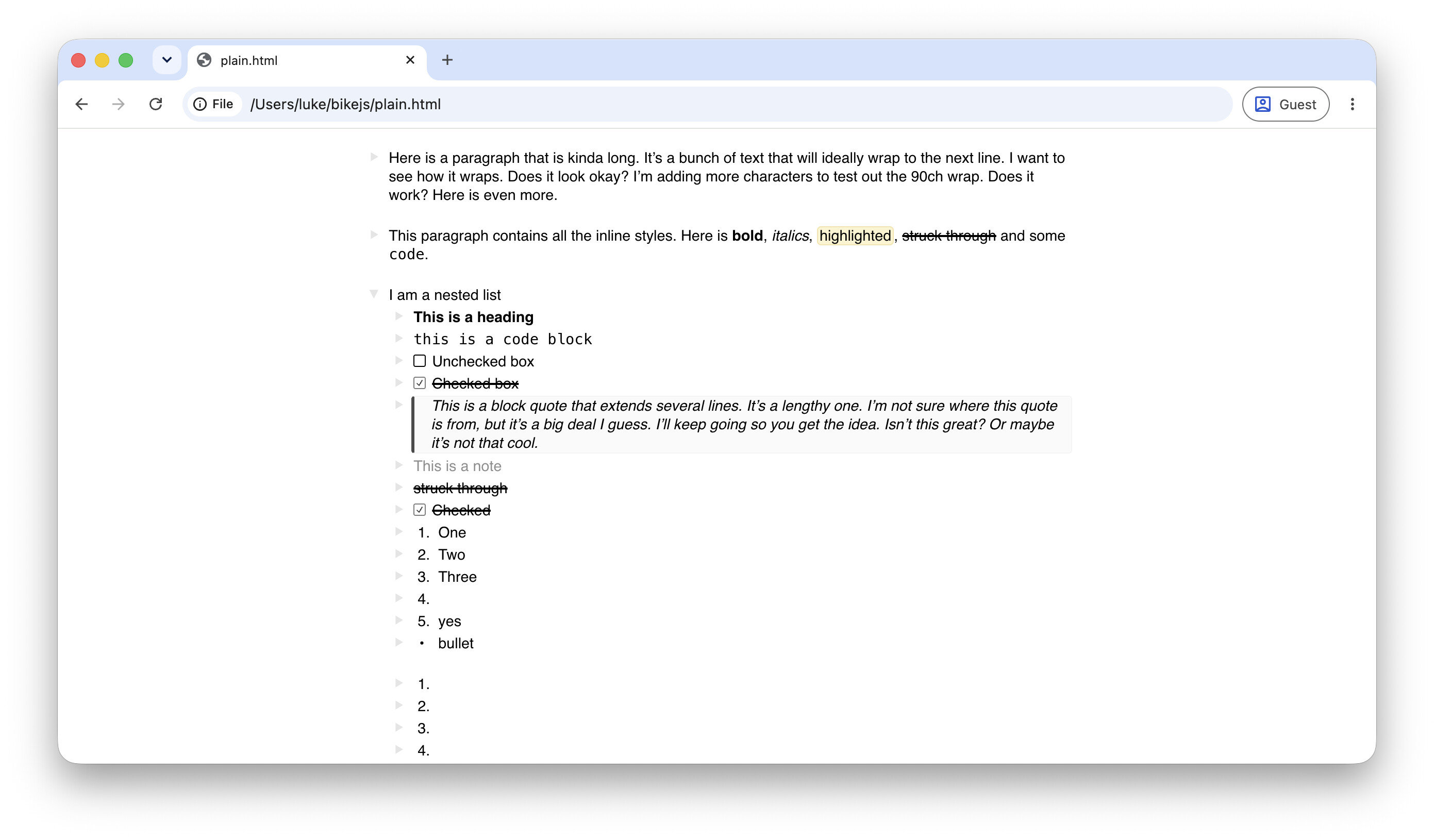
Ok, after some further testing, I have a follow-up request. I am currently working on a CSS stylesheet for HTML bike documents that renders them akin to my Bike display settings:
With the plain Bike HTML format (without attachments), I can add the stylesheet to the document’s head in my text editor, and the <link href="stylesheet.css" rel="stylesheet"/> node is preserved across edits within Bike. No build step necessary, yay!
But now with the Bike HTML bundle format: if I try to move the stylesheet file within the bundle’s directory (or the assets sub-directory), the stylesheet file is deleted when I make edits and save in the Bike app. I guess Bike is cleaning up extraneous files, which I can appreciate. But maybe this is slightly too opinionated? Would it be possible to preserve files Bike doesn’t recognize in either the top-level bundle directory, or maybe the assets directory? When I add the stylesheet as an asset within the outline, the file is preserved. But I don’t want to have it cluttering my document while I’m editing it.
You are right, I’ll change that behavior. And instead you will use File > File Info to see/manage attachments. That should solve both the delete surprise and allow you to embed css without reference to it.