First of all, thanks Jesse for all the work on Bike 2. It is my daily driver, and I’ve really enjoyed using it.
I’d love to see Bike 2 fully support the native macOS keyboard shortcut for opening the context menu at the current text cursor or selection.
There was an earlier discussion about a keyboard shortcut for the context menu back in 2022, when macOS didn’t yet have a standard way to do this from the keyboard. Since macOS 15, Control-Return can be used to open the context menu from the keyboard.
Currently, Control-Return does bring up a context menu in Bike 2, but it doesn’t preserve the current text selection. If I select some text and press Control-Return, the selection changes and the context menu appears at the wrong location, with commands for the wrong context. The GIF below shows the current behavior.
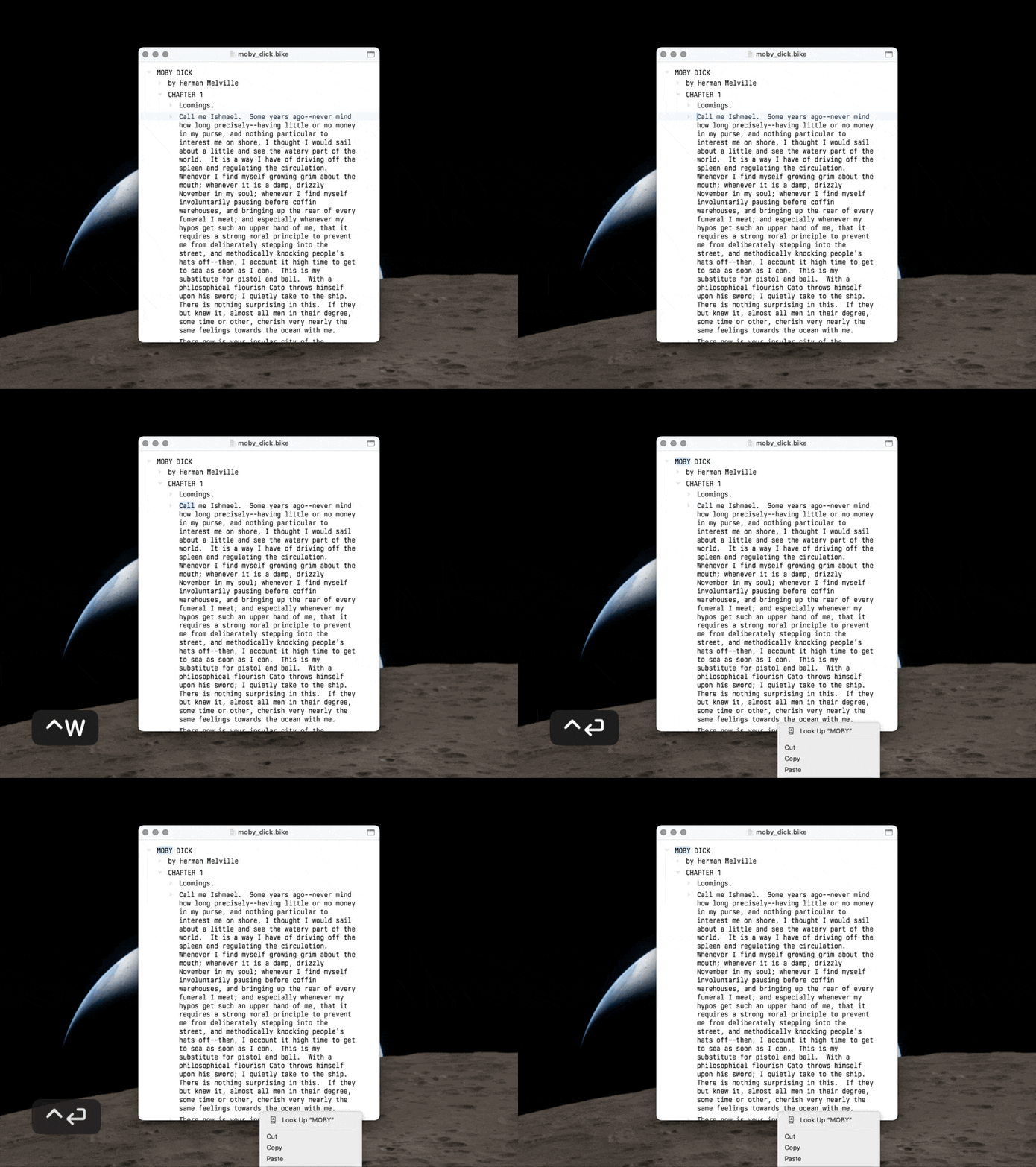
Keyboard access to the context menu would be especially useful for commands like Look Up, Translate, spelling suggestions, substitutions, and Bike’s own context menu commands, all without having to reach for the mouse or trackpad.