Your options are whole branches (outline style) or selected rows only (text editor style). In both modes you still have access to alternate structural commands, but the default behavior is configured for your main use, without you having to setup a bunch of custom keybindings.
Added secondary selection rows in “whole branches” mode when block selection
Added Back/Forward navigation with mouse side buttons and trackpad swipes
Added double-click on a bracket or quote to select through its partner
Added Transpose, Transpose Words, Complete, and Page Up/Down caret movement
Changed some command IDs, custom keybindings, other references need update
Changed Promote Children / Demote Siblings shortcuts to ⌃⌥⇧← / ⌃⌥⇧→
Changed typing after ⌥→ past a link, or after pasting one, extending the link
Fixed Duplicate and Save To copies sharing the original’s document ID
This set of changes is fairly invasive. Not so much lots of underlying code changing, but somewhat large changes to how you might use app.
There are two ways you might want to work with an outline structure. Like in a text editor, where if you move a selected line of text, only it moves. Or like in a traditional outliner, where if you move a row, you move the entire branch of children, etc.
Bike 1.0 started out as plain text editor first, outliner second.
Bike 2.0 started out as outliner only, then I added text editor style commands that you could optionally use/rebind too.
This 2.0 release puts these two ways of working on equal footing. There is a new general preference. Choose the way that you want Bike to work for the core Move, Copy & Delete commands, and then it will work that way.
The default is like a traditional outliner, but if you liked the Bike 1 behavior it should now be a simple preference switch to make it work back like you want. Try it out, let me know if this is true!
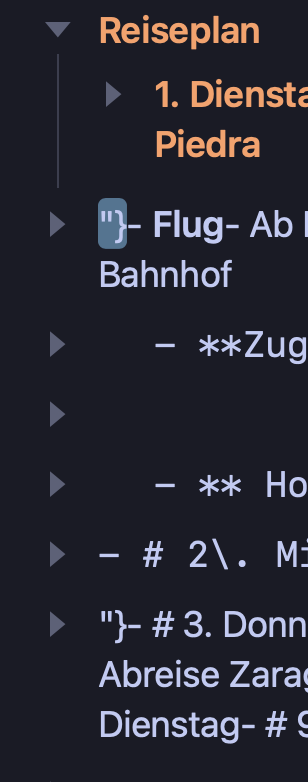
Minor problem, as the file wasnt important: This update broke a .md-File I made with Bike. Opening it gave the md-Import dialoge. Probably something left over from Attributes, as I see some "} flying around.
Another thing: the new highlighting of parent row and child rows in row-mode is not working anymore, after I once set the Copy Move Delete mode to Text. (to see if the limitless outdent would work there as well, as it does).
Yes, and I don’t think this is a change. This is needed so that text-based moves (row moves without children) are reversible. Even in “move branches” mode text based move commands are possible, they are just not the default.
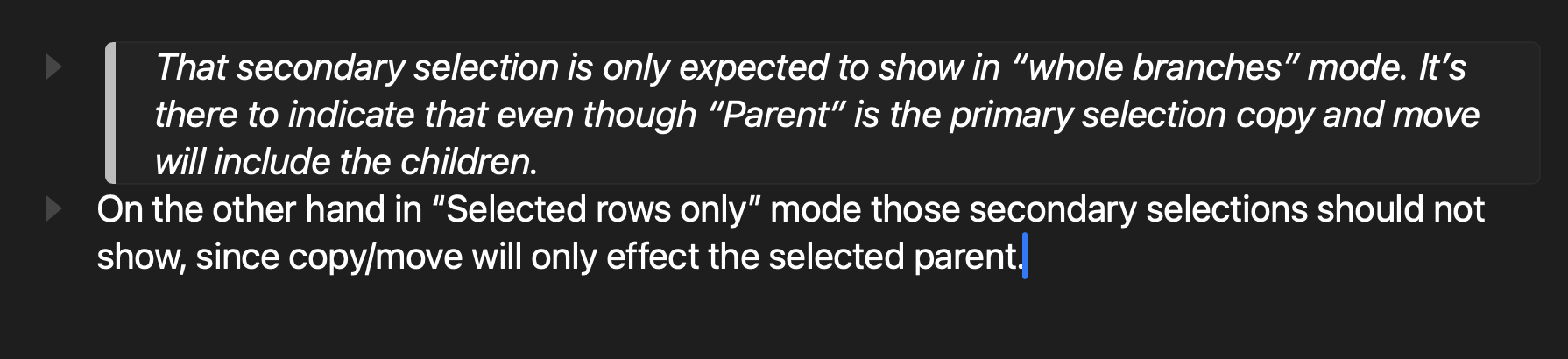
That secondary selection is only expected to show in “whole branches” mode. It’s there to indicate that even though “Parent” is the primary selection copy and move will include the children.

On the other hand in “Selected rows only” mode those secondary selections should not show, since copy/move will only effect the selected parent.
Sorry for the confusion. My monitors contrast setting and my viewing angle were to blame! It is all good in the Child-also-gets-highlighted-department.
Just wondering: is this a feature that’s been added recently, or something still in the works? Just came across it by accident, and I’m not sure it’s part of any extensions I built myself (AFAIK I’m running vanilla Bike currently, but maybe there’s still some leftover stuff in my extensions I forgot to delete).
This is a Bike feature that arrived with the change from @done attribute to @status attribute:
I think I’m going to delay this until after 2.0. For Bike I think it might make sense to make dates a bit more of a true inline object (kinda like an attachment), instead of just text. Then you could easily search for dates, have them show up on calendar, etc. But I haven’t thought it all out.
one more request (based on running into this 10+ times): i sometimes want to paste a multiline quote into a note, so i type > then paste. Right now only the first paragraph gets the “quote” treatment, and the rest follow it.. could all of them be put in as a multi-block quote?
eg. pasting in
That secondary selection is only expected to show in “whole branches” mode. It’s there to indicate that even though “Parent” is the primary selection copy and move will include the children.
On the other hand in “Selected rows only” mode those secondary selections should not show, since copy/move will only effect the selected parent.
Funnily enough, this fix also fixed a gripe I had, where Bike would format a new sibling I would create pressing “Enter” at the beginning of a quote, as a quote as well. I prefer the new behaviour, which only ingertis row-types for siblings created below, not above. Cool and thanks, Jesse!