Previous release added badges. This release tries to give two polished uses of badges to guide future development. In the process I removed the “priority” example from last release. I moved to example extensions if you want to keep using it. Along the way I added extension API needed to make the polish possible.
The progress badge should task/done counts in each parent of a task. It’s not do different then before, but when you click it you’ll get a menu with a few filter options and a few action options.
I also added a “Due” badge and did a bunch of work on the calendar extension in the inspector to support it. I think it’s a pretty good example of how a badge can work together with other use to provide a full display/edit/filter solutions. In this case for due dates. And it is an ignorable feature, just a few commands to start things off, easy to ignore if you don’t need.
To use due:
Select a row and invoke command “Due: Set”
This shows a menu that allows you to set a due date
Once you have set that due date it shows up as a blue dot under the date in the inspector calendar.
To see all items due on a particular date click that date in the calendar.
Like before that action puts text caret on that date row. But different then before, if there are due items associated with that date your outline is also filtered to show them.
Tricks:
You can drag and drop rows to calendar to set due date
Calendar now supports arrow keys to navigate between days
When the calendar has focus if you press Return, then focus will switch to outline editor.
Give both the progress and due UI’s a try. Let me know what can be improved. I think for 2.0 this is probably enough for badges, excluding any suggested improvements.
Edit Code hasn’t been cleaned, but you can see how both of these features work (and build your own similar), they are both implemented as core extensions.
Very nice implementation. I think this is very useful. I’m not sure if I have any comments re: mechanics. A few things that would be nice to have:
When using >Due: Set command, I get a popover menu with shortcuts for filter, tomorrow, soon, today, and then the calendar. It would be super nice if I could navigate that calendar with keyboard (UI won’t allow me to go past Tomorrow).
Maybe I missed it, but is there an Agenda command with a date picker popover UI? Reason why I am asking is because navigating the Inspector Calendar with keyboard is nice, but it will add empty dates to my file if I don’t already have entries for them. That makes cleanup afterwards a bit of an annoyance. Having a dedicated keyboard-accessible UI for date selection would be nice.
Ah, one other comment I had on the task progress UI: the numbers get so tiny for me it looks more like a % sign than a task counter, I really have to squint to see the numbers. Maybe a graphic representation would look better here.
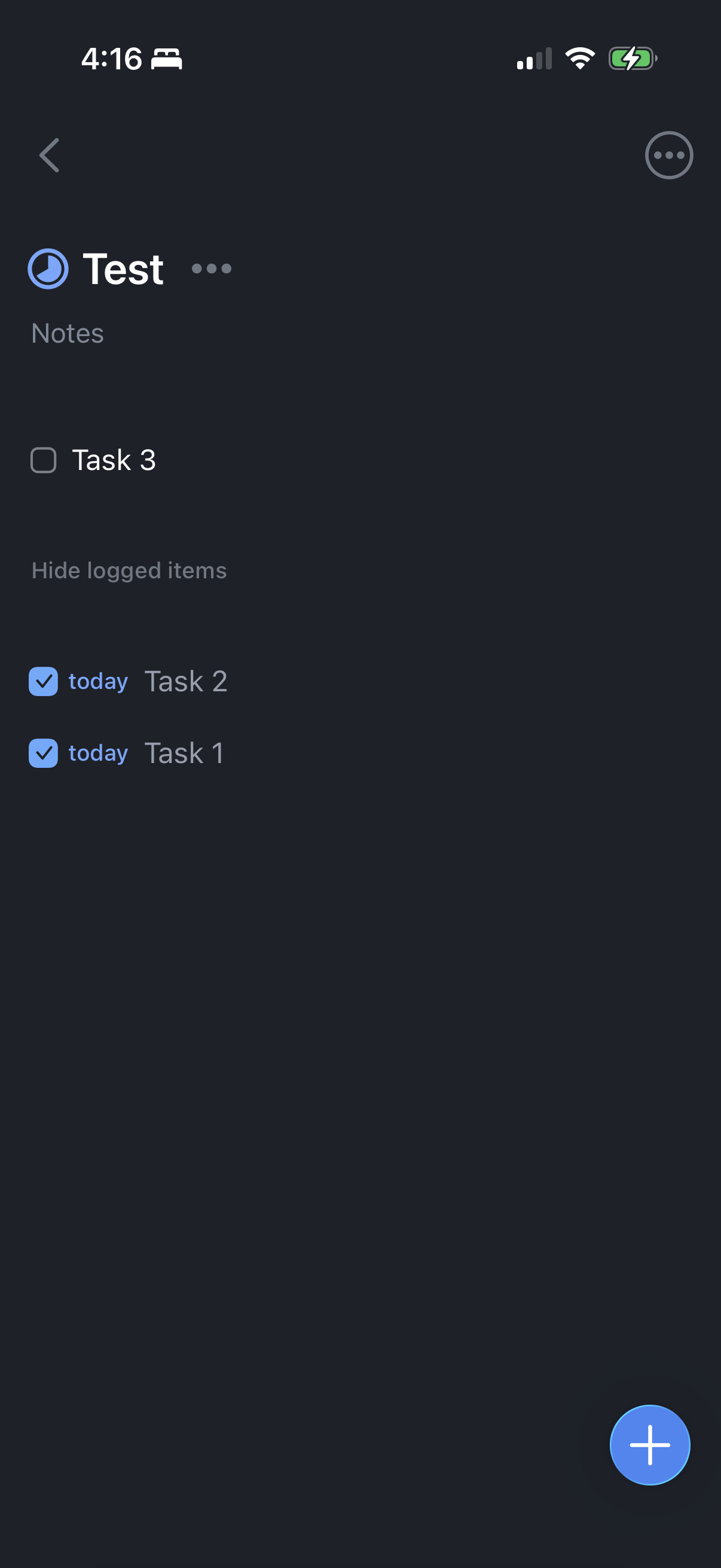
+1! I’ve always appreciated the “pie completion” graphic Things has when completing tasks in a Project. I wonder if something like that makes sense here
Due is great! I’d love a way to bypass the Due: Set command and simply mark a node’s due date in the command palette itself (i.e. Due: Today, Due: Tomorrow, etc).
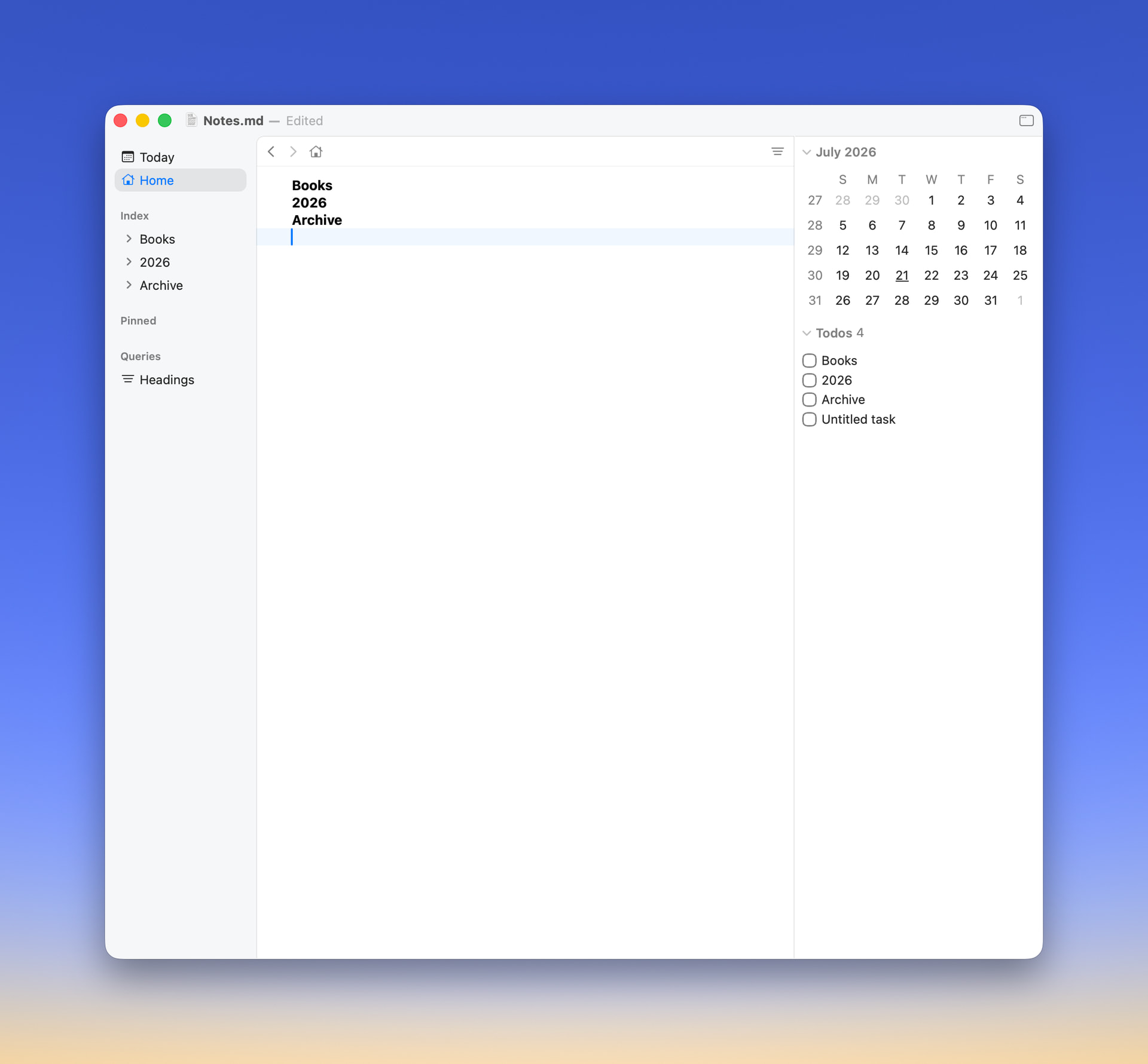
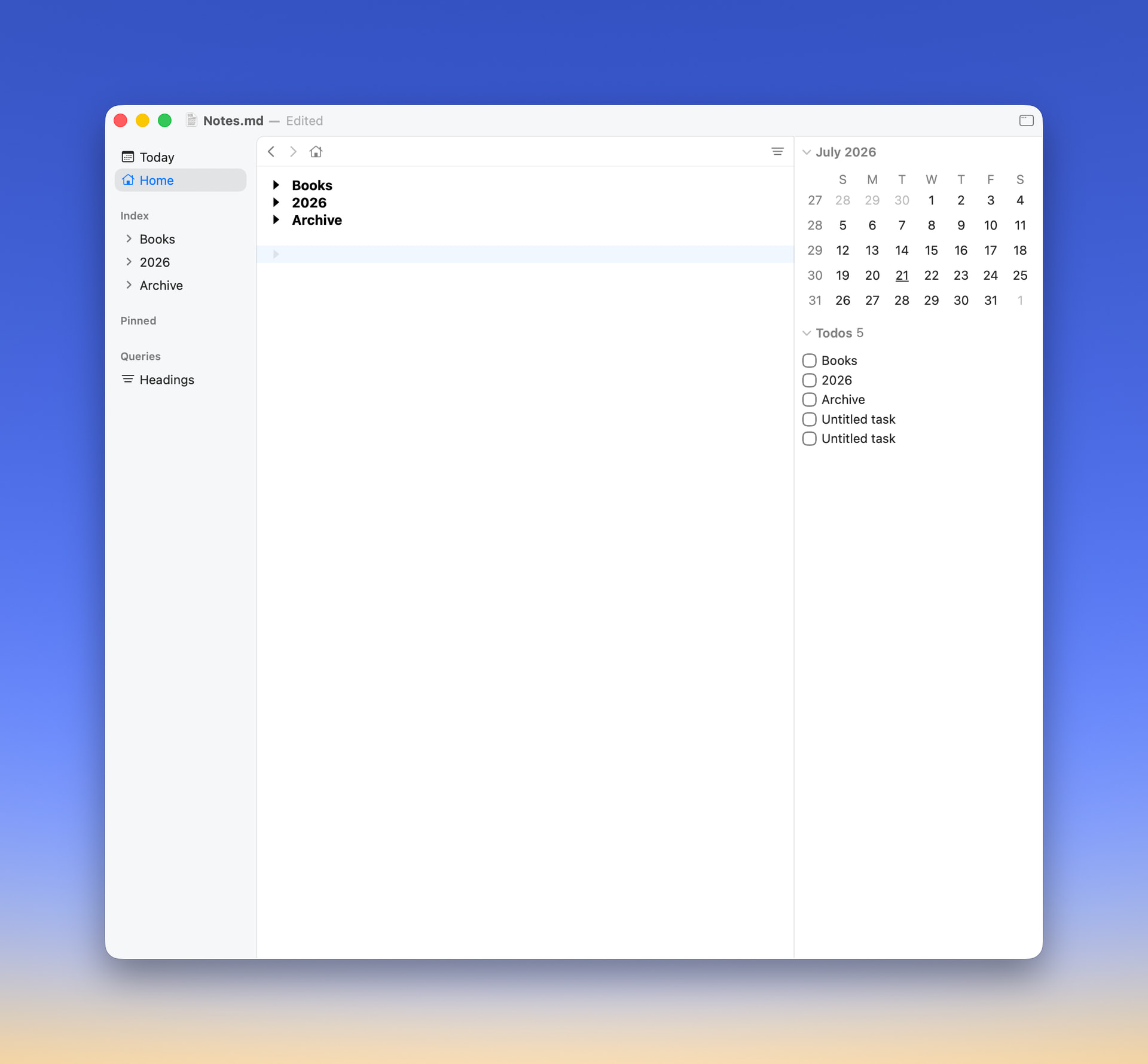
I’m using this alongside the Todos extension. Noticing I’m getting several Untitled Tasks simply for empty newlines (not tasks).
I’ll look into this, but it quickly gets complicated. Making custom views part of menu navigation isn’t well supported.
No, but I understand what you mean about the pain of all those extra days being created. I don’t think I’m for creating a whole new calendar UI for this case, maybe it can be solved another way.
The codebase does have an unused Agenda file. I was using that to display a flat list of due rows, matching calendar day, below the calendar. But instead I decided to go with filtering the outline view instead. But in either case this agenda was linked to calendar selection, so still had problem of creating dates.
I also tried modifying the calendar to only create dates on Return or double click. But navigate to date row if it already existed. I might try that again, but on first pass it seemed to be added a little too much confusion to the UI.
I also think I might change things so that when you visit a date it only creates the date row, not also the blank child row underneath. That makes un-needed date rows a lot easier to visually ignore, they end up all neat in a list instead of with expanded empty lines intermixed.
No problem, thanks for the extra details, though I think there must still be more to it? Does it happen in an empty document when you create a heading, with lines after it? For me it doesn’t. Maybe the big is related to content folded into your document? Also are you using the default example Todo extension, or is it modified?
My whole reasoning for this is because manually writing out ISO dates into the filter box is kind of a pain if you don’t have a number block on your keyboard. But maybe a better solution somewhere much later down the line would be natural language date parsing. I don’t see this as a 2.0 issue at all.
It’s hidden, but currently if you hold Option when clicking on a calendar date it will just focus the day, instead of also showing filter results for that day. What if there was another modifier that would just show filter results for the day, instead of also creating the day? Then could reuse calendar for both @due filtering and day row navigation.
Edit@Gorgonzola and actually I think I’m reversing myself. I will change behavior of calendar so that selecting a day does not in itself create the day. Instead you will need to double-click or press return to create day.
Edit One more note. While Bike currently doesn’t have a build in Agenda view, I think it could be quite useful, I just don’t have time to build for 2.0. One interesting thing it could do is allow you to adjust due date to a specific time (instead of midnight).
Nice to know! I actually don’t have good feedback re: task/calendar management other than I’d like to navigate calendar/browse dates with keyboard without adding bulk to my outline.
This possibility of using Bike with interactive dates is pretty new to me still. Am I likely to start using Bike as a task manager? Probably not. But it’s nice to be able to spin up a .bike project file and have it understand and quickly access dates that are relevant. Really nice update.
The file extension is still .bike for normal Bike files, but the d is appended when your outline contains attachments. That’s because in that case the file format changes radically from a single text file, to a folder. A similar system is in place for .rtf files, which change to .rtfd when has attachments.
Yes, when you first added the attachment you were asked to convert the document. It remainds .biked (and able to accept future attachments) until you explicitly change the format back.
Keyboard shortcuts should work with the new date picker view. In particular Tab once, and then use arrow keys to navigate the calendar.
No, but now the calendar acts as filter only first. You can even drag to select a range of days. To create a day in your calendar double click or use Return key.
There is now a setting in Settings > Extensions > Progress to change to a pie display.
Whoop. I said I would add this, but forgot.
Two things.
First my default for setting attributes is now the new attributes palette. It allows you to get to a specific due date pretty quickly via keyboard.
Second I do agree that some specific command (Today, Tomorrow, etc) are also useful. But I’m unsure of “etc”. What are you thinking? And eventually I think the answer for faster attribute setting will be block mode keyboard shortcuts. Which you can implement yourself now. I just don’t want to provide any implementation until I have time to design a cohesive system for them all.