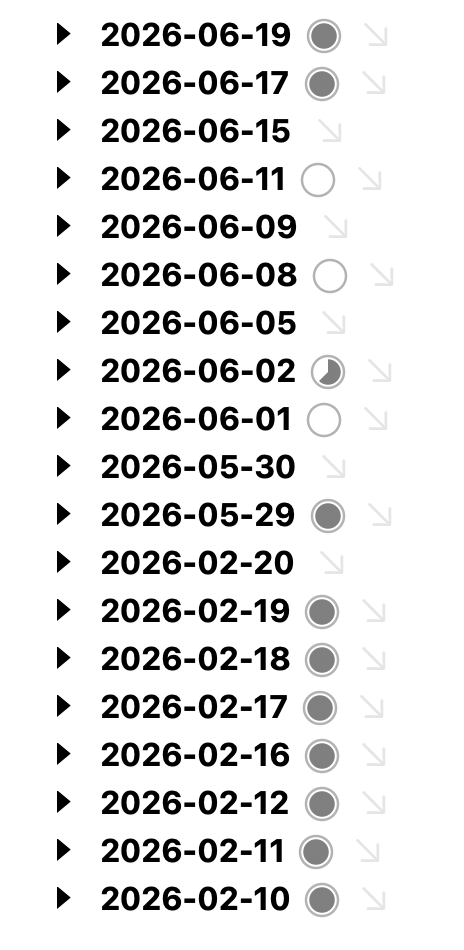
The pie chart is incredibly welcome! Now I can see at a glance where I still have open todos. Combined with the calendar dragging feature, this is super useful.
You mean so they associate with the Calendar days? There isn’t any build in way, so you’ll have to do that manually… but were you just not using the calendar to generate dates before? It shouldn’t be that those ids changed, unless it was accidental on my part somehow.
Yes! But some early dates I created manually before I started using the calendar (didn’t like deleting the year/month root, I keep my dates in a single 2026 file), so they have a regular row @id.
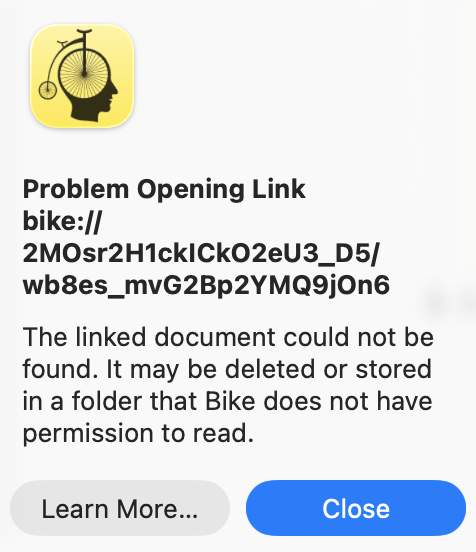
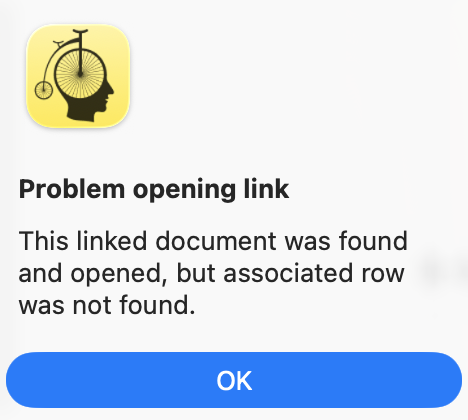
The linked document is inside Bike’s iCloud folder and it actually opens but then throws these errors.
What I’m doing:
Select row in linked document
Edit → Copy → Copy Row Link
Paste row link into main document
Verify link works (it does)
Close linked document
Use link in main document
I think I remember from some earlier conversations that the linked document needs to be open for the link to actually work, but…after step 4, Bike does open the document but still throws errors when I try to use the link. Am I doing something wrong?
EDIT: Weirdly, this doesn’t happen if I save linked document after copying row link and before closing it.