Sorry for immediate spam. I think I’ve narrowed down the ESC from filter issue (also present in 262).
I have this applescript to show/hide Bike, but always bring a specific document up front:
property bikePath : "/Applications/Bike Previews/Bike.app"
property logFile : "/path/to/file/file.bike"
property logFileName : "filename"

tell application "System Events"
	if exists process "Bike" then
		if frontmost of process "Bike" then
			tell process "Bike"
				set frontWindowName to name of front window
			end tell
			if frontWindowName contains logFileName then
				set visible of process "Bike" to false
			else
				my openOrRaiseLogs()
			end if
		else
			my openOrRaiseLogs()
		end if
	else
		my openOrRaiseLogs()
	end if
end tell

on openOrRaiseLogs()
	do shell script "open -a " & quoted form of bikePath & " " & quoted form of logFile
end openOrRaiseLogs
For whatever reason, when I use this script to bring Bike to the front, then hide, then bring front again, I can’t ESC out of filter anymore until I close window and reopen it again.
(not yet managing to apply bold here with ⌘B or Format > Bold)
2.0 Preview 262
Tahoe 26.2
Tahoe 26.3
Should have said failing to display bold (the <strong> tags are showing up fine in clipboard and file) and Settings > Typography > Restore Typograpy Defaults does indeed restore display.
@Krishna@complexpoint This is a new bug that will be fixed in next release. The workaround is Bike > Settings > Typography > Reset Typography Settings. And then don’t change the default font size! Odd yes!
I think I understand, but not sure if I have a good solution. The issue is a new empty Bike document actually does have one row. You can delete that row with Escape key, and then delete. And then you’ll have a truly empty document, and paste will work as you expect.
The reason that new documents have that single row is so there is a place for text cursor. There are other ways to handle this, but for now I think this is how it will be handled in Bike.
When I copy selected rows as Bike Markdown, I still get YAML frontmatter with rootID in the pasteboard. Not sure if this makes sense outside of .bikemd files?
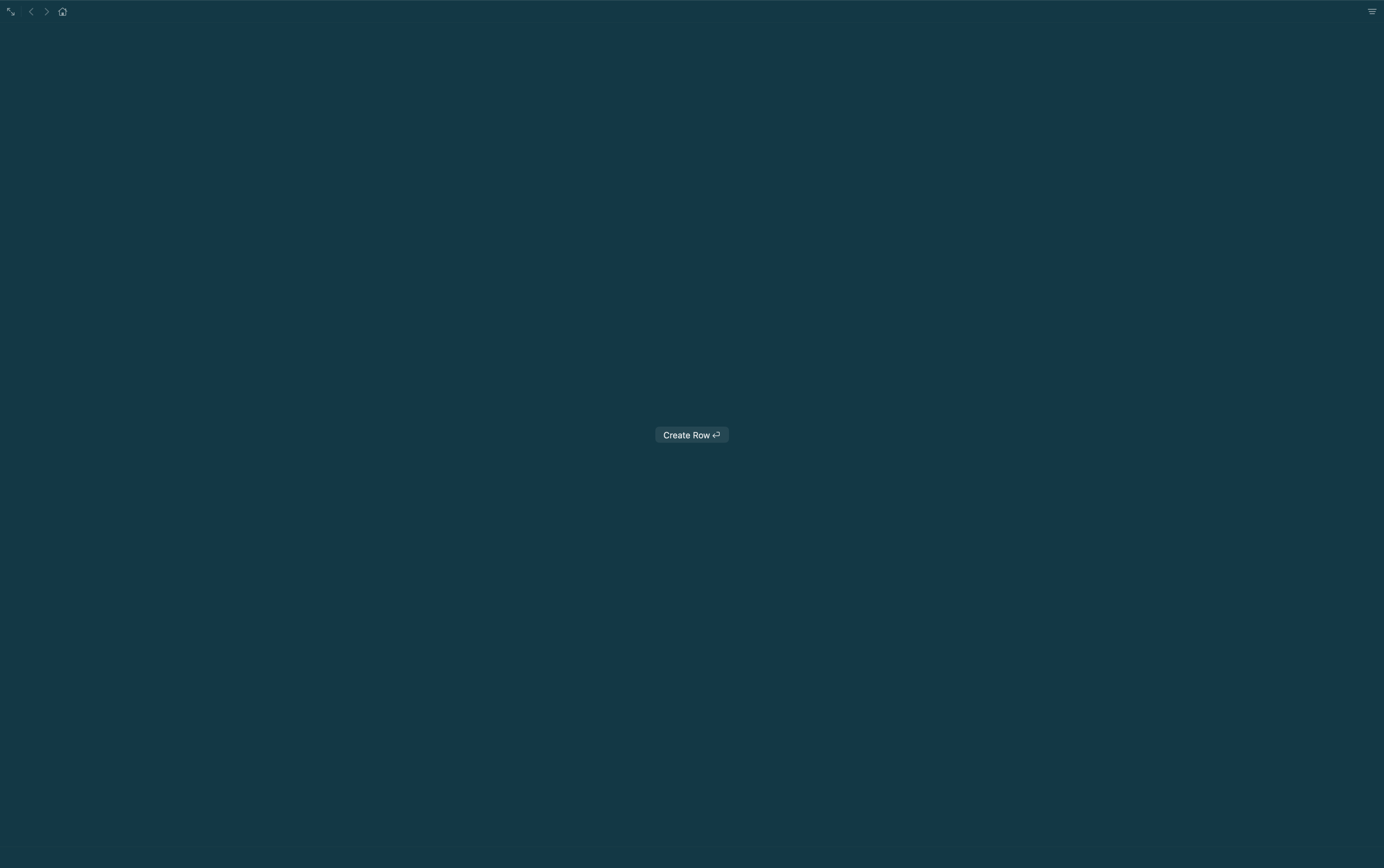
I tried creating a new document, and used esc+delete to delete the only row. What you’re left with is a button which says Create Row ⏎ instead of a cursor. Return creates a first row, as described, but if you type ‘a’ instead of Return, it creates a row and inserts ‘a’ as if there already was a row.
Empty documents seem to be more alike New Documents (with one empty row) than I expected.
There already appears to be custom empty document insertion behaviour, the only differences that I can see between a document with one empty row, and a truly empty document, are that if you hit Return you have two empty rows instead of one, and that there is a cursor instead of a button.
The answer to my question at the top is that it is simpler for me to describe than it is for you to implement, and that this perhaps conceptually muddies what a document is, what an outline is, what rows are, and how the editor handles them.
I agree – the integers, for example, are defined in terms of 0 and nested applications of a successor function.
Appending a further line to 1 or more existing lines is not the same kind of operation as “adding them” to nothing.
By which I mean, simply, that the complexity and costs – of introducing a new ex nihilo analogue of insertion – might look a little excessive, when weighed against quite modest gains.
@grahamb@complexpoint Keep the feedback coming, I would like to get this right, but I’m also not quite clear on preferred direction forward.
Few thoughts:
Default for new users will be to show welcome text. And that I think behaves as expected. The question is what should default behavior for new “empty” documents be.
From my perspective the “cleanest” approach for a new document would be truly empty, thus showing “Create Row”. It would also be cleanest in this case to remove the auto-row-creating when you start typing, “a” for example.
The reason I didn’t take the cleanest approach for those two cases in current Bike release was for “ease of use, expectations”, (blinking cursor is standard expectation for new documents) but I think you are saying, and I think I agree, that has the cost of complicating the mental model. And you would prefer the truly empty document.
Aside: Standard text editors work around this problem by always showing a cursor even when no lines in document. (and Bike did this for a while, that’s why when you type “a” in empty document it is still is inserted). But for Bike the show cursor in empty document behavior has several drawbacks/complexities. The biggest of which was that it created a weird special case where you could not Escape to enter outline/block mode selection.
So, summary, I think I will:
Make empty documents truly empty
Take away type to automatically create row in that case
I’m scratching my head, trying to think of a valid, real world in-app use case for this, but having trouble finding any—except for the copy-paste quirk, and maybe making the Create row button on delete all more of an expected outcome. But I’m genuinely curious, what are the benefits of a truly empty document inside Bike?
I think it’s more the mental model of how Bike works, and also to avoid odd UI interactions.
For example you have an outline with a single row. You enter block mode. You delete. What should happen? Simplest is that row is deleted and you show “Create Row” button as I’m now doing.
At other times I have tried to make/fake it to work more like a text editor. And so in delete last row case, I just insert a new row and set the selection mode to text. Not the end of the world, but it’s pretty odd to do this when in all other cases deleting a row will not end up inserting a new row.
The other way that I’ve tried to fake things is when there are now rows I just draw a blinking text caret, and then if user types I automatically insert row. That’s also not terrible, but it isn’t particularly clean or regular. It also creates a weird situation where you cannot enter block mode in that case, even though you do have a text cursor.
It can also be argued that this empty document state is odd in-itself. And I would agree but at least it does map very cleanly to the way things actually work under the hood. So I’m included to go in this direction for now.
My friction seems to stem from being used to Bike (1.x) acting like a text editor. Block-based apps such as Craft, Roam, Logseq, Capacities etc all require some kind of action to put the caret into the document before you can write, and I don’t seem to mind. OTOH, I can’t recall a file-based editor that requires an action after new doc before you can write.
I think I agree with you on cleanliness and true representation, but not sure about the UX. I’m biased, I prefer the current implementation of one empty row as a starting point over this:
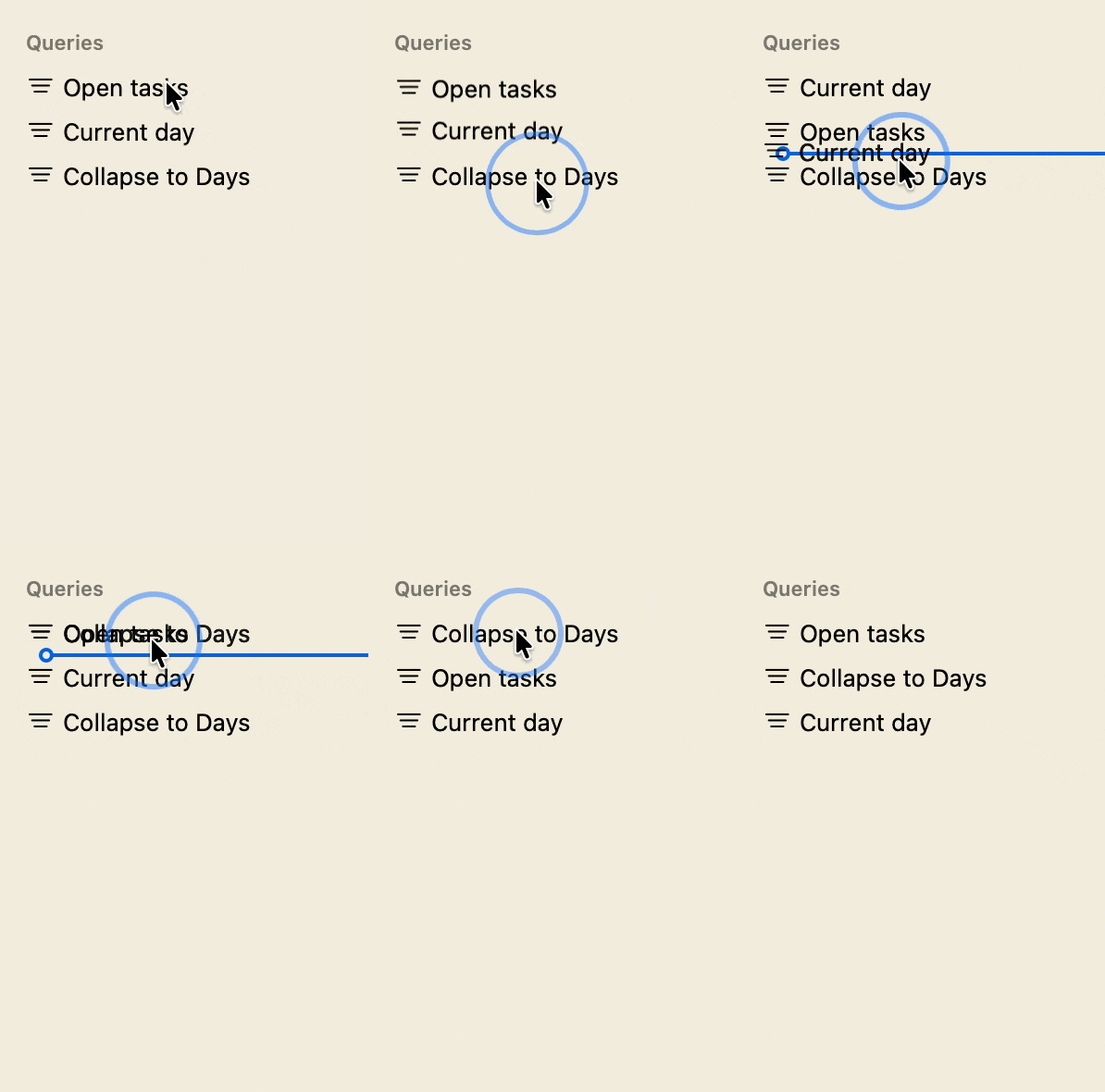
EDIT2: Also, can’t seem to drag an item all the way to the bottom:
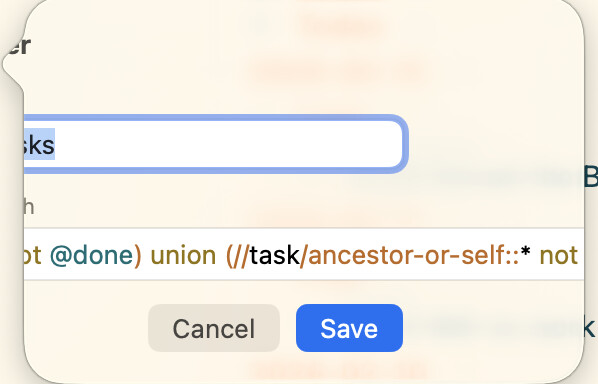
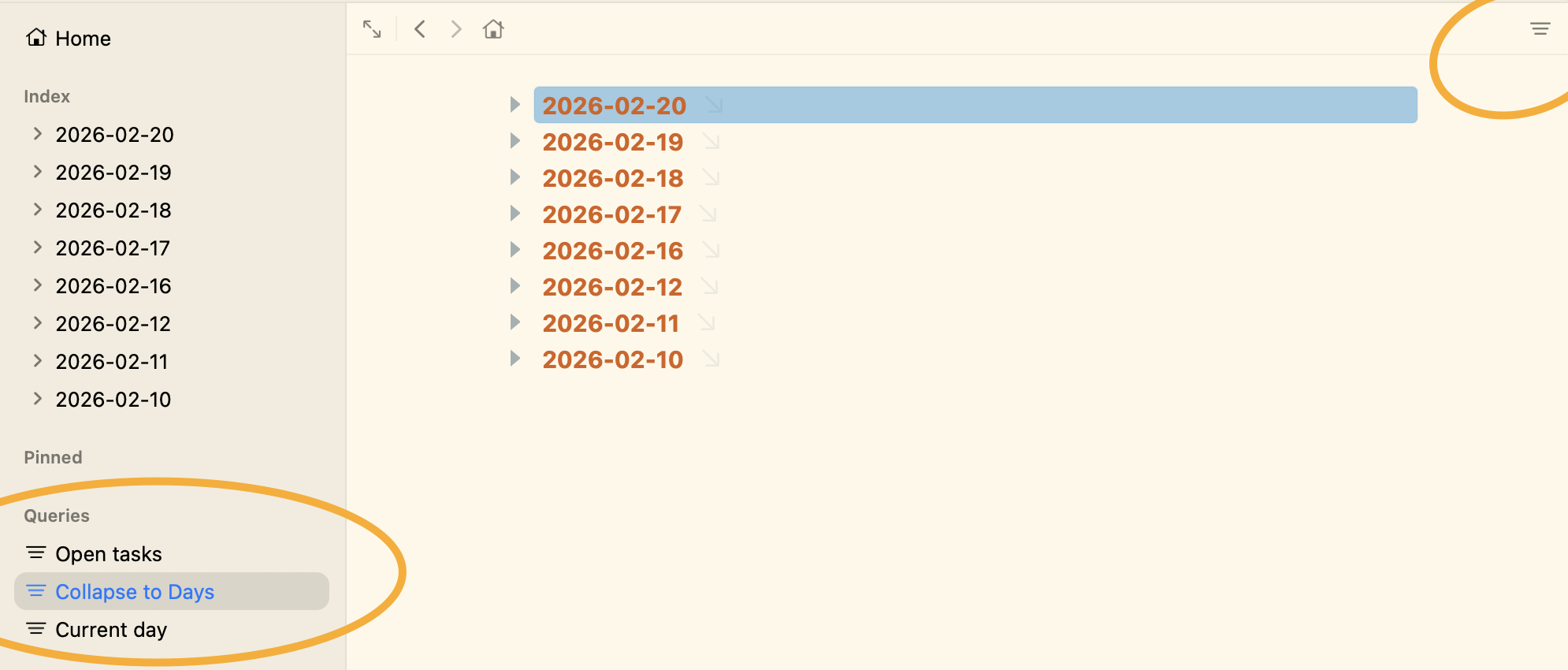
EDIT3: If I dismiss filter after selecting saved query from the sidebar, the sidebar still highlights the last used query. Doesn’t seem to change if I use Go Back, so probably not intentional?