User guide. WriteRoom 4 has a user guide.
- Added print theme, header/footer and page break options
- Added printing a selection, with folds printed folded
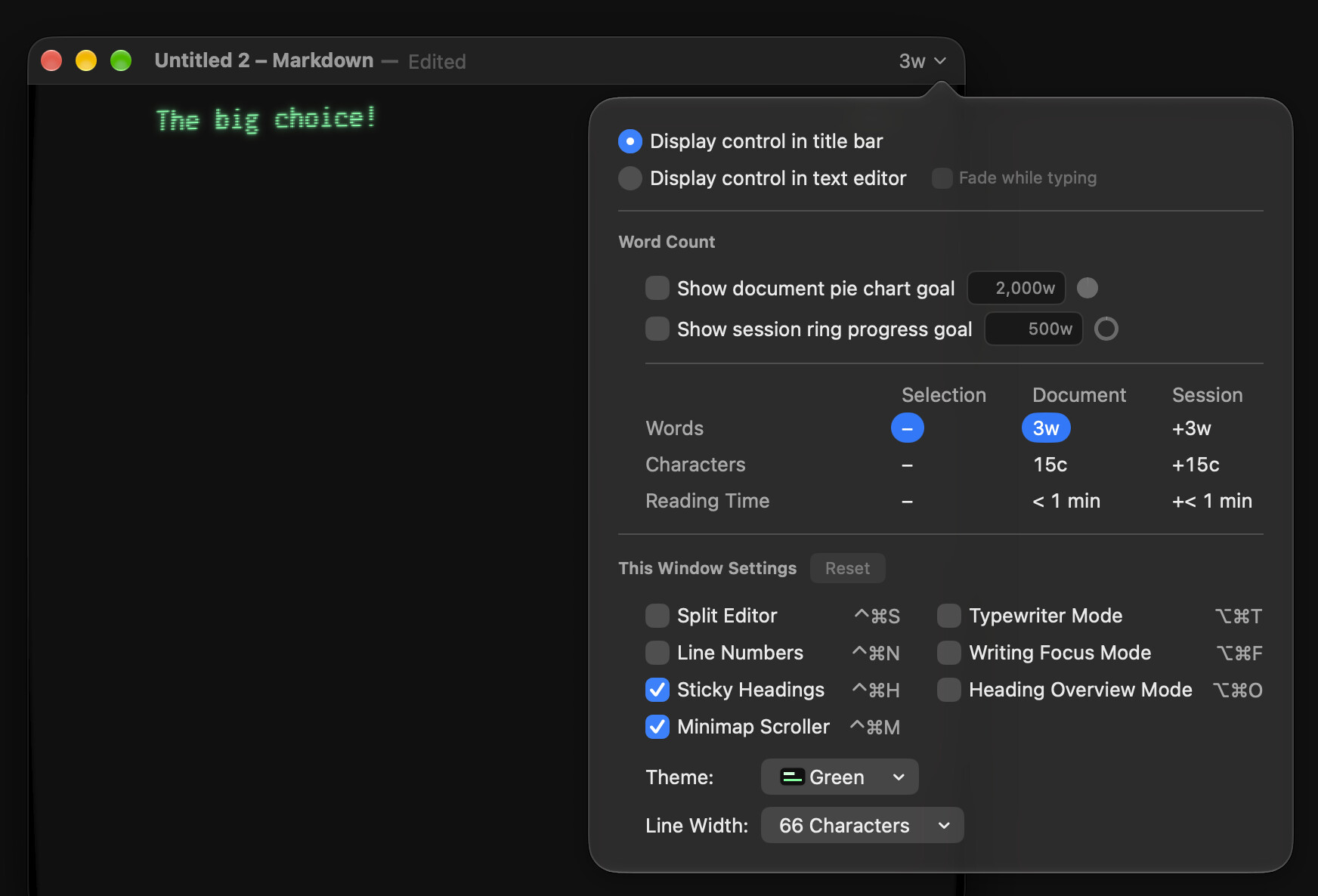
- Added window View settings to the word count popover
- Added Flexoki and Gruvbox themes
- Added Auto, Light and Dark to View ▸ Theme
- Added Markdown.pl flavor (Settings ▸ Markdown ▸ Flavor)
- Added code highlighting for more languages
- Added previews while editing equations and images
- Added equations and images to the minimap
- Added opening RTF files as new Markdown documents
- Added WriteRoom ▸ Mute Sounds (⌃⌘A)
- Added folding for multi-line HTML comments
- Changed reopened windows to keep their folds
- Changed Solarized Light/Dark to one theme
- Changed the System theme to quieter styling
- Changed the current find match to yellow with black text
- Changed find-as-you-type to search in Find/Replace panel
- Reordered the View menu again
- Fixed reloading files changed by other apps
- Fixed View ▸ Theme ignoring a theme’s options from Settings
- Fixed Go to Heading hiding its heading under sticky headings
- Fixed find and replace fields being too narrow
- Fixed the titlebar jumping when leaving full screen
- Fixed the minimap going partly blank after a theme change
- Fixed bracket matching in footnotes