Rich Text that pastes as lists. Edit ▸ Copy ▸ Rich Text and File ▸ Export ▸ Rich Text now write real lists and task boxes, so TextEdit gets a list, not indented paragraphs. Right-to-left paragraphs keep their direction.
Solarized. Solarized now colors Markdown the way the official Vim theme does: orange headings, body-colored lists and quotes, blue bullets and violet links.
Changed an unfocused selection to be fainter than a focused one
Changed links to color their text, not their brackets
Changed HTML blocks and tags to highlight as HTML
Changed unquoted YAML values to show as plain text
Fixed spaces jumping when typing Hebrew into an English line
Fixed the block caret where text directions meet
Fixed - under a list item turning its parent into a heading
Fixed headings in lists and quotes outdenting into the margin
Fixed ⌃Tab between split panes after a window hides
Fixed Settings forgetting typewriter position and focus unit
Fixed bracket matching after a reference link’s label
I would dearly love some way to enter a bit of metadata inline (maybe in brackets/braces) that doesn’t display when i’m previewing the document. It may be a little timestamp, or perhaps an instruction to my future self - I would need this snippet to be placed very specifically within-text, and be hidden when I hit a hotkey… it could as well be part of a Preview function. Sorry but I’m not sure about the Preview capability or roadmap for WR - I looked through the menus but didn’t see something like that.
Ignore the request! - I figured how to achieve this pretty simply via Marked2 (or Marked3) and the standard html hide formatting, which is "< ! - - (inserted spaces between characters, otherwise this text would be hidden!) - - >
There is surprising behavior when using the view Theme/DEC Terminal menu to switch themes. When switching to DEC it ignores the system settings and puts the view in full on effects mode. This would already qualify for.a report, but when I go to the system settings, and toggle to another mode and back to DEC it persists in showing the effects even with the sliders turned down.
A more minor but related point, is that it would be better for me at least if the DEC sliders remembered previous state when the appearance was change to another theme in the settings view. Currently they go back to defaults.
I have not tried saving, re-opening, etc. But have reproduced this across a couple of documents.
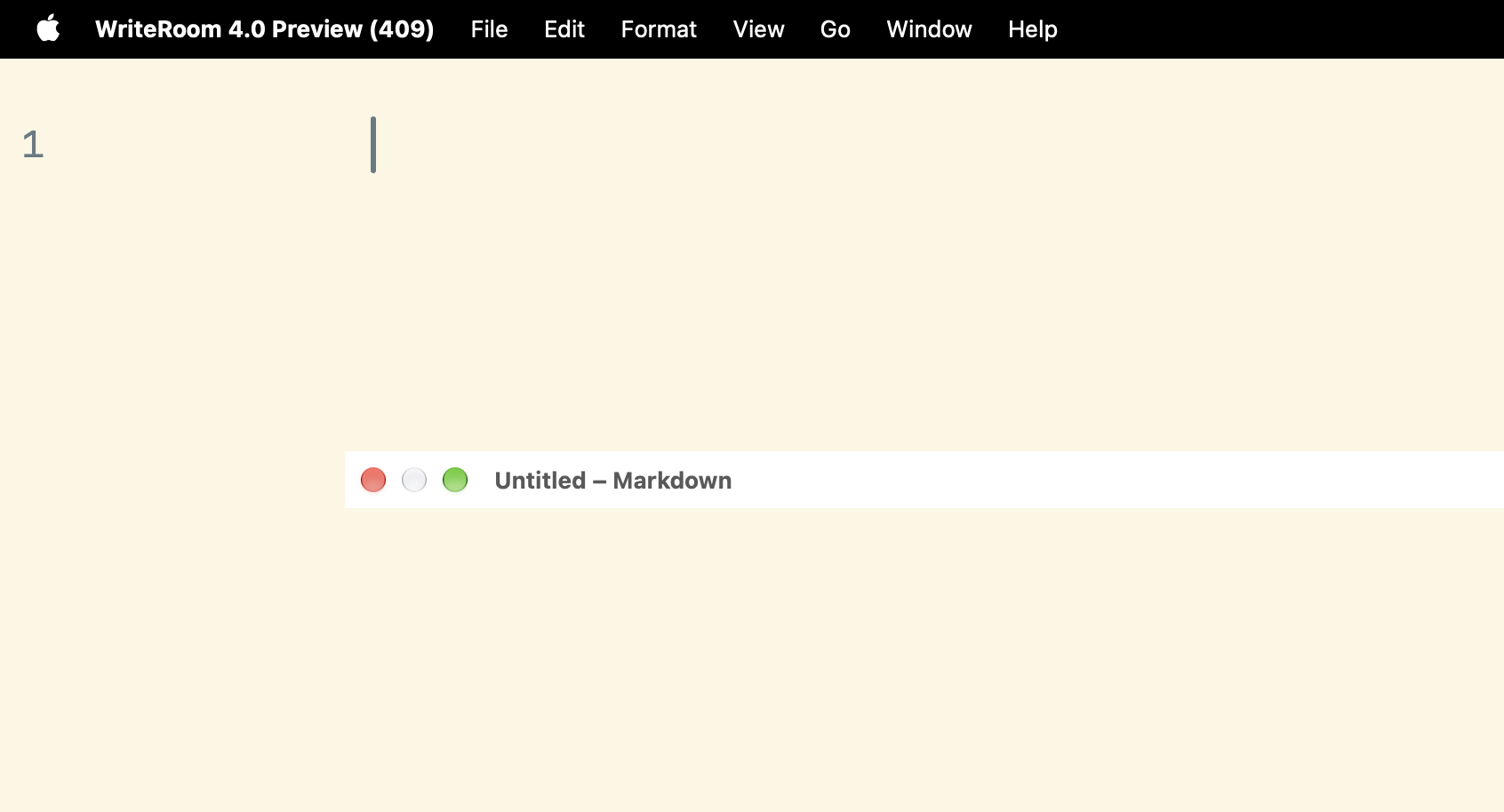
it looks and feels good! I will report on future issues, but currently only the title bar not following the rest of the windows after closing fullscreen is a major issue I am seeing.
It is hard to grab, but reproducable by turning Fullscreen on and off every time.