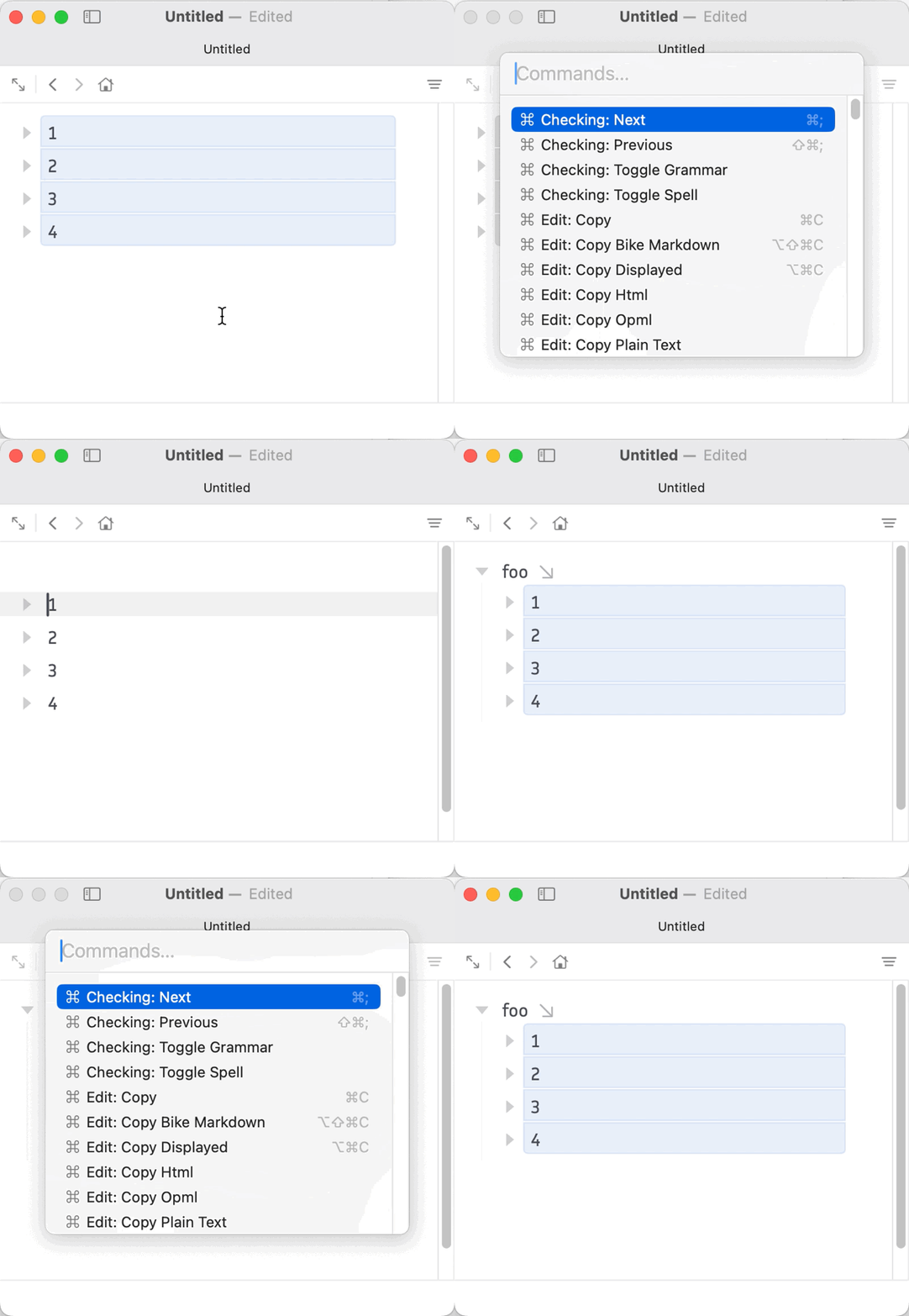
Hello, this seems like it may be a bug. The Outline > Sort Rows command in the menu does the same thing as the Row: Sort Ascending command, but ascending and descending seem swapped. If you have rows like:
1
2
3
4
Then sorting ascending — whether by highlighting the rows, or by putting the cursor in the parent — puts them in reverse order (4, 3, 2, 1). Sorting descending gives you (1, 2, 3, 4). Similarly with letters: ascending gives you (D, C, B, A) whereas descending gives you (A, B, C, D). The behavior is swapped from what I’d expect.
Thanks for your time!
(Edit: Sorry I forgot to mention, this is in Preview 265 that I noticed the behavior.)