Fair enough. In this instance, I use TaskPaper as a way to organize a set of tags that I use when annotating PDF files – and then I use the same TaskPaper file in tandem with OmniOutliner to render (further organize) those annotations further. So, I used the normal syntax in TaskPaper (with hashtags and underscores) when copying and pasting tags – which is also why I keep asking if it’s possible to Copy multiple selected items? (or select & copy discontiguous text) !
But in order to use TaskPaper files with OmniOutliner, I need to first Find & Replace: # ‘s - with nothing ; : ’ s - with nothing ; and _ 's with a space. Because I sometimes go back to the original file, and use it to do more annotations, I also want the option to undo those Find & Replace functions. Does this make sense?
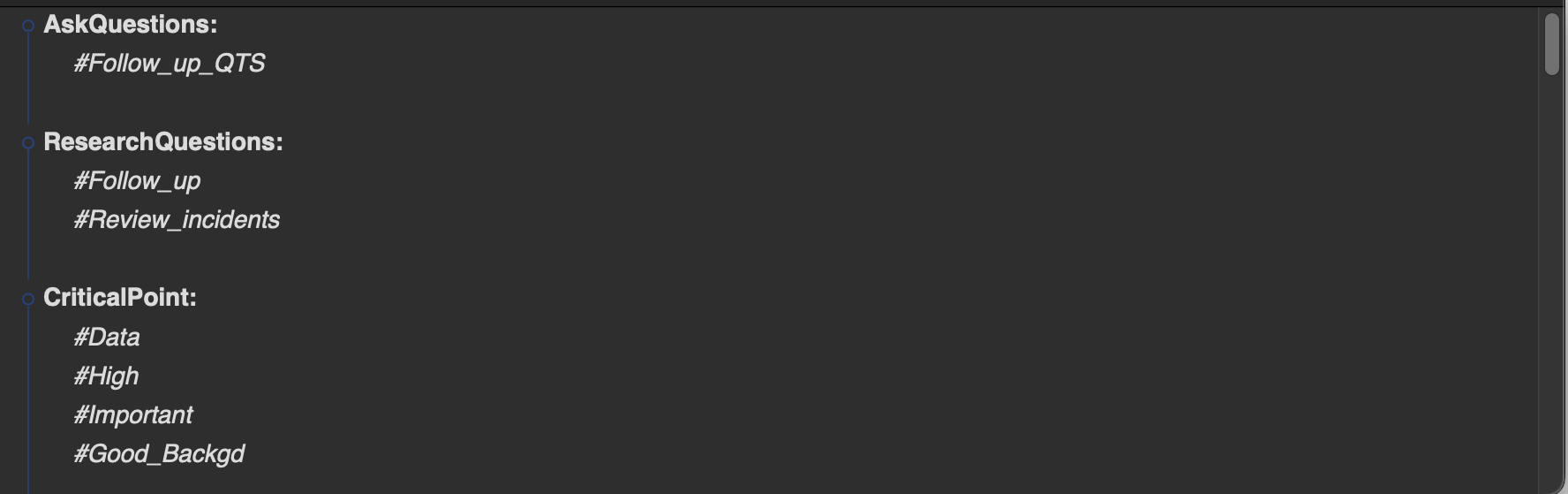
Of course. Here’s a section where the hashtags, colons, and underscores are intact…
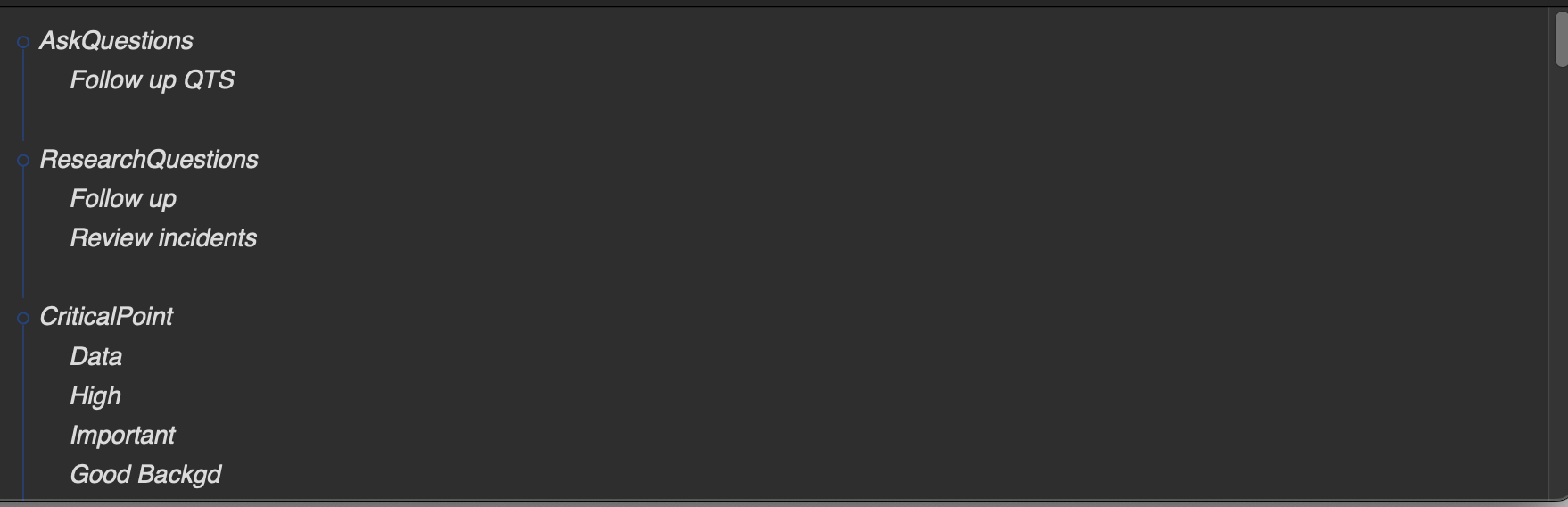
…and here’s what they look like after the find and replace of that syntax…
Please let me know if I can answer any more questions. Thanks for your help!