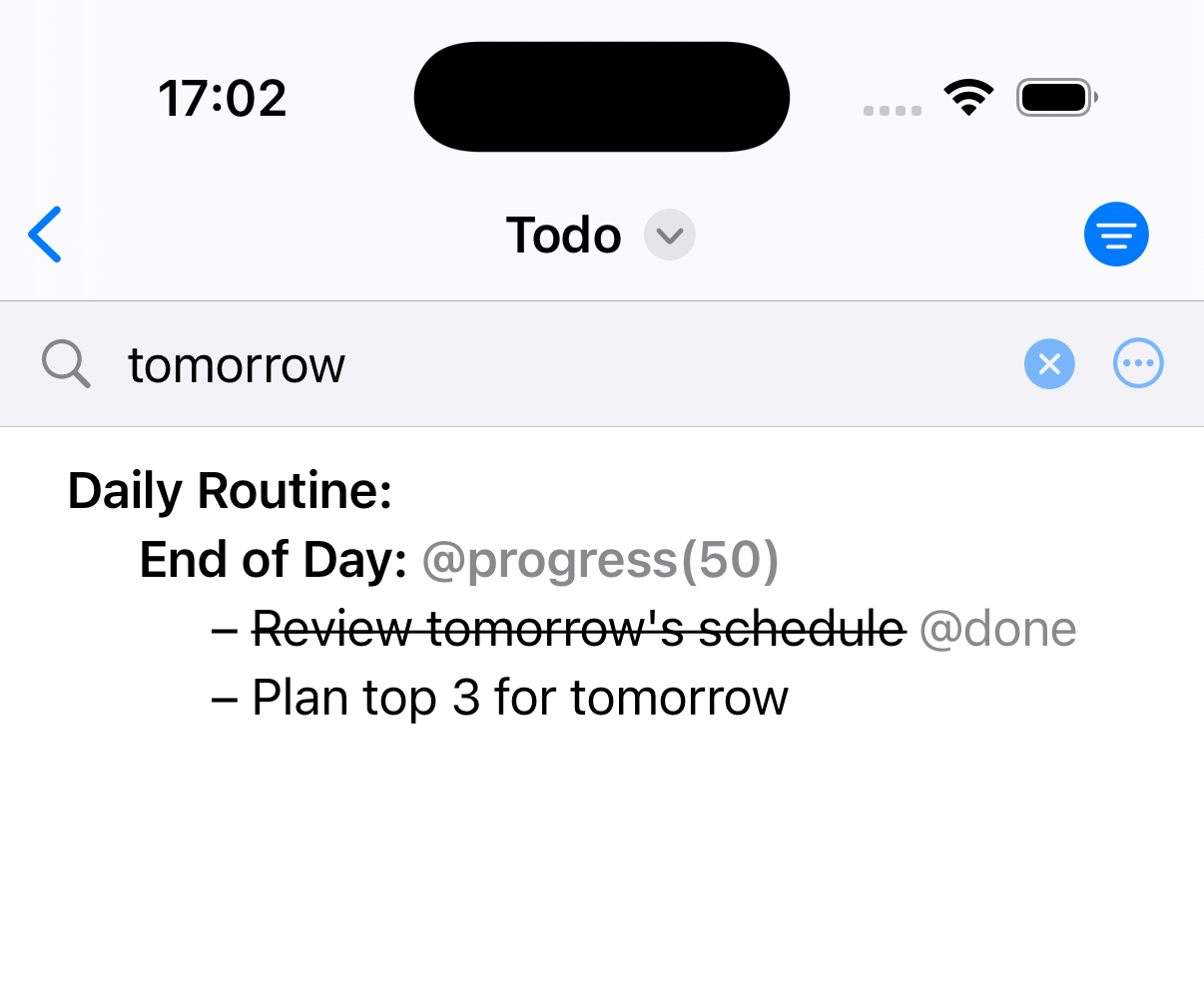
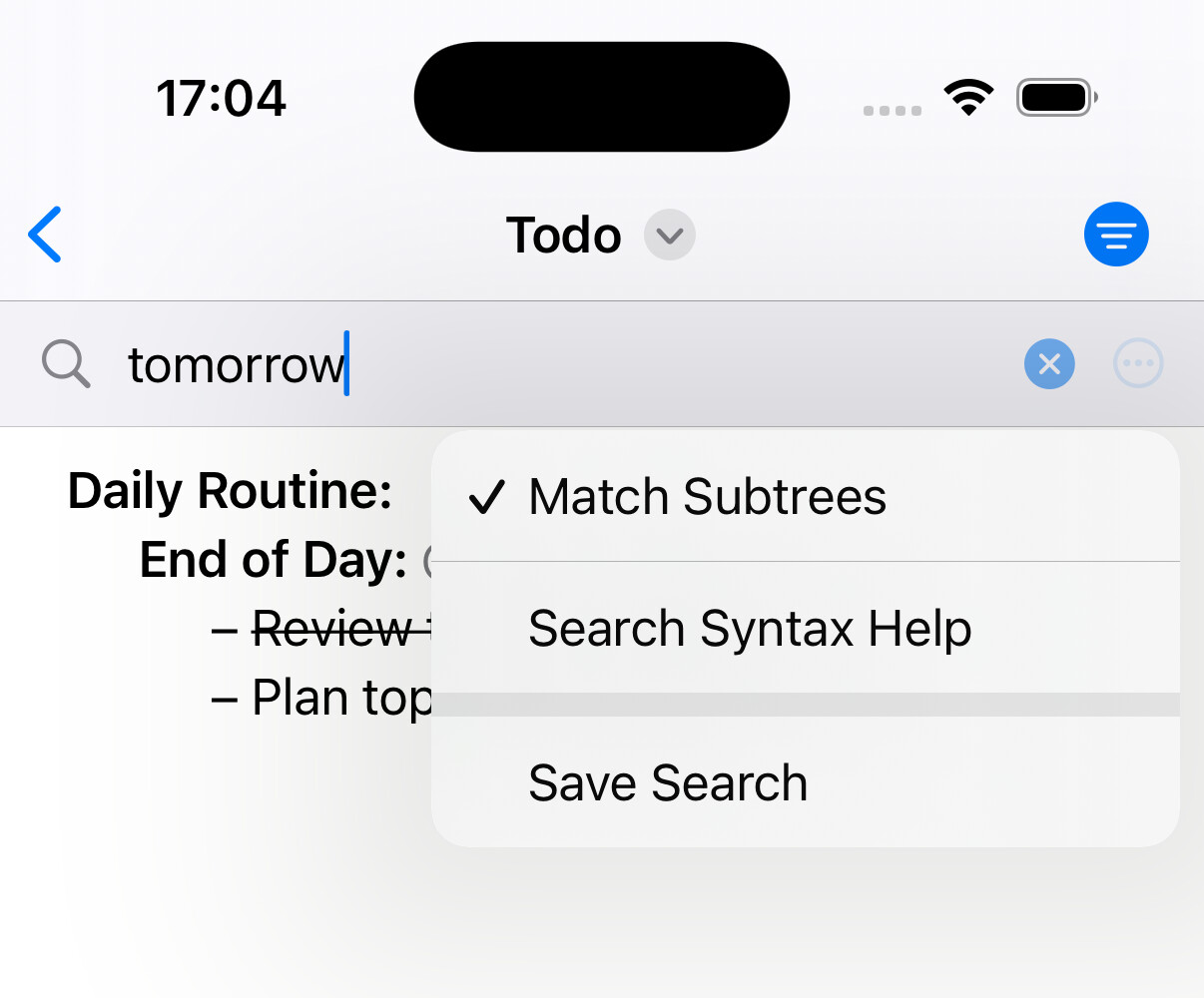
Thanks for the screenshot. Worse than I could have ever imagined! 
Here’s what I have planned, TBD.
Something occurred to me regarding the progress tag: when I run ‘archive-@done’ @done children of a project are archived and the progress tag is reset to zero. Shouldn’t the project’s children remain until the project tag reaches 100%?
Oli
well that looks MUCH better!
it can’t work that way as it looks at the current children to calculate the total.
so don’t archive until you are 100%. sorry!
Ok! Thanks for the quick reply!
Tidied up and removed a few links in the thread. 
No reason 
ETA for the release?
It’s released! 
But I’m not going to promote it for a week or so, as I want to promote all of my apps at the same time and some are in App Store Review.
Special Launch Pricing is set and will be in effect for the rest of the month. Jesse will be mentioning it in his newsletter in a week or two. In May the price will go up.
WOW! Congrats!! Happy to see that another iOS TaskPaper after several years without updates to Taskmator.
So the current price on App Store is not the special launch pricing? Based on my region, it’s 98 CNY (around about 14.99 USD).
The current price is the special launch price. It just launched yesterday!
Price will increase in May.
Got it. Thanks for your clarification! 
Evviva!
In Europe is 17,95€…
Is this the special price?
Bought it immediately, it’s great to have TaskPaper on iOS. I was using Drafts for a while as a workaround to access my TaskPaper files,
Congratulations!
Yes, that’s it
Thanks all, I wish you increased productivity. 
A user got in touch about keyboard shortcuts.
I’ll make some changes soon to match TaskPaper Mac defaults.
Personally, I also remapped some shortcuts using System Settings > Keyboard
(actually, though the app CustomShortcuts), which raises a question:
Does anybody else have any specific requirements for keyboard control? What keyboard and device setup do you use? Bonus points for gear/desk pics!
I’m not sure how deep I’ll go down this rabbit hole, but I have some time to think about it.
Note: the “save” search bar change will also be in the same update.
This has also surfaced some missing features and functions that I’m adding!
Like you mentioned, matching TaskPaper Mac defaults would be a good idea!
There are 2 things I’m noticing that I’d really like (or I don’t know how to do if in the app):slight_smile
All that said, I’m enjoying using PaperTrail when I’m out an about. Great companion to TaskPaper.
Happy that you’re finding it enjoyable to use! I smile each time I open it—I made this!
Ah, thanks! Long press works just dandy.
I’ll try to make a short screencast sometime today re: the keyboard issue.