OK. Since I am not used to TestFlight, this beta version will substitute to the one I bought on the App Store? And at the end how can I find again the regular paid version? Sorry for these obvious questions for you…
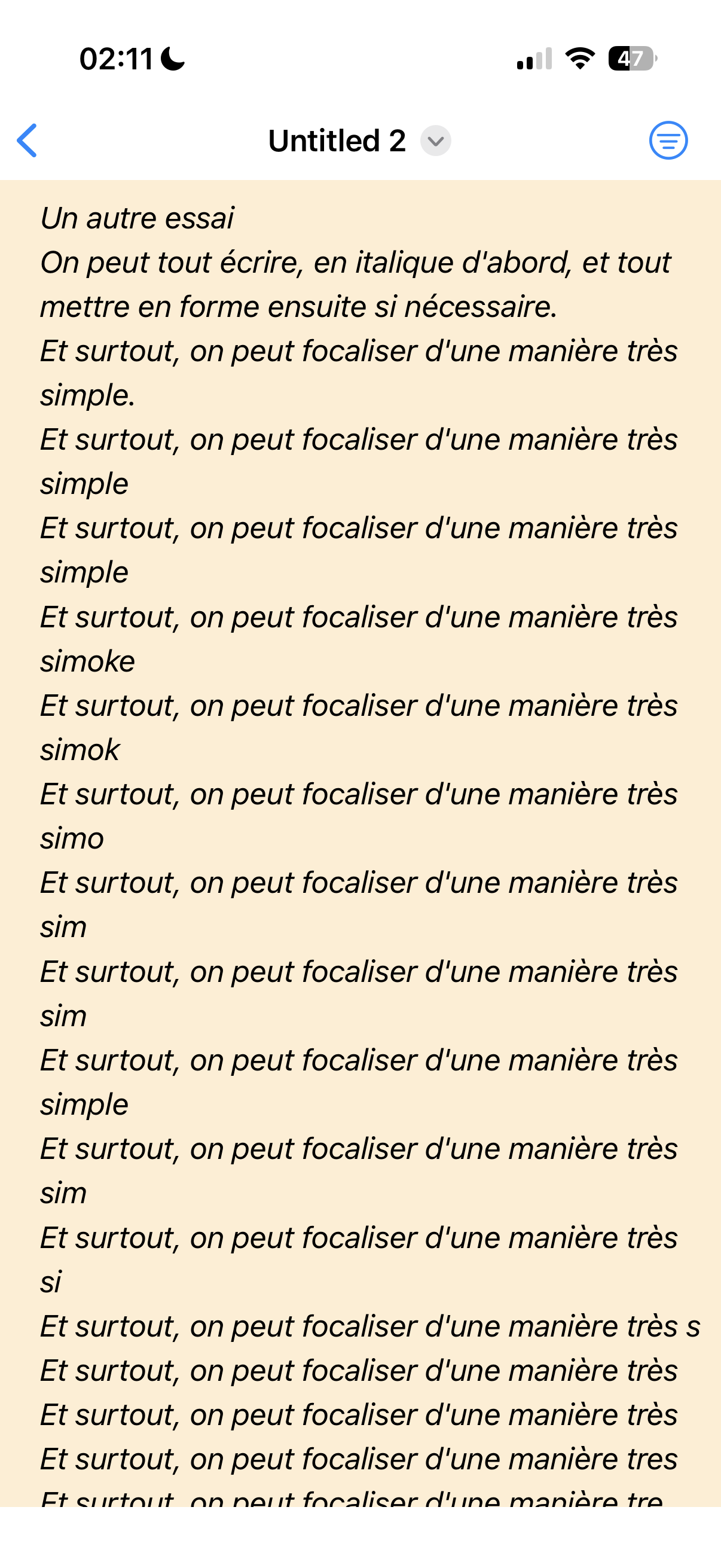
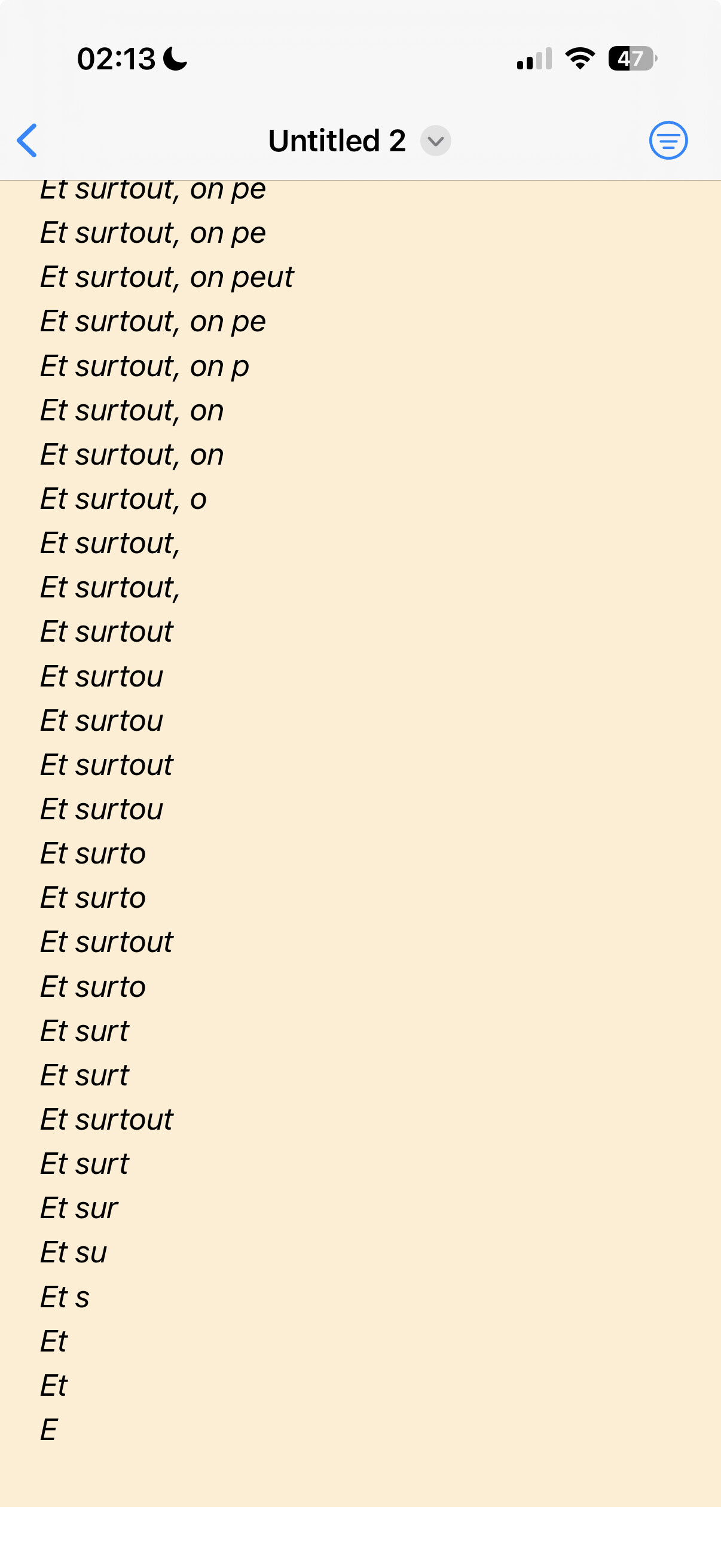
Edit: Bad news. I reproduced a bug where items duplicate like you may see (even if it is in French !). It happend when focusing on a sentence in a note.
Edit again: there was only 3 sentences in the file, still no project and no task. And the duplicates are beginning at the 3rd sentence (I think where I began focusing).
Can you reach me how to do this? What steps to do it?
These are great bugs that you are finding
Merci mec
TestFlight and App Store versions install over each other, no data is lost. To get App Store version just download it again from App Store and it will replace test version.
As said. I was trying focusing the 3rd sentence of this note. If I remember well, the cursor was not at the beginning of the line, but somewhere in the middle or at the end. Then it did not focused, but it’s made this stunning results.
Matt, I was wrong about “Archive Done” in TaskPaper. In TP this command is also applied globally, unfortunately! Sorry! It would of course be better if this command could be also applied to individual nodes in some use cases. As far as i know i`ts not possible at the moment.
I tried to reproduce the today’s “duplicates” bug with a new file, but I was unable to do it. It seems happening in a random way, what is normally impossible when it’s a question of coding. I hope you’ll find out what is happening (second time for me).
Meanwhile I shall not use anymore the app ‘till the problem will be solved - too dangerous for our precious data. I wish you good luck and I hope to be able to use again this beautiful app!
All known bugs have been fixed (as well as some similar edge cases). I think it would be interesting to explain them, as they were all quite similar edge cases or oversights on my part. And one typo!
Will do so tomorrow.
Edit: also got “open most recent document” working! From Spotlight, and soon other places.
Hmmm, I found out another small bug… that seems random as well (even if we know it’s not). Let’s take a file big enough in order to be able to scroll the text.
Scroll the text and edit it toward the end. The keyboard is on.
Try to scroll toward the beginning of the file with the keyboard on screen.
Most of the time (but not always), the scrolling doesn’t work and you remain at the cursor location.
In order to scroll you have to hide the keyboard.
Let’s see if you and Oli can reproduce the bug.
A suggestion: on the bottom bar (on top of the keyboard), could you move the keyboard button at first place on the left ? It’s really annoying each time you want to hide the keyboard to have to scroll horizontally so far!
I’m also working to make the “long swipe down to hide keyboard” (standard system gesture) work more consistently. In fact, I think they’re both the same problem.
You can move the keyboard button in the TestFlight version (using help screen you can toggle and move buttons).
There’s so much in this next version I should have called it 2.0 not 1.1.
I should add: In TaskPaper, you can also move the entire subtree using Cmd/Ctrl. However, the condition is that the subtree is collapsed. If the subtree is expanded, you also have to hold down the Opt key to avoid leaving the poor child nodes alone. I hope that makes sense.


 , will be in the next build!


 I hope that makes sense.