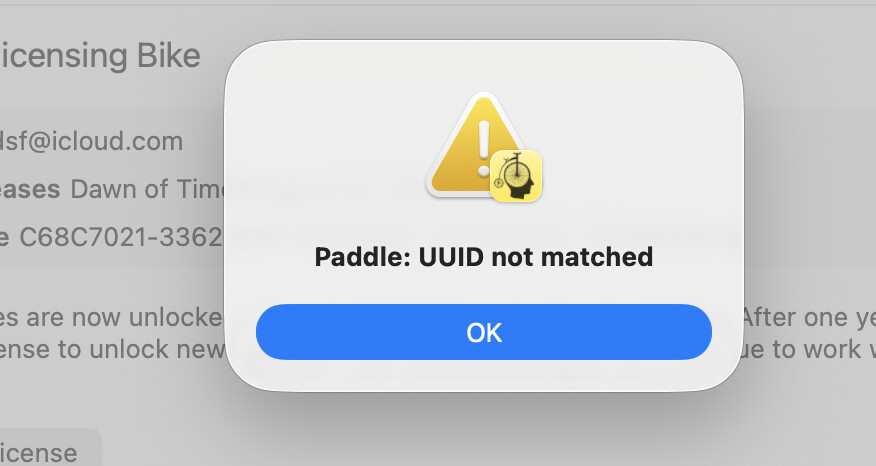
With the most recent update (270) I’ve been getting this message each time I log in to Bike app.
I do not get this message in Bike 1.0
With the most recent update (270) I’ve been getting this message each time I log in to Bike app.
I do not get this message in Bike 1.0
Same here!
This is internal to Paddle, the licensing framework that I use.
I think it means some aspect of Bike changed such that Paddle is no longer sure it’s the same app that was registered. I’m not sure why this is happening now, but it may be because I recently added Keychain signing capability? I’m not sure.
Anyway, good news is the fix should be pretty easy:
Thank you. Followed the directions and error message has disappeared