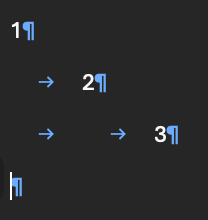
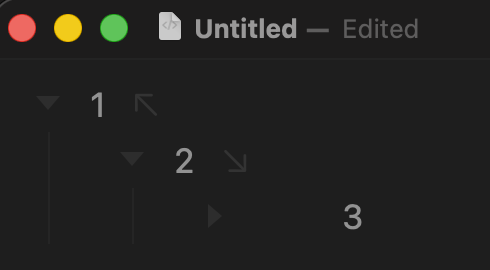
If I copy a simple outline and paste into (say) VS Code, I get tab-indented plain text, perfect.
If I then copy this and paste it back into Bike, then it does reconstruct the original outline, but at each node, I get leading spaces, the deeper the indent the more spaces.
It would be great if I could embed my outline into a plain text doc, and then take it into Bike to work on it, then put it back in my doc again.
Bike is hard coded on import to read 4 spaces as one level of indentation. Do you think that can explain the issue… can you paste the outline from VSCode into a code block here for me to look at?