Japanese IME input feels less responsive in Bike 2 than in Bike 1

Hi Jesse,

First of all, thank you for continuing to develop Bike. Bike 2 has become remarkably powerful, and I am very interested in its new features, extensibility, and future direction.

I have a question about the responsiveness of Japanese text input in Bike 2.

When typing with the macOS Japanese input method, Bike 2 sometimes feels slightly less responsive than Bike 1. This is not a severe delay or an obvious freeze. Rather, I notice a very small amount of latency or visual heaviness while composing and converting Japanese text.

Bike 1 has an exceptionally direct and lightweight feel when typing. The characters seem to follow my fingers almost instantly. In Bike 2, especially while composing or converting Japanese text, I sometimes feel that the editor’s display follows the input just a fraction of a moment later.

I am currently trying to determine the exact conditions under which this difference occurs. It may be more noticeable in situations such as:

  • typing Japanese text before it has been confirmed

  • converting text into kanji with the Space key

  • confirming a conversion

  • pressing Return after confirming the text

  • typing inside a large outline

I understand that Bike 2 has much more sophisticated systems for layout, animation, selection, and outline structure than Bike 1, so I realize that some difference may be unavoidable.

However, I think responsiveness during text entry is especially important in an outliner. Even a very small delay can interrupt the flow of thinking and writing.

Have you received any similar reports involving Japanese, Chinese, Korean, or other input methods that involve text composition and conversion? Also, are there any input logs or diagnostic information that Japanese users could provide to help investigate this issue?

Japanese users may not be very visible on this forum, but there are quite a few people in Japan who are enthusiastic about outliners. I often see articles and personal reviews of Bike Outliner on Japanese blogs and social media.

I suspect that there are more Bike users, and potential Bike users, in Japan than may be apparent from the English-language forum.

Bike’s simplicity, speed, and native Mac experience are especially appealing to people who use outlining as a tool for thinking and writing.

For these users, it would be very valuable if Bike 2 could preserve the exceptionally responsive typing experience of Bike 1, including when using Japanese text input.

Thank you for considering this, and once again, thank you for continuing to develop Bike.
Thanks for this feedback!

I only ever type in English, so I don’t notice these things. (And I don’t think I’ve had any other reports) Before I investigate too much, can you tell me exact macOS version and input manager that you are using?

Also using that input manager could you tell me a good key-sequence that I should type in both versions to test?

On thing to try. Close both sidebar and inspector bar. Then quit and launch Bike, so document opens with those bars closed. Does that make things feel faster? I found a bug in my background query processing, that still make it effect main thread. Opening document with those panels disabled should avoid that bug.

Hi Jesse,

Thanks for your reply.

Here is my environment:

  • macOS Tahoe 26.5.2

  • Apple’s built-in Japanese Input Method

  • Romaji input

  • Live Conversion: ON

  • Bike 2 Preview 291

When I press a key, there seems to be a very slight delay before the character appears on the screen. The delay is extremely small, but I can feel it continuously while typing.

Bike 1 does not have this feeling at all.

Typing in Bike 1 feels exceptionally natural and fluid, almost as if my fingers are directly connected to the text. The editor disappears, and I can focus entirely on writing.

In Bike 2, however, the text and cursor seem to trail my typing ever so slightly. Nothing freezes, and the lag is tiny, but there is a subtle sense of resistance that changes the overall feel of typing.

I normally type and convert Japanese phrase by phrase as I write. I do not type an entire sentence in Romaji and then convert it all at once.

I also tried closing both the sidebar and the inspector, then quitting and reopening Bike as you suggested. This did seem to improve the responsiveness slightly. The difference is not dramatic, but typing feels a little smoother with both panels closed.

Thank you for looking into this.

1 Like

Hi Jesse,

I recorded a short screen capture because I was able to identify the main issue more clearly.

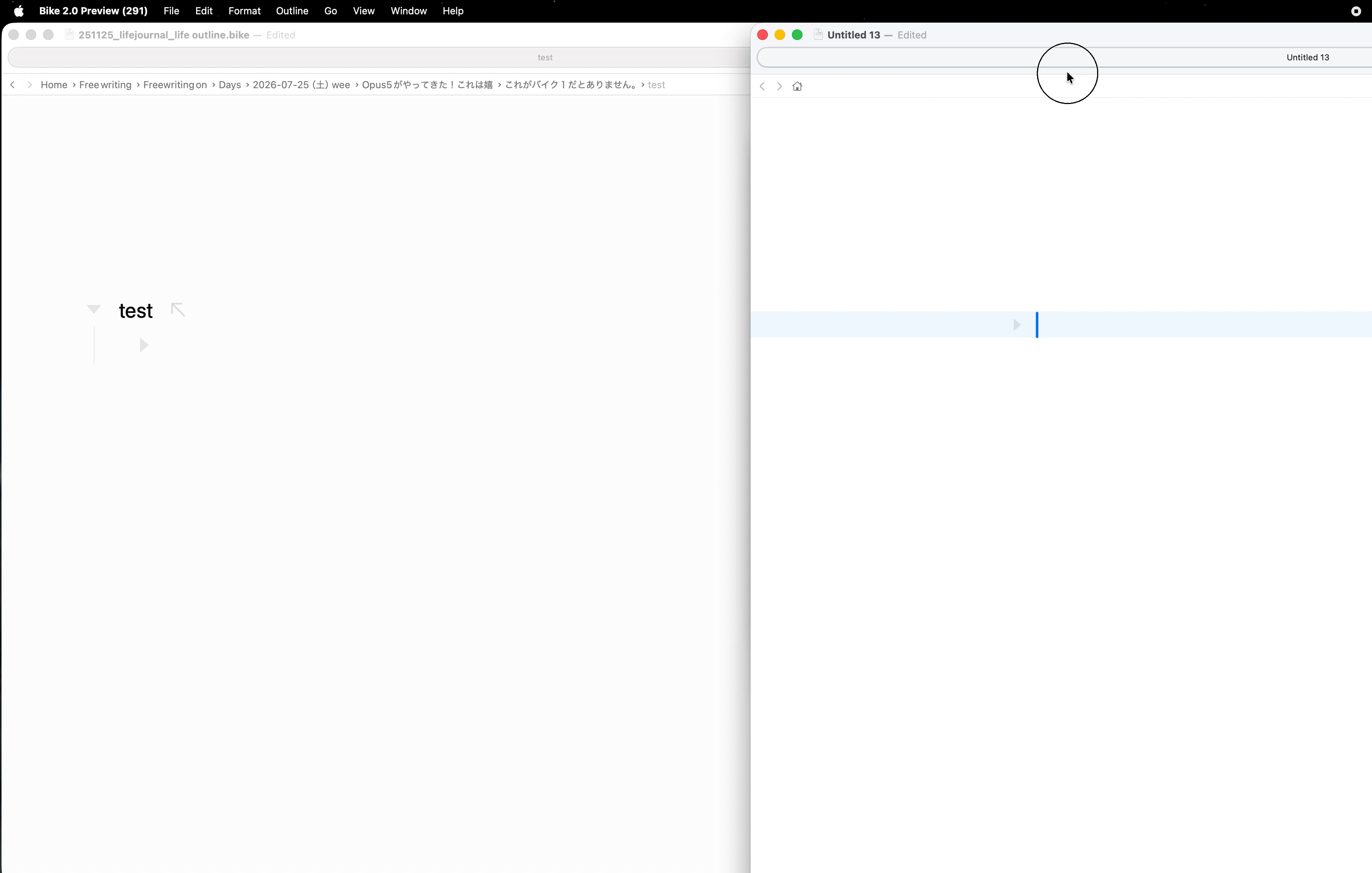
The main problem for me is the movement of the blue text cursor while typing Japanese in Bike 2.

As I type, the cursor appears to jump or shake vertically. It seems to repeatedly become taller and shorter, which makes the insertion point look unstable or as though it is bouncing up and down.

I have already disabled the “Typing Animation” setting, but the cursor still moves in this way.

When I perform the same Japanese typing in Bike 1, I do not see this vertical shaking or bouncing. The cursor remains visually stable, and the typing experience feels much smoother.

The difference may be a little difficult to see at the default video size, so it may help to view the recording enlarged or in full screen. I believe the cursor movement in Bike 2 is visible, particularly when compared directly with Bike 1.

This cursor behavior is the main issue I have been trying to describe. It may also be contributing to the feeling that typing in Bike 2 is less smooth, even when the actual input delay is very small.

I’m sorry if the difference is difficult to see in the recording, but I hope it helps clarify the problem.

Thank you again for taking the time to investigate this.