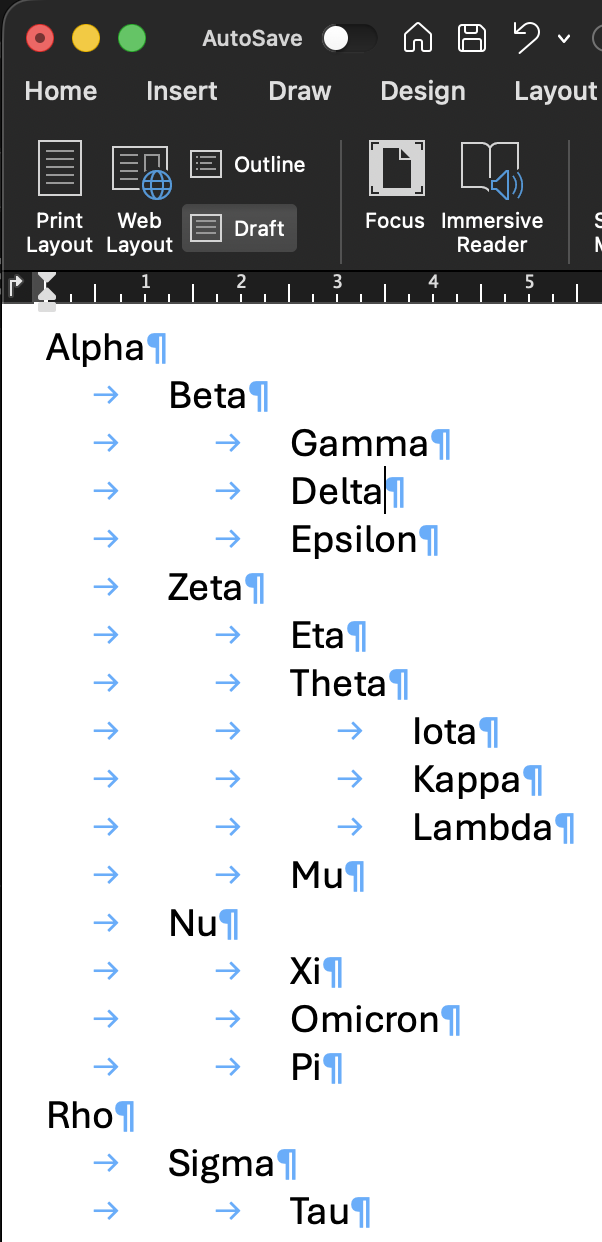
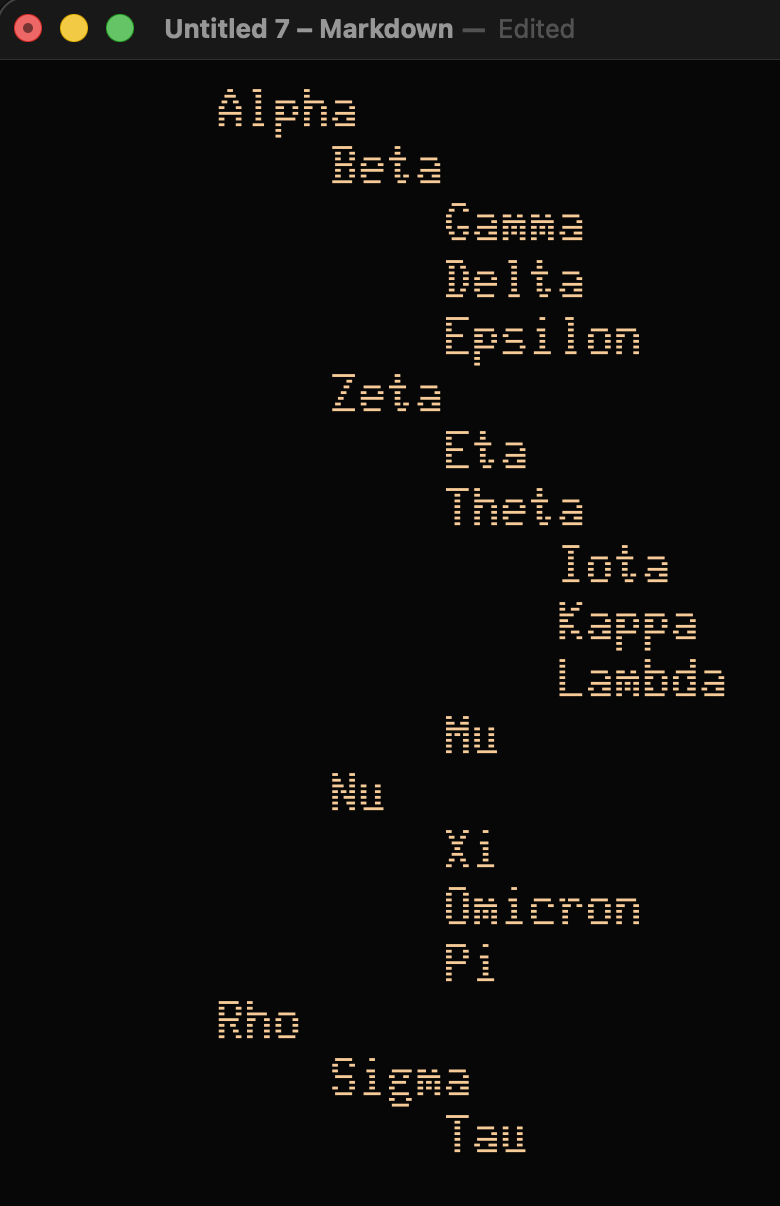
Hi all, apologies if this has been covered in another thread. I’m using WriteRoom 4.0 on Mac and am looking for an easy way to preserve (or insert en masse) tabs when I copy and paste a document from Microsoft Word. The document contains actual tab characters (they show up as arrows when I turn on formatting marks in Word), but when I paste into WriteRoom, they disappear and everything ends up left-justified. For context, the document is a manuscript with a tab at the start of each paragraph.
Is there a setting or workaround that would keep the tabs intact on paste? Thanks!