joebez
1
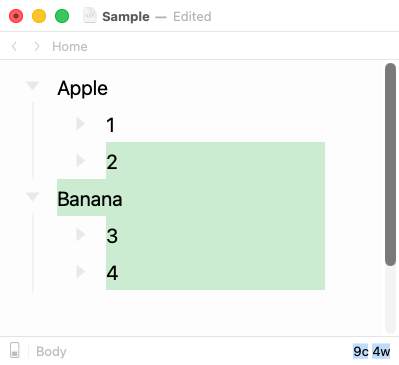
Hi. Is there a way to drag multiple rows from one branch of the tree to another? When I have a simple outline:
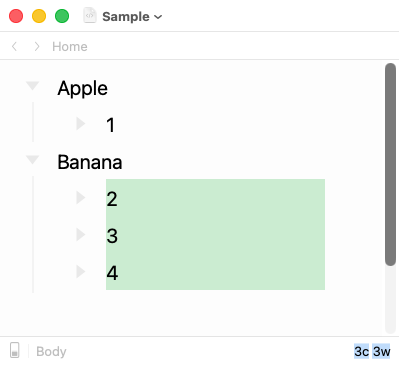
…and I select rows 2, 3, and 4 and try to drag them into the Apple branch, what comes out is:
(You can see this in the attached screenshots as well.)
This is such a basic outline interaction that I feel like I must be missing something…is there a way to do this?
Thanks.
In the meanwhile, ⌘X and ⌘V work as expected, I think, over block selections,
and may allow for more precision and predictability.
1 Like
doug
4
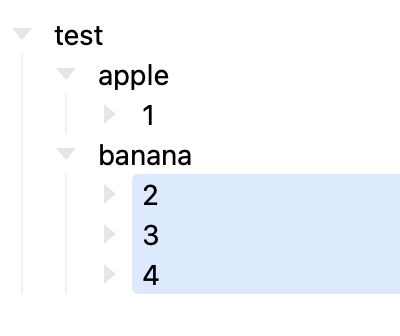
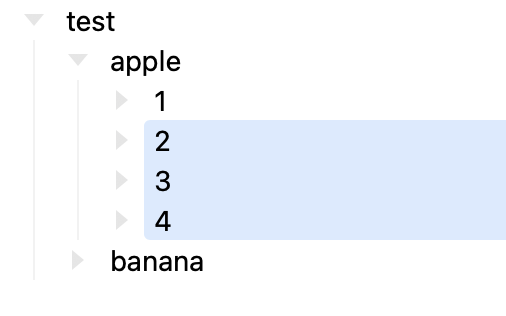
I have no problems doing this.
I select 2,3,4 using tap and drag (enter block mode on 2 and shift down arrow works too)
then menu Outline/Move up works fine.
(I personally have a keyboard shortcut where cmd-shift-uparrow is Row: Text Move Up, which also works)
doug
joebez
5
It does indeed work using the keyboard shortcuts. In this thread I’m specifically asking about drag-and-drop.