Well, that was a multi-month adventure, but I for now I’m giving up on Liquid Glass UI.
I’ll miss the coolness factor, but every single bit of coolness came with a compromise of one sort or another. I’ve spent months trying to balance it all out with no luck.
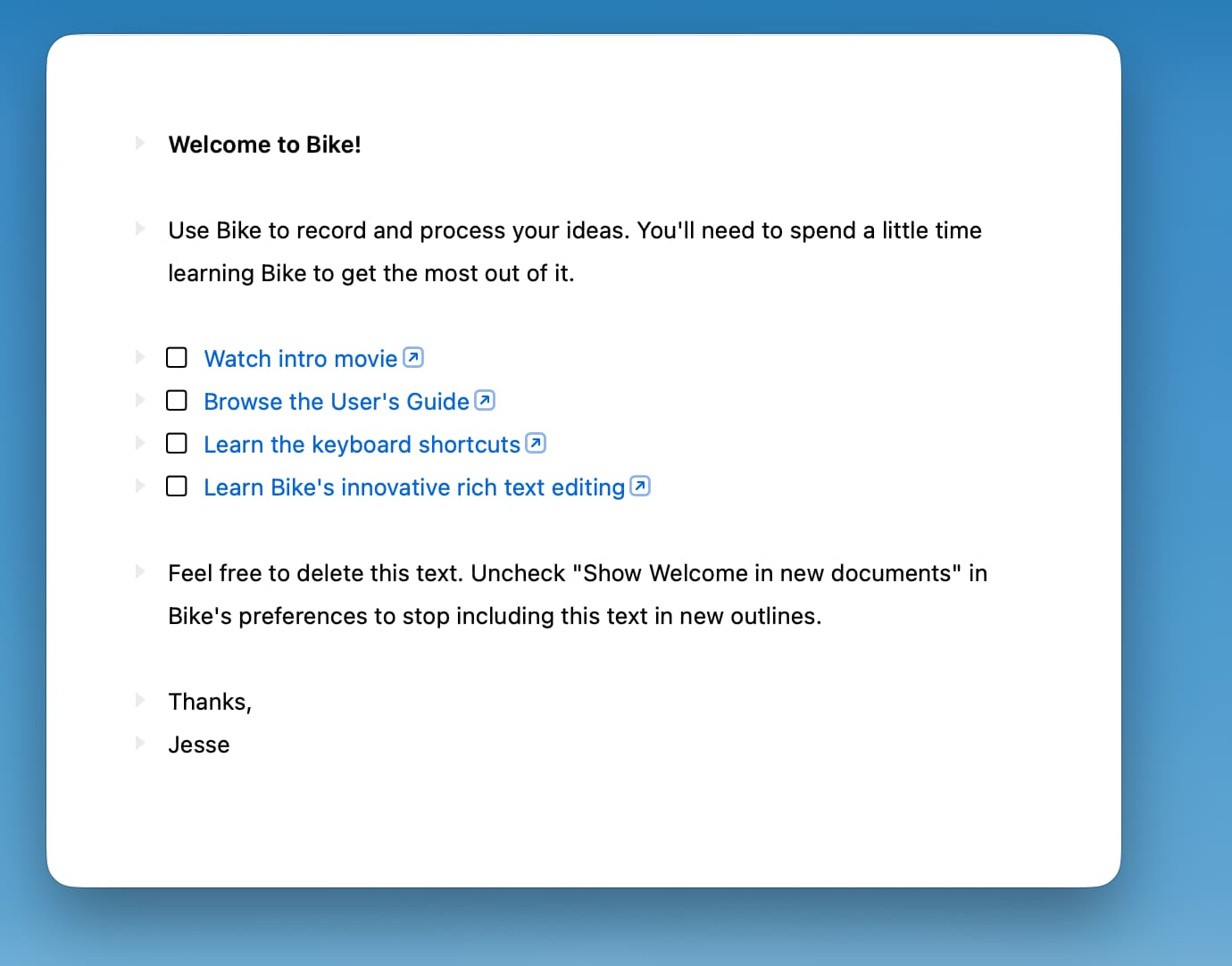
Anyway, a few days ago I ripped out the liquid glass have reverted to plain and clear:

Not as cool, but feels pretty good to me. And all of the sudden I’m able to work again and make forward progress on Bike instead of spend all day pushing pixels on way and then the other.
Not ready to release this yet, but figured I would show what’s coming down the road.
Notes:
- While ditching Liquid Glass, I just mean the sidebar and titlebar/toolbar conventions. App is still built using latest Tahoe API and controls.
- Next round of themes gives you a lot of control over this look. Theme allows you to set material used in for window, titlebar, sidebar, editor, editor controls, and inspector. In this example I’m using plain colors, except for the titlebar. Themes can specific colors, gradients, materials (even Liquid Glass) for all these backgrounds.
- What I miss most about the Liquid Glass experiments is when everything was “just right” you could sometimes have controls on the screen while at the same time feeling like it was just showing content without distractions… unfortunately that balance was rare and state/content dependent. Now, when I want “just content” I am using Command-. (Hide Interface). That gives me just content, really, with no compromises: