Bike 2.0 (Preview 305)

  • Pasting a file from the Finder now attaches it
  • Use Paste as Link to have the old file paste behavior
  • Move To is now Move (caret follows) and Send (Control, caret stays)
  • Cross-row extend now works in single extend from a caret at a row edge
  • “Prompt to send crash reports” actually prompts now.

Download:

5 Likes

Works beautifully, thanks. When I spawn a Today row, I have it set so that it sets the day directly into the root, not nest it under a year/month row. That creates it at the bottom of the outline, and since I use a reversed order approach, I can now send the Today row to the top and the caret will follow.

1 Like

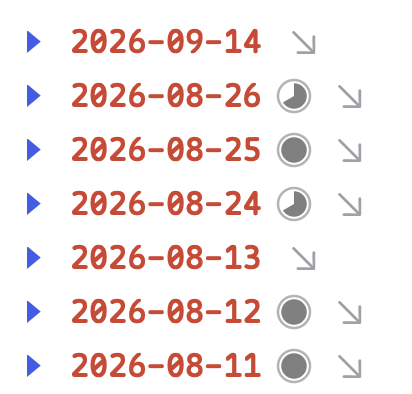
I also use a reversed order – and I would love an option for that in the settings of the calendar extension!

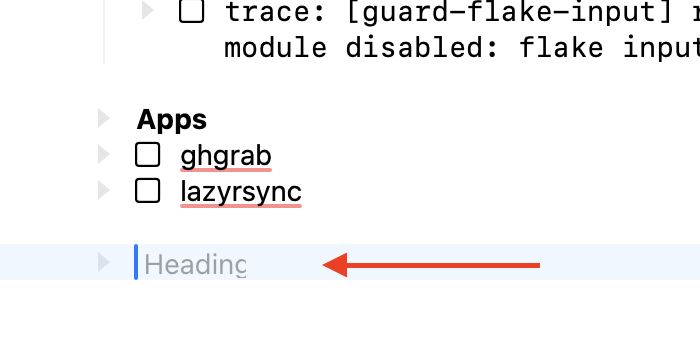
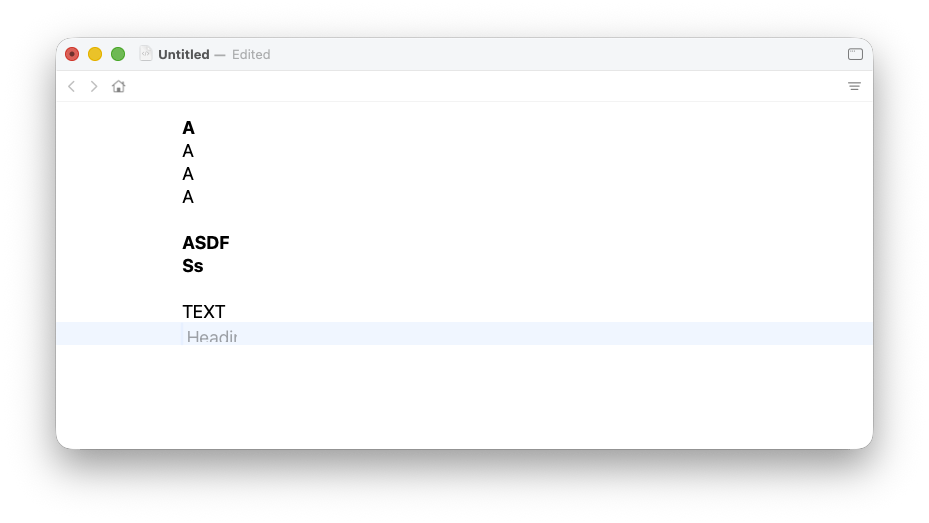
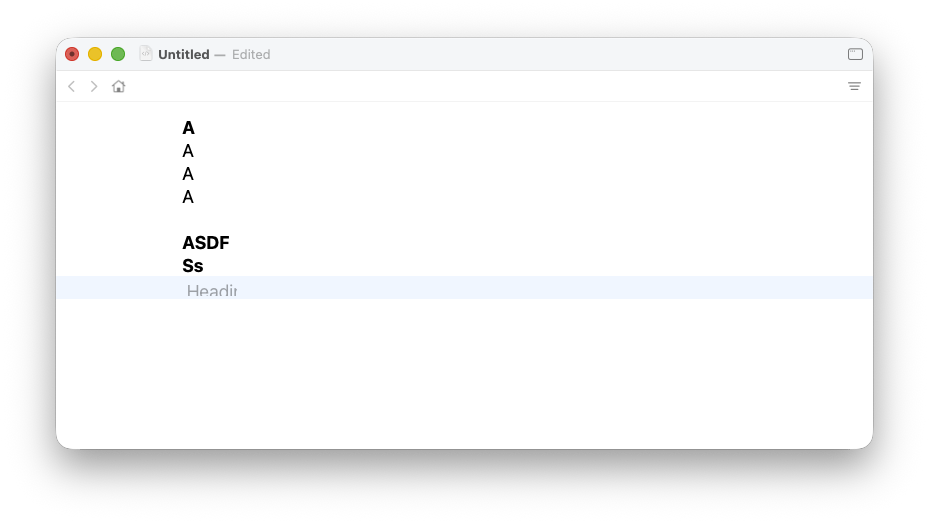
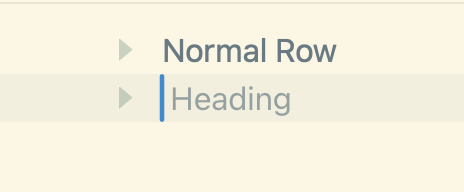
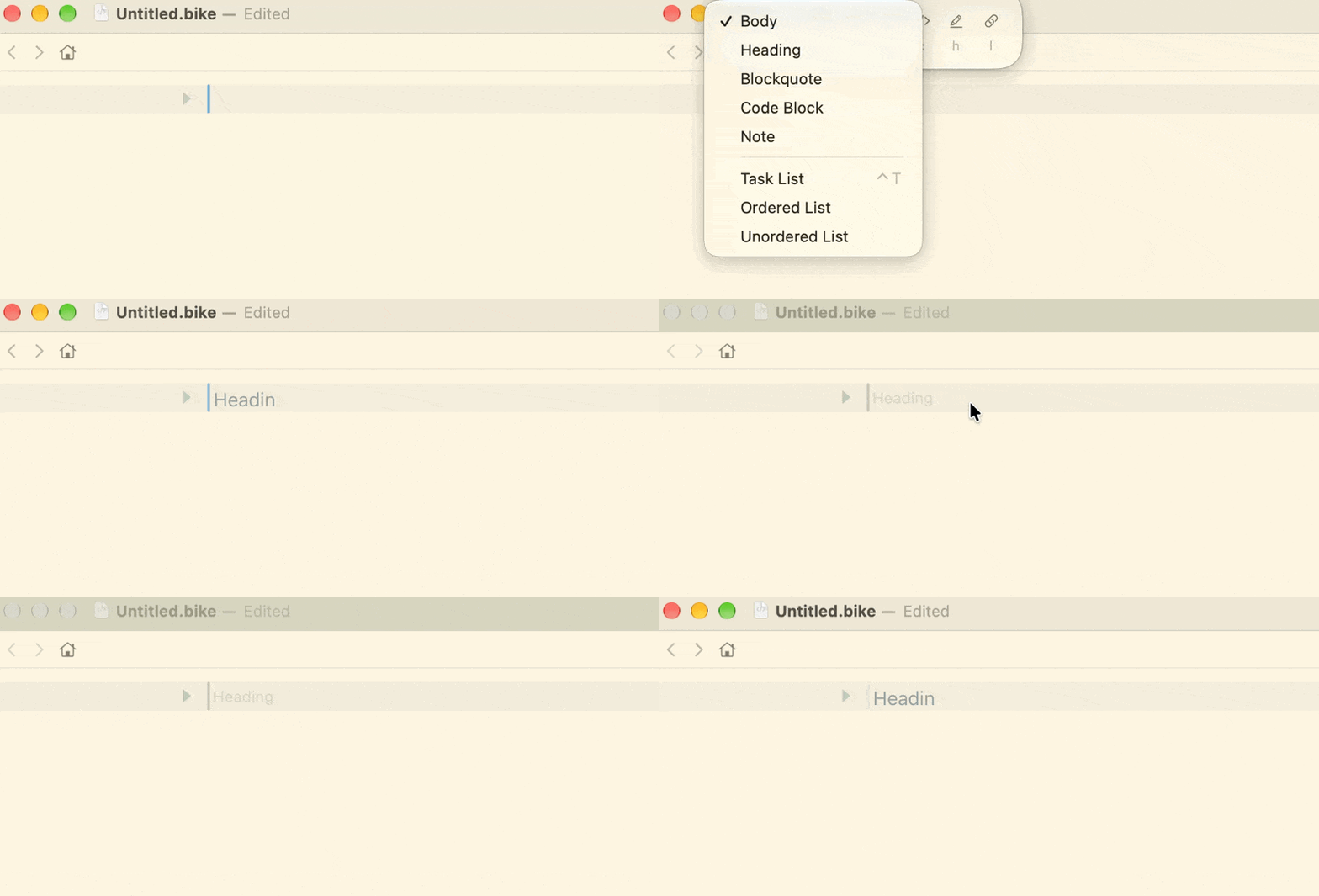
Not sure if it is just me but when creating a new heading, the g is cut off:

1 Like

Odd… this is in latest Bike 2.0? Have you changed typography or appearance settings? Seem to be looking correct for me.

You mean when calendar structure is generated (such as a Month or Day row) you want the order such that later dates show up first? That makes sense as an option, just making sure that I understand.

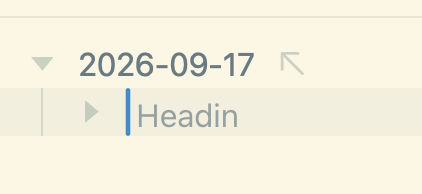
Yes, I’m using it like this:

And it would be nice if the calendar extension would support that! (However, that option may get more complicated when people are using year and month levels…)

2 Likes

I totally forgot mentioning Bike’s version :man_facepalming:

It’s with version 305.

I didn’t change anything, I’m using default settings.

Does it happen for all empty headings, or just in some cases? For example if you create a new document, delete all content, and then created a heading, do you see it then? Also what about macOS version?

Anyone else seeing this?

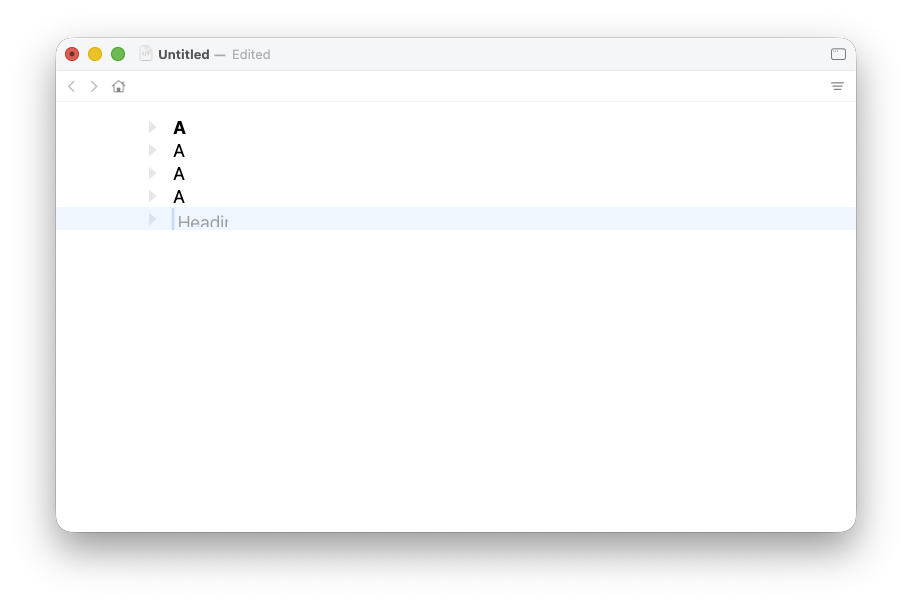
Hi Jesse, I can reproduce the issue consistently: it happens always when creating a new heading right after a text line.

Specs:

* mini M4 Pro, Tahoe 26.7
* Air M4, Tahoe 26.7

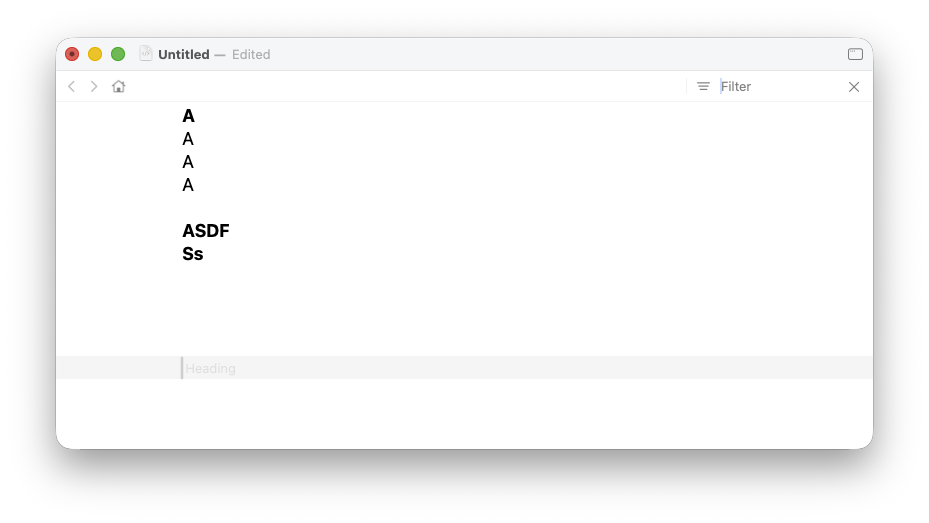
Is it accidental that no sample line, in your screenshots above, is longer than the visible part of the heading prompt ?

No clipping or folding of text lines beyond that extent ?

bike.lineWidth hasn’t acquired an unexpected value ?

1 Like

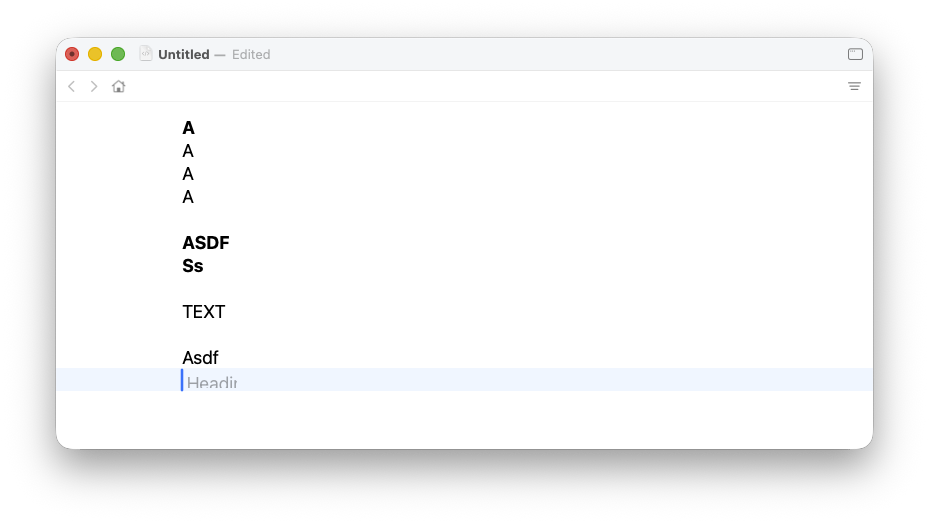
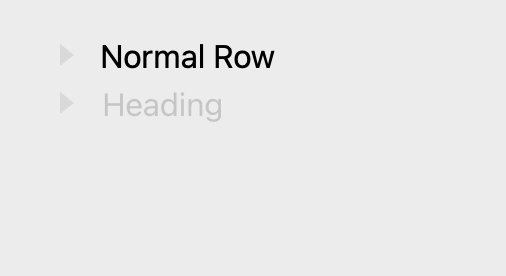
I’m seeing the same thing here:

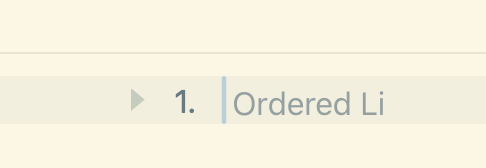
Bike 305, macOS 27. What I see happening seems to be related to the popover and window editor focus. Similar story with other row types:

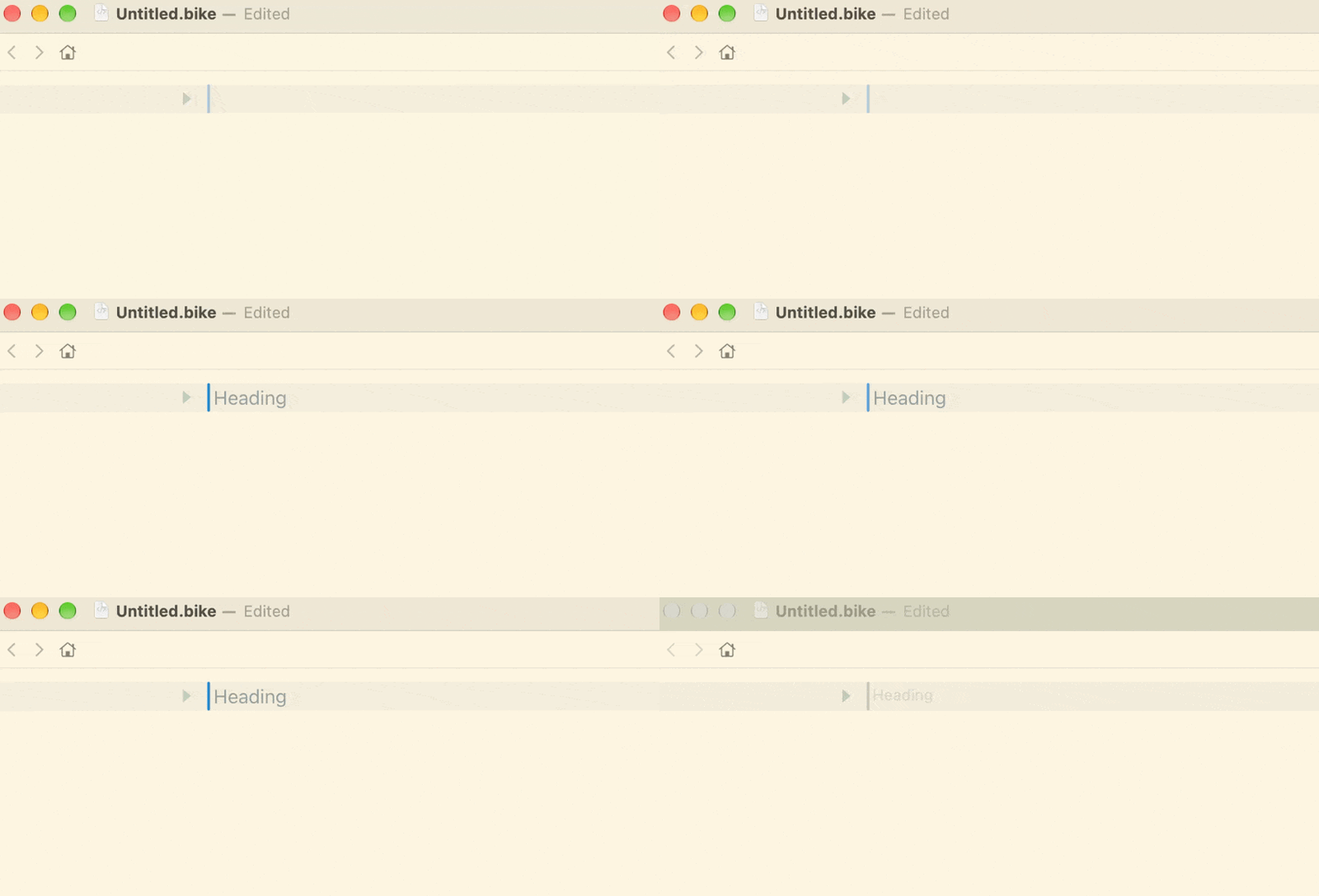
If I use # shortcut to type out a heading, the ‘Heading’ tip renders out in whole, but the font size seems to change depending on whether window is in focus or not. Also IIRC the faded helper text was more aligned in previous versions:

Bike 1.0:

Bike 2.0:

Some examples:

  1. Type # , Bike displays ‘Heading’ on empty row.
  2. Focus on a different window. Colors fade but also text size changes
    CleanShot 2026-09-17 at 10.04.39

Another example:

  1. Use cmd+E on empty row to change row to Heading
  2. ‘Heading’ appears truncated
  3. Focus on a different window → Font changes
  4. Focus back → Truncated again
    CleanShot 2026-09-17 at 10.06.18
1 Like

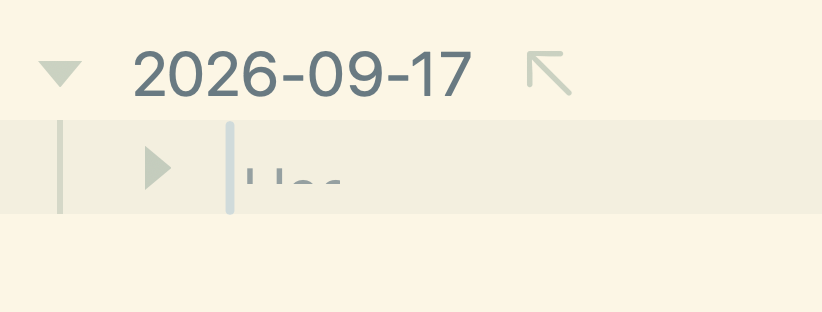
Also if I change font to something huge:

2 Likes

Thanks, I did manage to reproduce by changing font size. For me that only created the problem temporarily, but I did fix that problem at least. Hopefully it fixes all the clipping seen in this thread. Try this release:

I’ve added that option to Bike 2.0 (Preview 306), please give it a try and hopefully it works! Note that it will not effect your existing calendar ordering, just new rows being inserted.