The row dates changes fixes up inconsistencies between file formats. It was that .bike would write row dates, while .md would not. Now all formats are treated the same:
- Default is don’t include dates. Unless they are actually needed that add a lot of clutter to files and are the most expensive part of file parsing.
- Setting is per document. Use File > Document Options to date serialization per document. There is not a persistent metadata flag for this setting. Instead when Bike reads a file it enables date writing if any read row contains a date attribute. Your existing documents that were tracking dates should continue to do so.
- You can change the default for new documents in Settings > Document. There is a checkbox after the file format. The setting is per file format, so you can, for example, have bike documents track, while markdown documents do not.
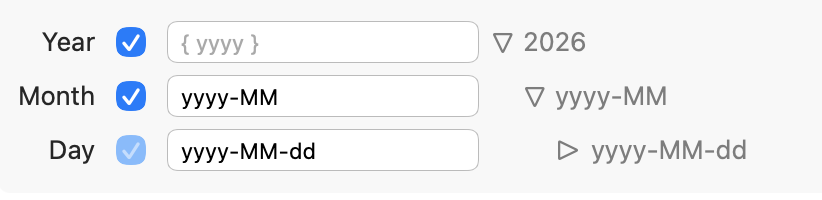
I’ve also made a bunch of changes to Settings > Extension > Calendar. By default calendars are now rooted at document root (instead of Calendar row). And they build Year/Month/Day structure using plain rows. You can now make this structure flatter, by unchecking levels in settings. You can also configure so that heading rows, or other text/formatting is inserted per level when rows are created.
Last, if you don’t want your calendar at root level, you can just move the structure to some other location in your outline. When new rows are needed the calendar builds off existing structure where it is located.
1 Like
Fixed some problems with the last release and now we have 284
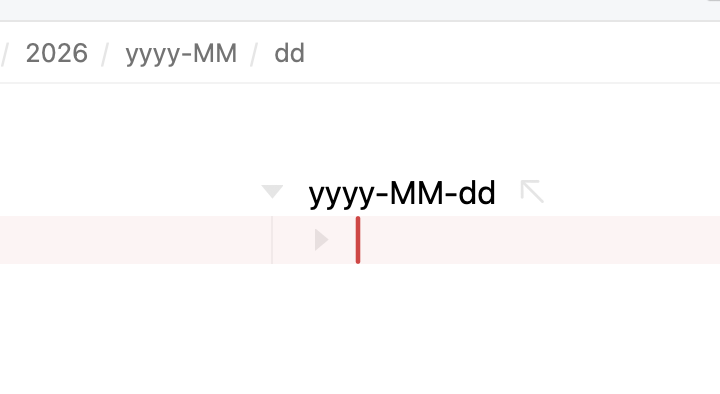
For me, the calendar extension in 284 seems to do this:
In other words, it ignores the numbers and just enters the ISO date syntax. I have not yet touched the settings. Is this expected or could this be a bug?
I think this now works the way it should!
Found the culprit. The ISO pattern was missing curly braces. Maybe a leftover from settings I had in some previous Bike build.
1 Like
Trying out build 284 I noticed that increasing the font size while the placeholder text is visible causes it to get increasingly cut off as font size increases (I was pressing Cmd-+):
To start:
After a few font size increases:
1 Like
I rarely find myself in a situation where I need to use the mouse to drag multiple rows, but I just found myself in one this morning, and I can’t figure it out. Is it possible?
Looking at a plethora of rows, all on the same level. If I select all of them and drag the handle of any of these, it will only drag that particular row.
No, it isn’t. Not by design, but just haven’t had time to implement
1 Like
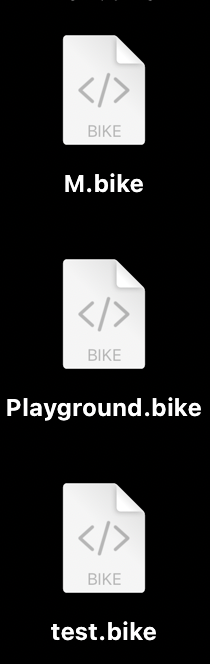
Is anyone else seeing these kinds of icons with 284 or is my OS doing something strange?
Thanks for all your work on this. I’m finding Bike to be an indispensable part of my workflow (and I’ve tried every app from Neovim and Emacs to iA Writer to Workflowy).
One thing I’ve thought of that might be a cool extension idea is a “which-key” type plugin which pops up a window showing the different possible key commands that start with a certain keybinding.
For example, let’s say I have ctrl-x a, ctrl-x b, ctrl-x c all mapped to different commands. When I press ctrl-x, a little window will pop up showing me what will happen if I press a, b, or c. The idea is that it makes it easier to use keybindings because I don’t have to remember each sequence. Would it be feasible to implement an extension like that with the current SDK?
This is what “which-key” looks like in the Helix terminal editor. In normal mode (equivalent to block mode in Bike), many key sequences start the g key, so when I press g a window pops up showing me what sequences start with g.
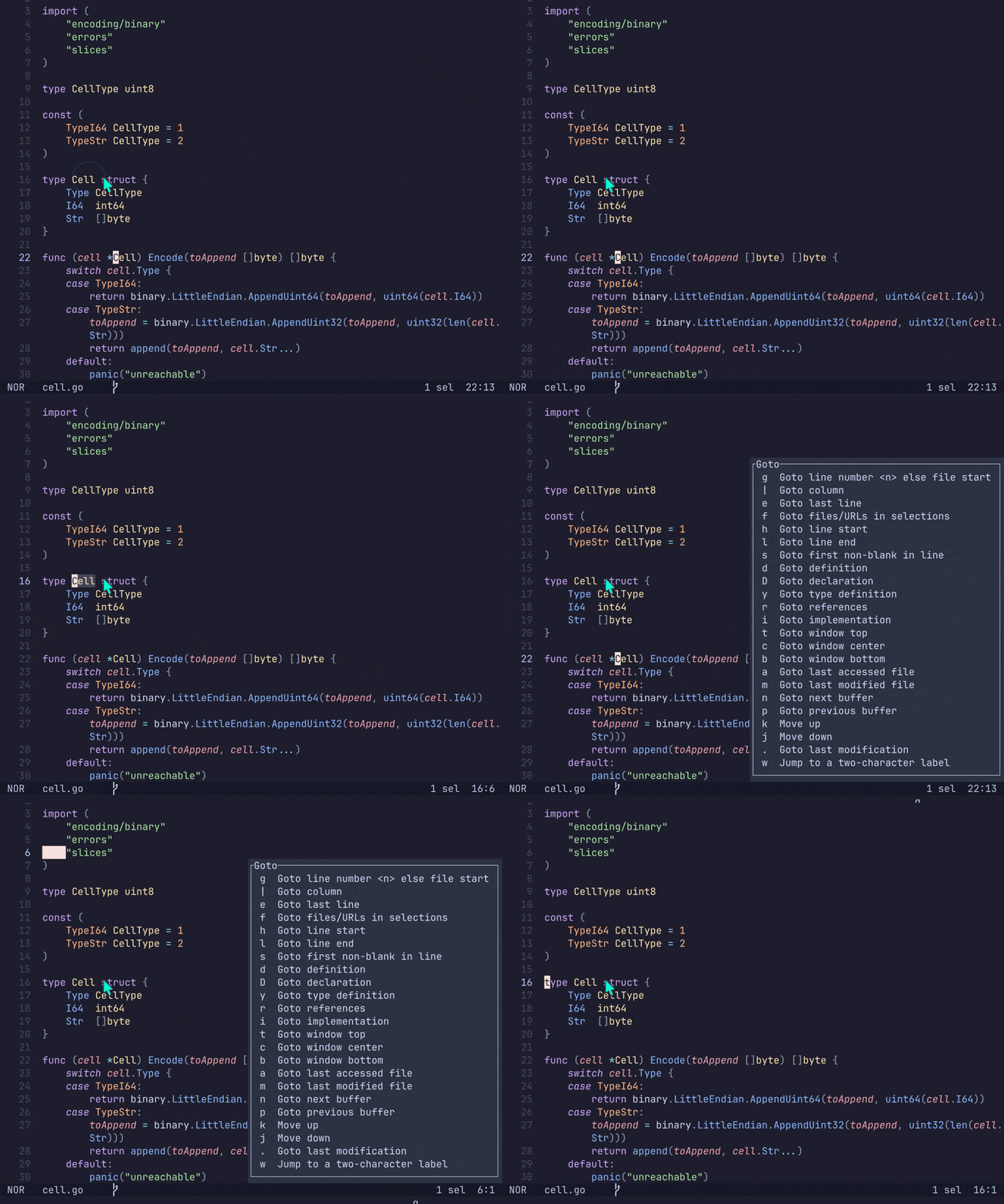
Yes, this is something I have thought about and wanted too. I was actually just doing some thinking about it today, installed Spacemacs because I heard it implemented such a thing. And then kinda failed to get it to work because I didn’t want to read any documentation.
Anyway, definitely on my list for post 2.0. I think it might have to be a built in feature, I don’t think an extension could implement.
1 Like
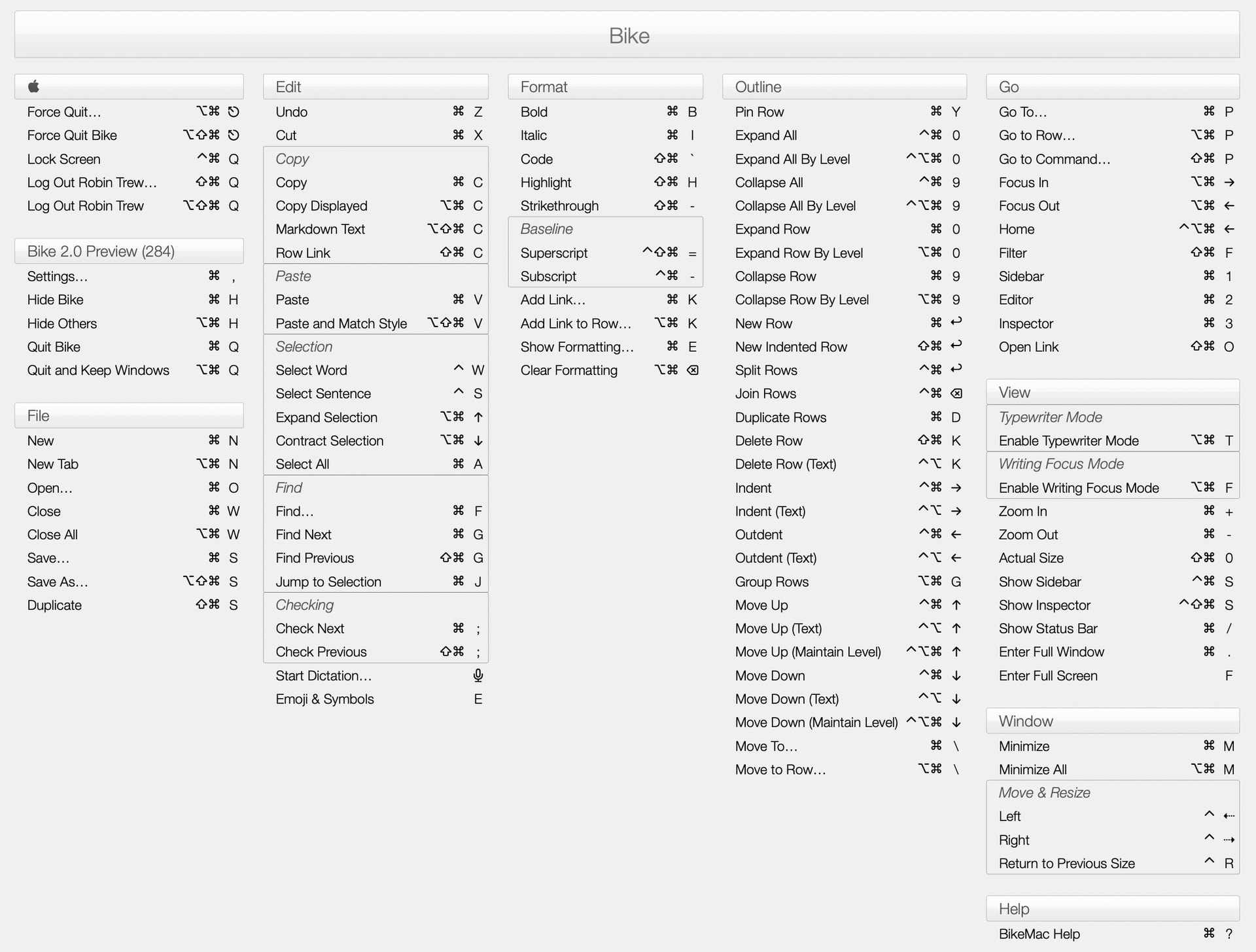
KeyCue (Ergonis) gives me this kind of thing, for Bike:
1 Like
I think @avi-cenna is talking about something slightly different. KeyCue lists single key shortcuts. But Bike also support multi-stroke shortcuts. So an action can be bound to a-b-d. And another action might be bound to a-b-c. And the idea is to have a UI to show the set of potentially matching commands when you have only typed a-b.
At the moment it’s not really needed for Bike because while Bike supports mutli-stroke keybindings, they aren’t really used much. Someday I do hope to change that, but that will be post 2.0
2 Likes
I am too. I haven’t provided an icon for Bike documents. So I think it’s generating this based on “BIKE” and the fact that Bike files extend from .html