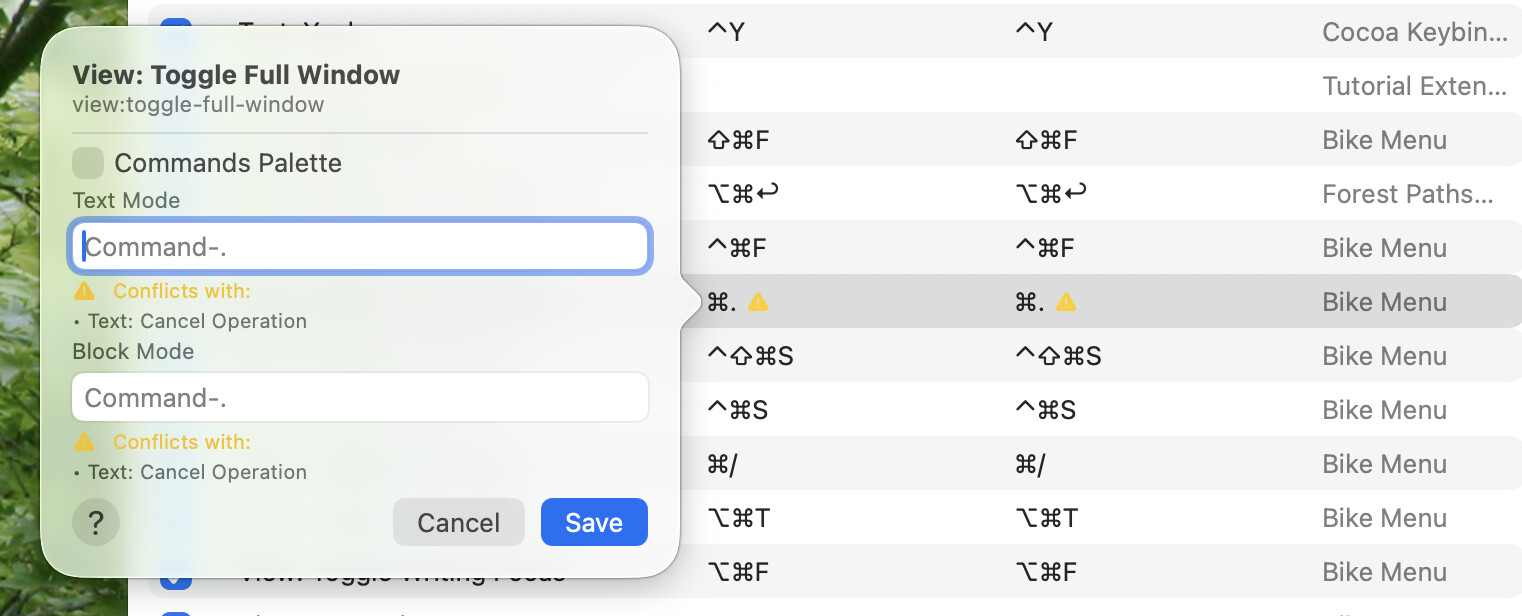
Commands Explorer now accepts comma-separated key bindings
Row text delete now preserves selection mode
Multi-row paste now splices into caret and text selections
Pasting into an empty body row now adopts the first pasted row’s type
Larger changes to the extension system’s permission and enabled-state handling. Previously, Bike tracked this by modifying extension metadata files. It now tracks these states through user defaults instead. One result is that disabled core extensions, such as the Calendar extension, now remain disabled across launches. Permission tracking and related alerts have also been updated.
I’m really happy with how Bike feels after these last couple releases, especially overindenting, I thought I was adapting to not being able to do that, but it feels great to have it back. The other new (old) behaviour I’m glad about is that pasting always inserts into the current line instead of a child.
One note is that the warning icon in the menu bar seems to show up if there’s a warning in the logs and it doesn’t go away unless you restart the app, or maybe clear the logs. i.e. When I updated to 279 I was given a warning that I had to give user permissions to a custom extension in order to reenable it. And so I did so. But that didn’t cause the warning icon to go away, and I understand why, but it feels like that should have resolved it.
That icon only shows up when you go to Logs Explorer. And click the warning icon in the toolbar. If you unselect that toolbar icon then it won’t show in the main app
You also have option to turn off all logging. Again in Logs Explorer click the checkbox icon in the toolbar until all checkboxes associated with logs are unchecked. Once you’ve done that then click the clear (x) logs toolbar button and you should see no more logs.
Generally I would recommend you disable logs unless you are actively working on extension/theme/etc.
Now back to the problem you are seeing… I see what you mean, but I’m not sure that I have a fix. The logs are really intended as a developer tool, and as a history. The code that resolves the permission warning does’t have ability to go back and modify logs.
I’m open to suggestions to resolve, but I don’t see any at the moment. I guess I would lean on the fact that logs are all disabled by default, and really only intended for development sessions.
 warning icon in the menu bar seems to show up if there’s a warning in the logs and it doesn’t go away unless you restart the app, or maybe clear the logs. i.e. When I updated to 279 I was given a warning that I had to give user permissions to a custom extension in order to reenable it. And so I did so. But that didn’t cause the