Bike 2.0 (Preview 279)

Added

  • Window-layout options in Settings > Document
  • Many new theme options for configuring window appearance
  • New option: Settings > Hide editor toolbars and panels when typing
  • Auto-hiding glass controls in View > Enter Full Window mode
  • Sidebar Cmd/Option+Up/Down navigation now jumps between groups
  • Use toggle behavior for Go To Sidebar/Editor/Inspector commands
  • Expanded sidebar drag-and-drop capabilities. Drag to and from most locations
  • New "indent" attribute allowing rows to be “over-indented” (Bike 1.x and TaskPaper style)

Fixed

  • Improved row text move and delete commands
  • Ordered list numbering across viewport gaps
  • Go To issues when the sidebar had not yet been made visible
  • IME improvements, including fixes for Korean input and likely others
  • Improved per-window restorable state (more state restored, with better accuracy)
  • Fixed a problem where pasted rows could appear in a broken collapsed state
  • Fold state restoration for rows without a persistent ID

Changed

  • New documents now start with one empty row
  • Many refinements to the default theme (see as example for new options)
  • Collapse Row now folds only selection-cover rows, not every selected row

For extension authors

  • Added Screen interface; screens and mainScreen on the global.
  • Window.frame, Window.screen, and PanelHandle.frame are now read/write
  • showPanel({ frame }) replaces the separate x/y/width/height/screen options.
  • StyleContext.isFullWindow (renamed from isInterfaceHidden) and StyleContext.viewportContentInsets.
  • StyleContext.consecutivePath: number[] replaces orderedIndex; covers both ordered and heading runs.

Download:

3 Likes

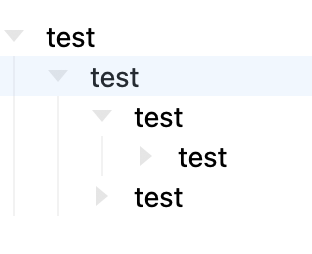
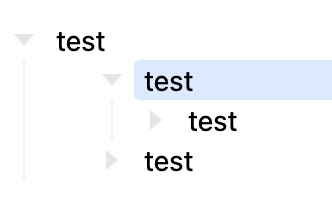
Edit Opps! Just realized that I left some testing code in the default theme, that adds numbers to headings. That’s not intentional, will remove later today or tomorrow. There is now the possibility to order hearings, but I don’t think I will do it in default theme.


Didn’t get to that documentation work I’ve been promising…

Next time!

Big change is Bike 2 now supports Bike 1.x and TaskPaper style “over indent”. A visual “indent” attributed is added to rows. This attribute doesn’t affect outline’s internal structure, just visual structure. Look to outline guide lines for “structure truth”.

This feature is needed to make the updated “text based” move/delete commands work properly. It’s pretty well tested, but I expect there will be issues. If you see a problem please describe as exactly as you can how to reproduce it. There may also be problems with how the standard row move commands interact with over indented rows. Again mostly working I think, but everything’s a bit more complicated.


I added a bunch of theme options for configuring window outside editor. I don’t think I broke much in existing themes, but sounding window chrome may look weird. See the default theme and minimal theme for values you can paste into the material section to make things look right.

Themes are still a bit in flux, trying to get a good pattern down so that I can mostly just vary color palette, and get nice looking themes. Not there yet.


I’ve found a place for Liquid Glass! Editor controls are now hosted in fade-on-type Liquid Glass controls when you enter “Full Window Mode”. That’s a rename of what was “Hide Interface” mode.


Lots more drag and drop options in the sidebar. You can reorder index rows. You can drag and drop onto sidebar rows. You can even drag and drop onto location such as “today”.


Changed new window-state behavior. Previously every toggle (sidebar, inspector, etc) was saved as a bool to defaults. And when a new window was created it would read the last set default. Most apps work this way, but result is a bit of a Frankenstein of last set values.

New behavior is if there is an existing window, its values are copied exactly. Exact window size and sidebar widths, etc. There is also a command to save a windows layout as the template to use for new windows (when no other window is open).

See Settings > Document for window layout options.
1 Like

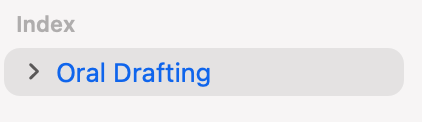
I’m excited for new theme options! But I’m at a loss with regard to how I might make the sidebar and titlebar look more like Preview 278 and before. Any pointers?

See the minimal theme example. And then copy paste the fill from titlebar into sidebar fill. I think that should be close.

1 Like

That looks like it’s pretty close. Thanks!

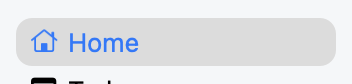
The selected item in an inactive sidebar had different coloring too:

Preview 278:

Preview 279 with the minimal theme adjusted as you suggested:

I had a few simple themes and they are still in the theme folder but I can switch to them in settings?

@kc1 What version of macOS are you on? For me this is what I see in default 278:

Screenshot 2026-05-13 at 7.13.34 PM

vrs default 279:

Screenshot 2026-05-13 at 7.14.30 PM

The color is tweaked, but text color is same.

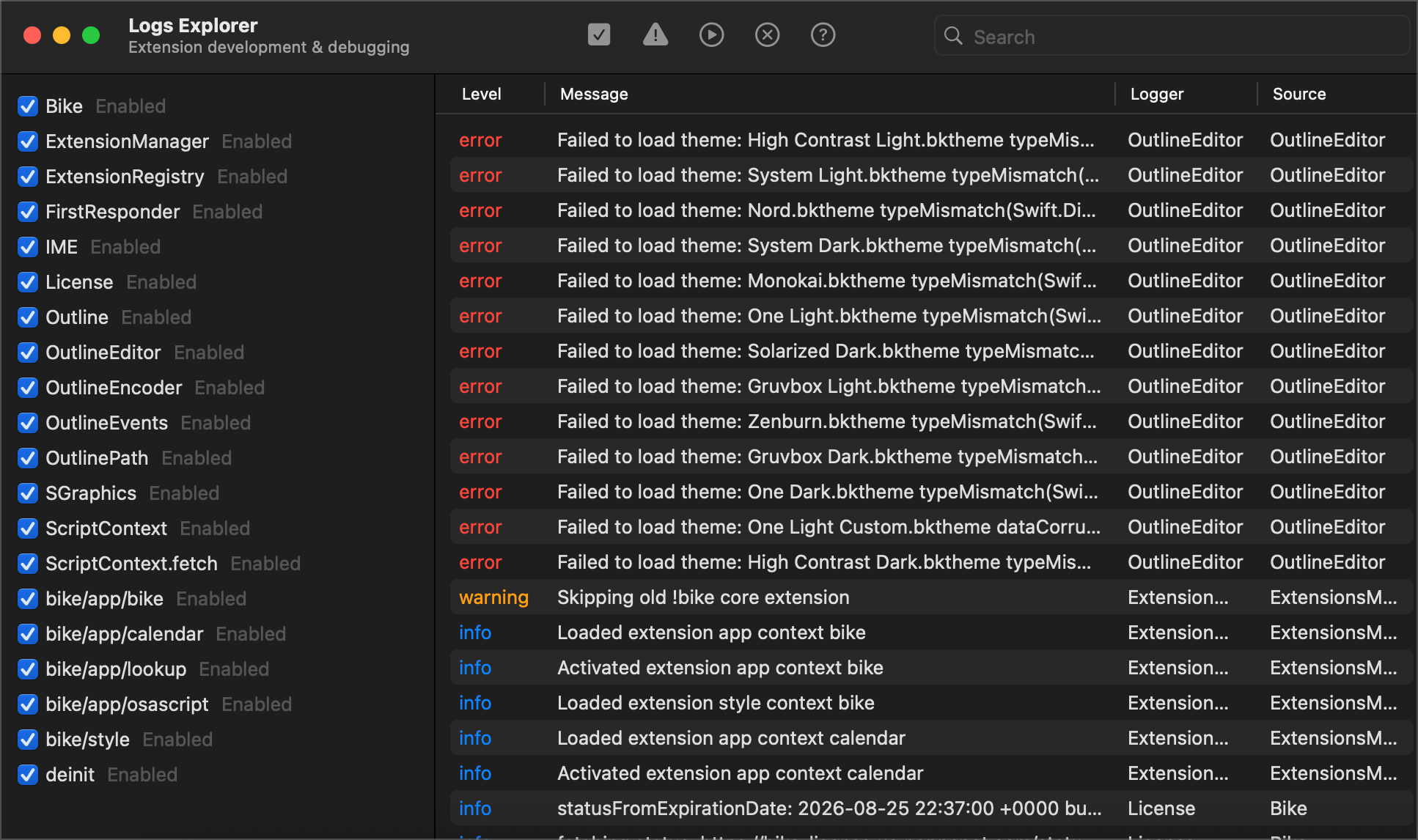
If they are not showing in themes menu then Bike is having trouble loading them. If you open Bike > Logs Explorer and click the toolbar checkbox to enable all logs…

Then modify the theme to force a reload… you should see error message describing the problem. If you can’t figure fix feel free to send me theme file and I’ll try to figure what needs updating.

My main machine is on the latest Sequoia.

Most sidebars on Sequoia and before follow the coloring from my 278 screenshot.

I do have Tahoe on another machine, but I haven’t used it quite enough to notice the change. Something else to look forward to I guess. :expressionless:

I’ve lost access to most themes. See screenshot:

After disabling the Calendar extension, it gets re-enabled automatically at the next app launch.

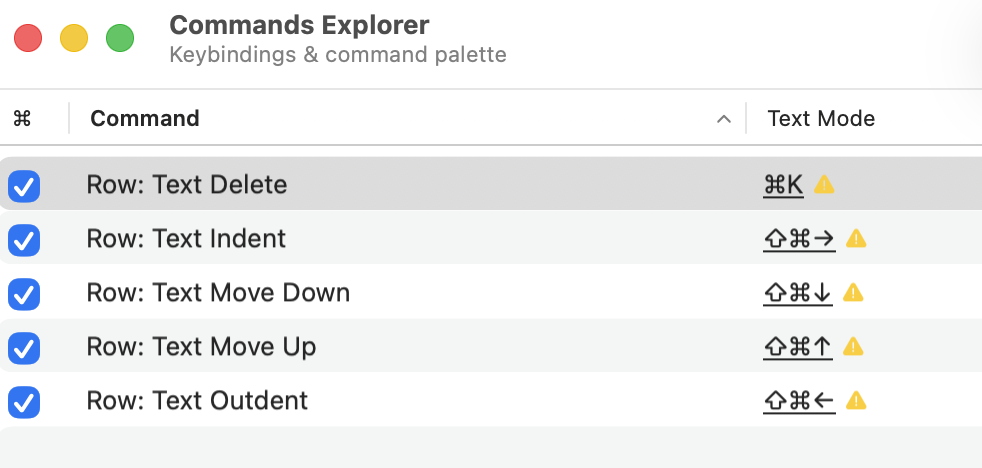
Thanks for the overindent functionality. I’m now all set up in TP mode as follows:

However, one thing: Row: Text Delete block-selects the next row

If if do Row: Text Delete (cmd-k in my setup)

the next-down row is block selected, which means that if i cmd-k again, i delete the whole block.

I think it would be better to stay in text select mode (is that right term?) so that i can granularly delete a few rows. i can always hit Esc to enter block mode

1 Like

Oops, hadn’t thought about that case. I store enabled status inside extension. But Bike reinstalls core extensions on every launch. Will fix.

1 Like

Is there a specific one you liked best and want fixed up? Sorry for theme confusion, I’ve been adding/removing them as I change things and try to find a clean pattern for them.

To see the entire log message select the log entry, then it will expand to show full error. Or just send me the one you liked best and I’ll fix.

i see that some keybindings have multiple entries, and i would like to assign multiple keybindings to Row: Text Indent/Outdent. Is that allowed for User keybindings? I haven’t been able to get it to work. If not allowed, no problem.

Screenshot 2026-05-14 at 12.11.22

Ack! I forgot my theme as I switched when seeing this. I think I was using either Nord or Gruvbox Dark

I’ll try to add support for comma separator in next release. In the meantime you could click the folder icon in the explorer’s toolbar, and then edit the keybindings.json directly by adding a new entry.

I think something got messed up with headings after I updated. Now all headings are showing with a number. E.g. this is the default new file

It did. I added an after the fact note in my first comment above, but easy to miss. I expect to fix with a new release later today.