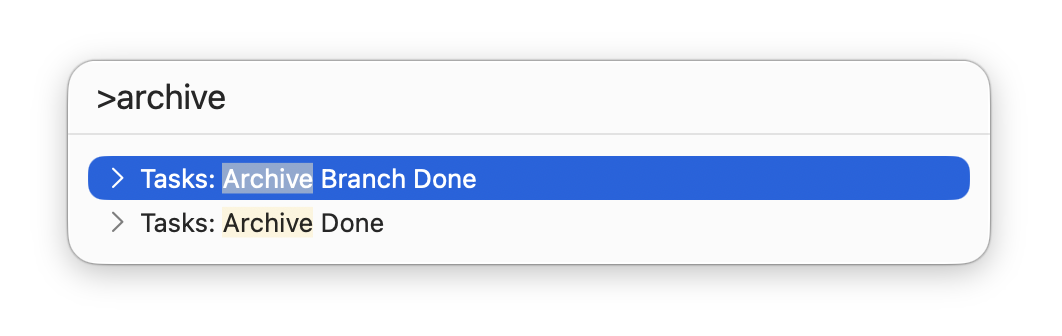
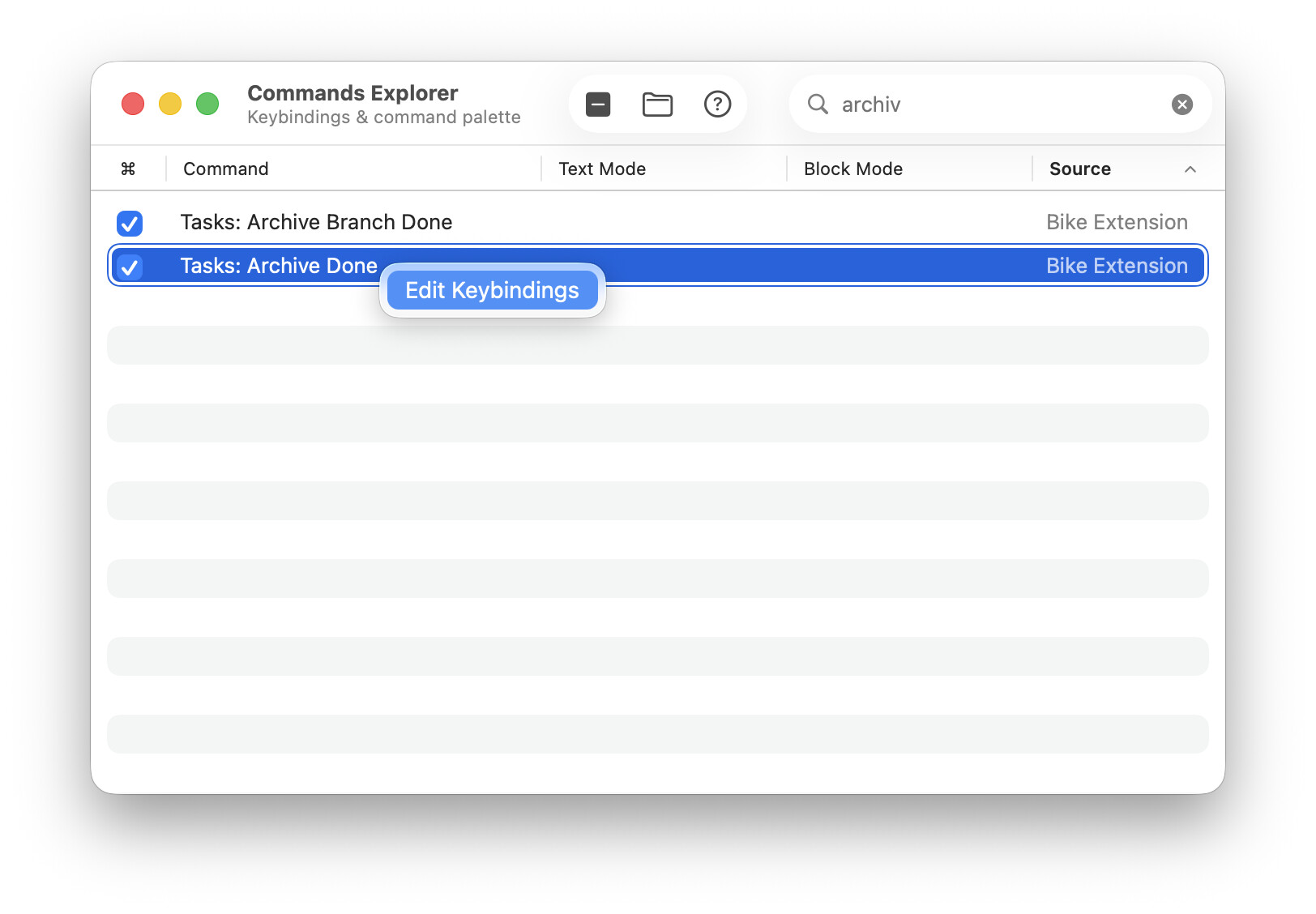
Hi all, can you advise how i would go about writing such a script? I seek a housekeeping process to move all Done tasks to the bottom of my .bike file, with the idea of moving them out periodically to a separate archive.bike file. I would bind this command to a hotkey. Of course, a script that would move Done items to the archive.bike file would also do fine - although I generally like the opportunity of glancing at the shortlist of done items before packing them off to the twilight zone of my archive file.
I’m not clear if I should be doing this via writing an extension, or writing a Keyboard Maestro action, or an Apple Shortcut. From the explanation given on Using Scripts | Bike Guide, it seems that I could do any of the above?
For now, i have been using the hotkey for “Move task..” to pop them into my #Done section - but it’s a couple avoidable extra steps.
Any and all advice, as always, is greatly apppreciated
Marking as done, and moving to an archive branch, could certainly be combined in a script, or an extension command to which a key could be bound, but before you commit your time to details, it might be worth looking at this thread:
( There is some possibility, I believe, of generally switching the UI defaults to a more flexible status attribute )