Lots of knobs, all syntax. At high level very similar in design to Bike’s themes (not Bike’s styles). Plus a whole bunch of fairly specific flags that I use for the DEC theme. An interesting (useful…?) new feature of these themes is they can also include GPU shaders. So you can pre or post process the screen with custom drawing and filters very efficiently.
If you did into Bike’s app bundle you can read the built in themes. But they are still in flux, so I wouldn’t both trying to create any of your own at this point.
Currently, I believe that currently only the move command deals with this level of Markdown, but if you add a copy as HTML or other export options, this will be a wider gotcha. Markdown converts single newlines (just hitting the return key once) in a paragraph block as meant for text wrapping not inserting a break or a new paragraph. There are a couple of very jankety work-arounds to force a break, but the standard behavior is assuming a text editor with line wrapping off.
To make this clear, this text will fold “Line 2” into the body of the Line 1 paragraph:
**Line 1:** Felis condimentum molestie sagittis vivamus consectetur ut hendrerit porta nec sollicitudin, sed nostra fermentum semper vulputate aliquet montes quam aliquam, morbi ipsum adipiscing massa purus elementum magna ornare cras, nascetur nam habitant eu amet platea neque tellus finibus.
**Line 2** is on a separate line.

**Line 4** - Line 3 is blank
Here is the HTML output rendered by cmark-gfm:
<p>
    <strong>Line 1:</strong>
     Felis condimentum molestie sagittis vivamus consectetur ut hendrerit porta nec sollicitudin, sed nostra fermentum semper vulputate aliquet montes quam aliquam, morbi ipsum adipiscing massa purus elementum magna ornare cras, nascetur nam habitant eu amet platea neque tellus finibus.
    <strong>Line 2</strong>
     is on a separate line.
</p>
<p>
    <strong>Line 4</strong>
     - Line 3 is blank
</p>
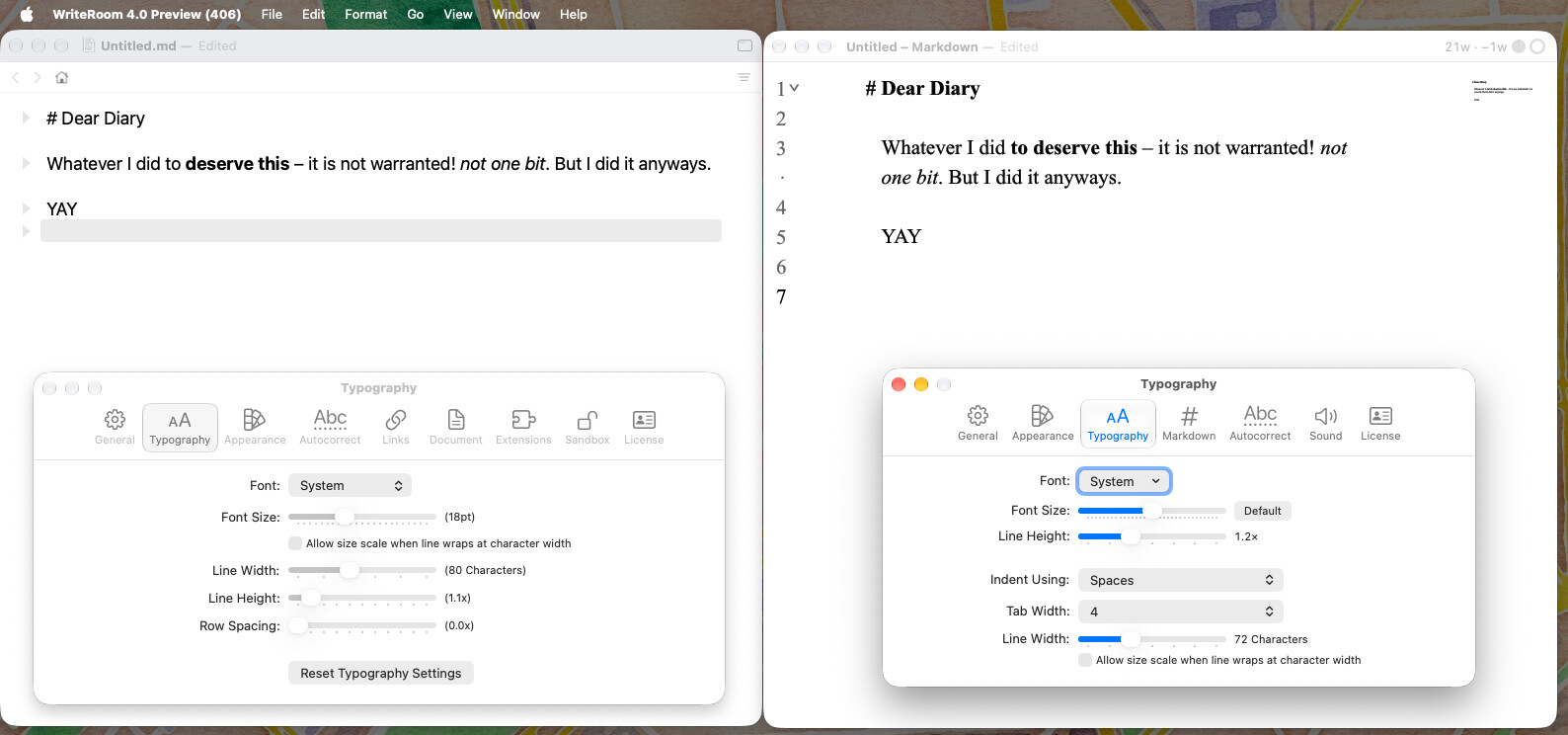
Font selection & rendering does not work properly for me. “System” defaults to some Serif-Font the moment I zoom in & most fonts just dont render smoothly, have jagged edges et
It was hard for me to even find the word goal feature; moving to see it should not involve moving the pointer to the top screen edge, as this will often times also drop down the whole menu bar stuff. Maybe put in in the bottom right corner for fullscreen-activation? The circle could inherit font colors and be transparent on screen. just an idea.
I can reproduce and will investigate the zoom changing font. I’m having a harder time on the jagged edged. Are you on a Retina display? Can you take a screenshot and post it (and the settings used to recreate) here?
I am using a different render path then most text on macOS, but generally the results look quite similar to me.
Hey, this is happening on an old Dell 27 inch 1440p monitor. It is never the best anymore, but does fine with Bike 2 and other apps. But these tiny dots under the text are weird, arent they?
Please check next release (still a day or two away) for how it looks. I’ve fixed font change on scale bug. Made some changes to rendering that I hope will help on lower resolution screens, but not entirely sure.