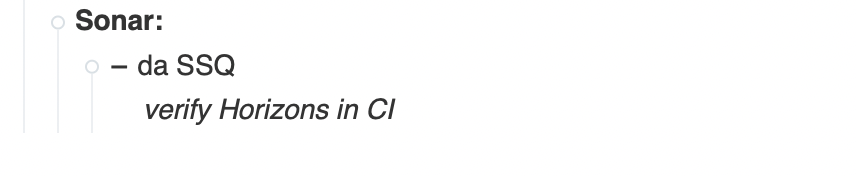
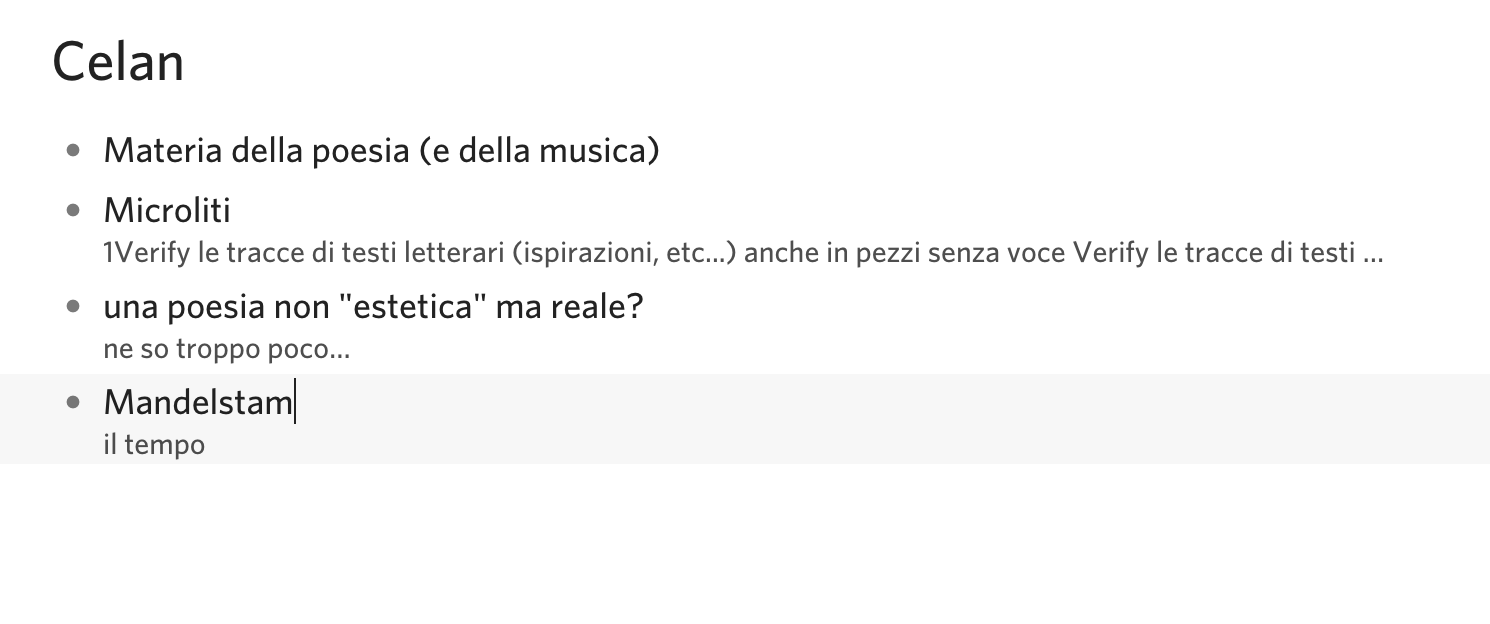
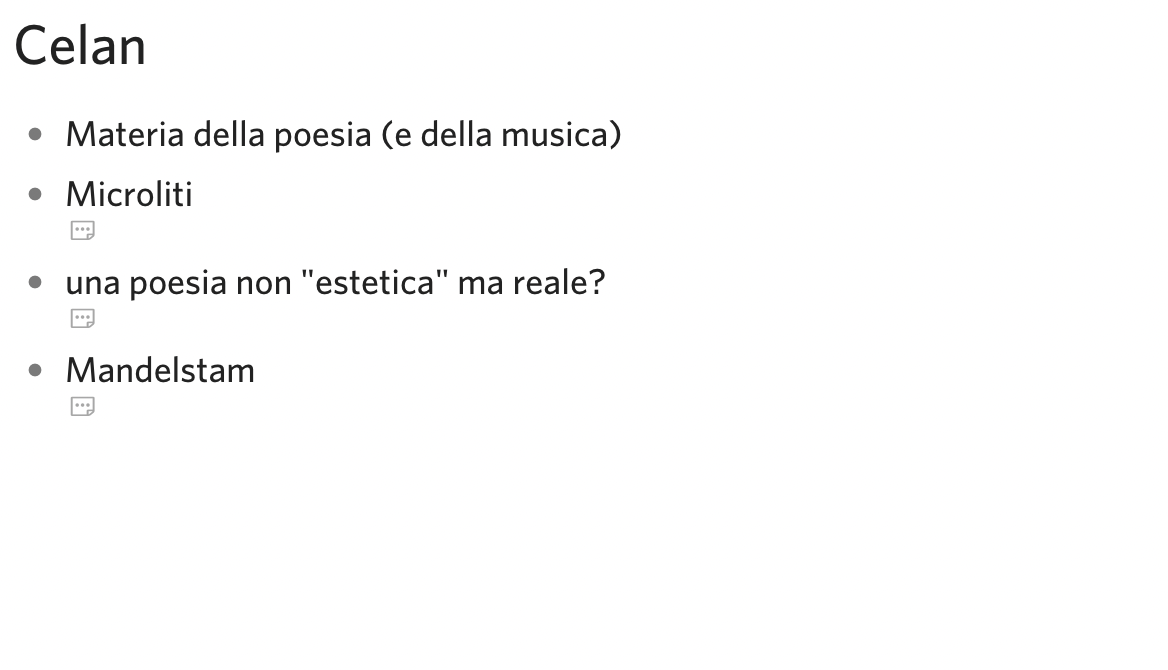
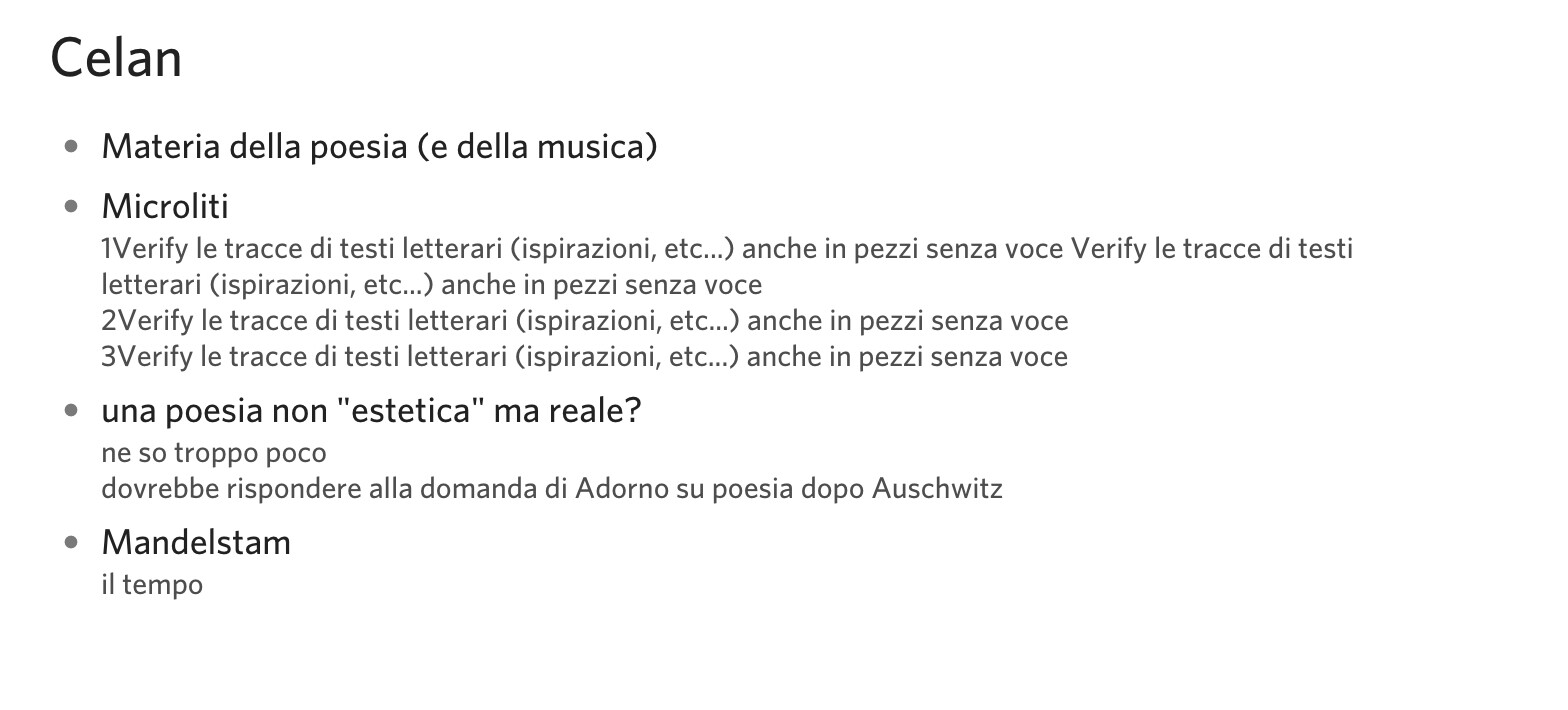
or in another application (Dynalist)…
if it is too complicated, or too early, forget it! You are doing a very important job and perhaps my wishes are too personal…
or in another application (Dynalist)…
if it is too complicated, or too early, forget it! You are doing a very important job and perhaps my wishes are too personal…
What I mean is give me sample content that I can try in macOS TaskPaper. eg.
Project:
- Task
Note
TaskPaper desktop is not able to show only the first line of a note… unfortunately!
Only toggle show/hide note, which BTW is ok
Thanks again
Looks super neat so far.
Some feedback:
I much prefer the smaller popover.
line wrapping looks like it works great, and it’s not even that bad several levels deep into the outline!
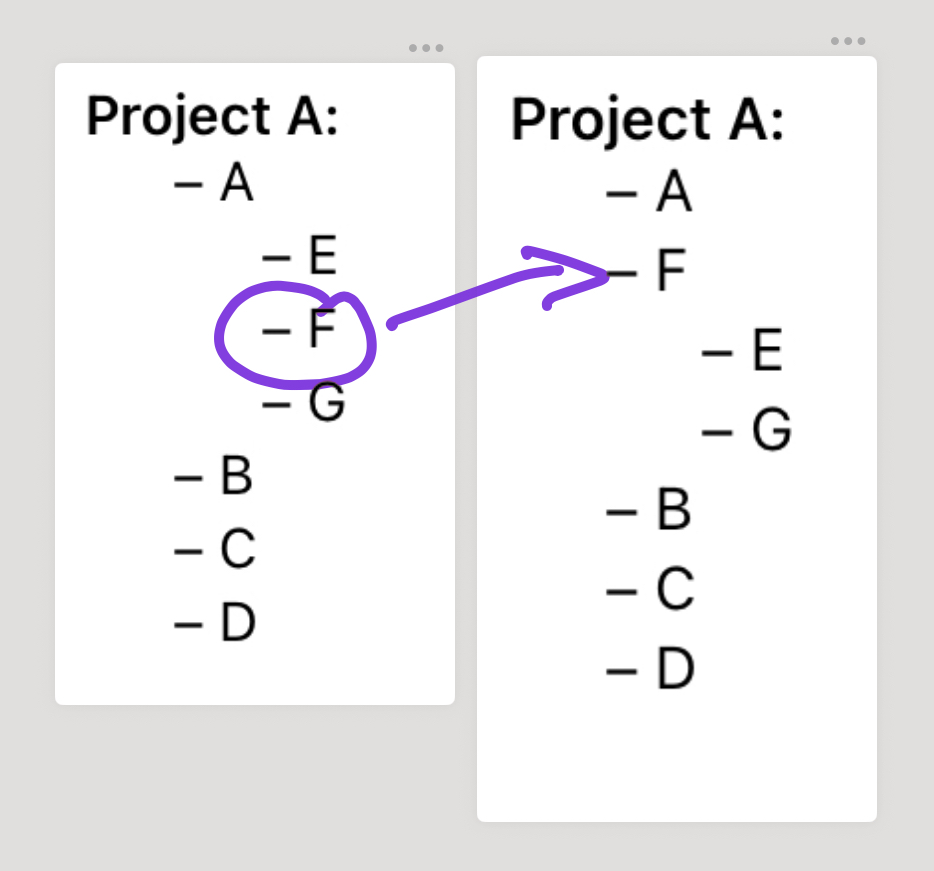
I do wish there was a button to turn a task into a note and vice versa. Moving cursor inline to delete the dash on smaller screens is a chore. Ideally, this woud be a 3-way toggle between all 3 item types
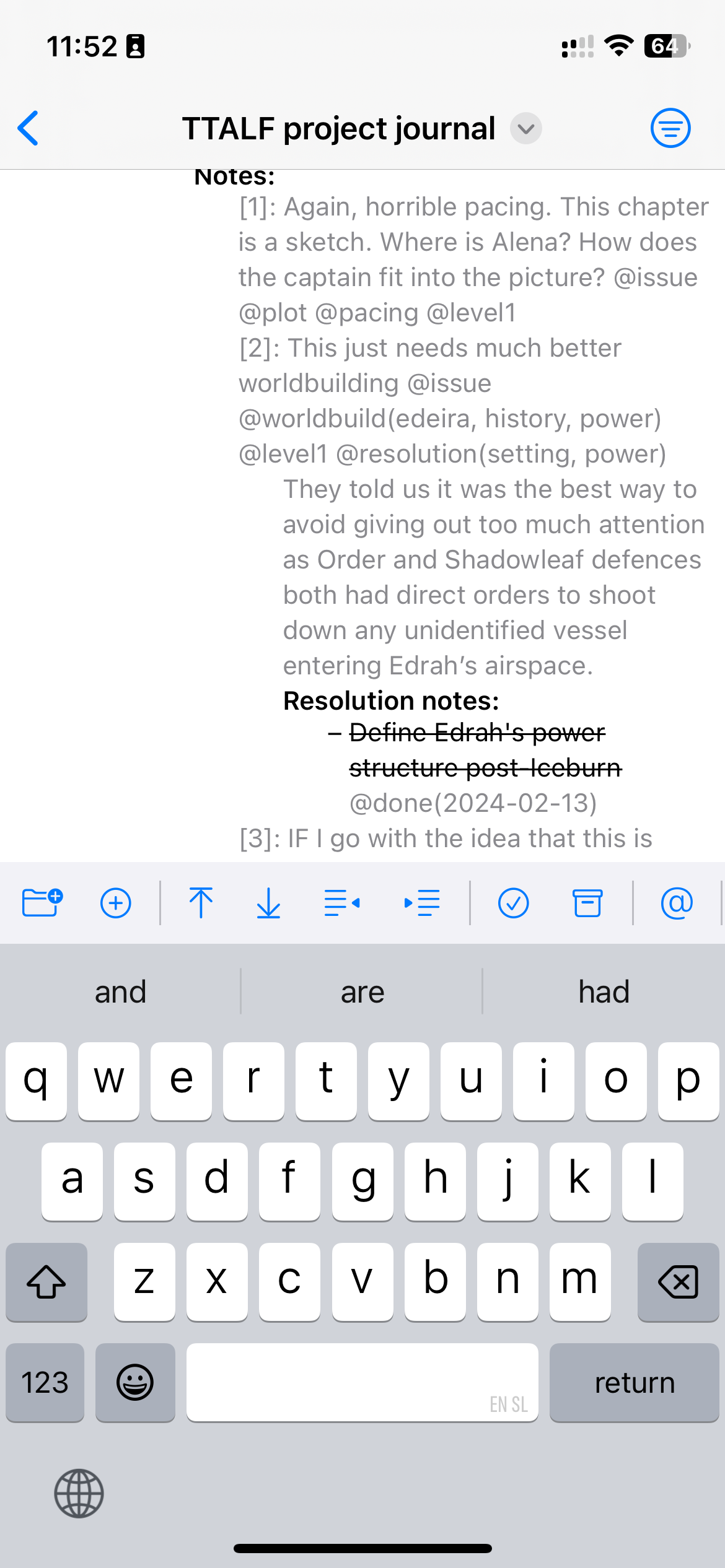
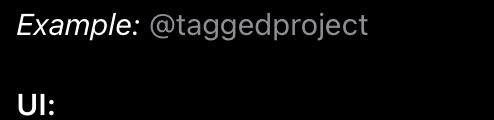
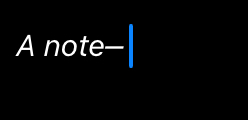
I wish there was more visual distinction between notes and tags (see screenshot above). In TaskPaper, notes are italicized by default. I never enjoyed that aspect of the default theme, but woud love to see a nice rounded corner background for tags.
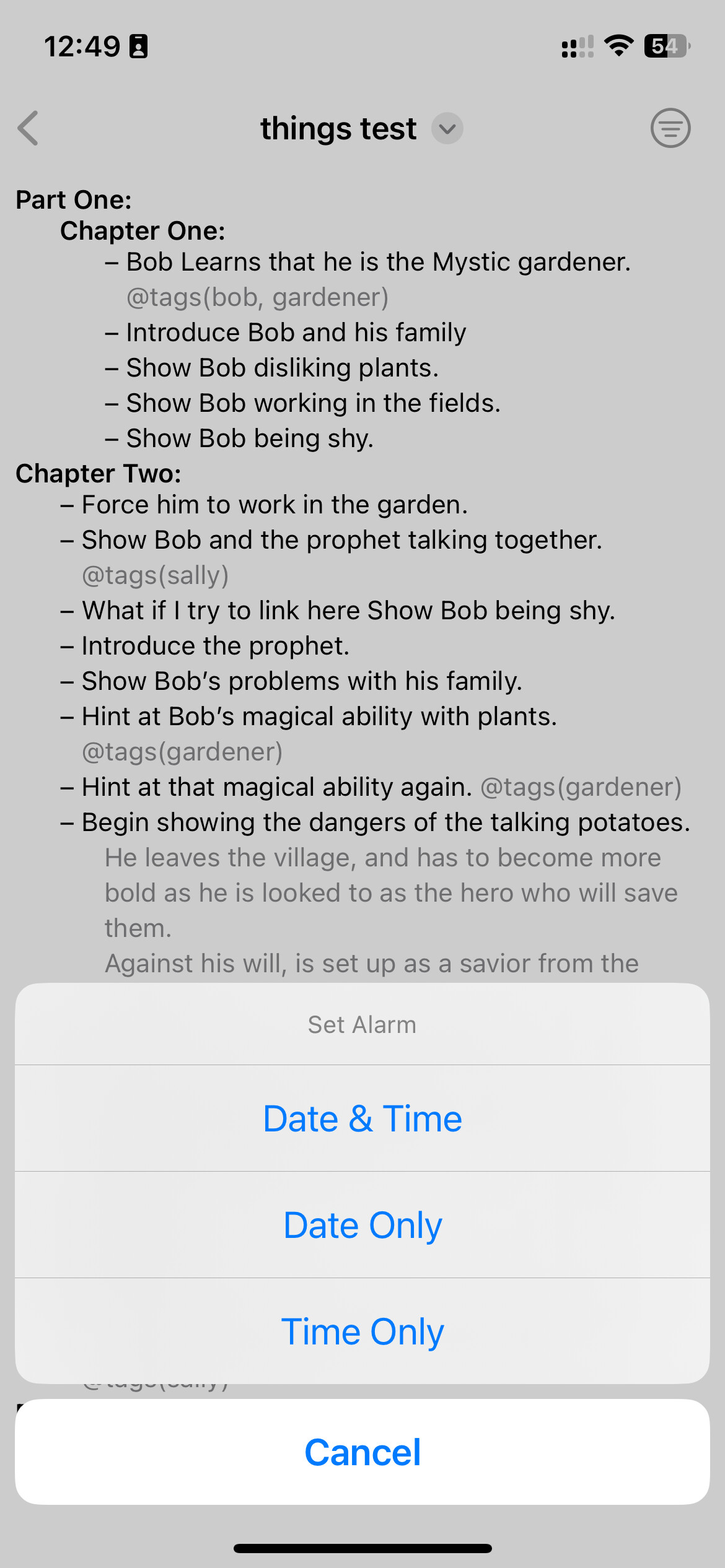
@alarm doesn’t seem to do anything inside reminders, even though app asks for permission and has been granted it. Is it looking for a specific list?Finally, the real daily driver test for me would be the iPad version, and in particular keyboard shortcuts for actions inside the toolbar.
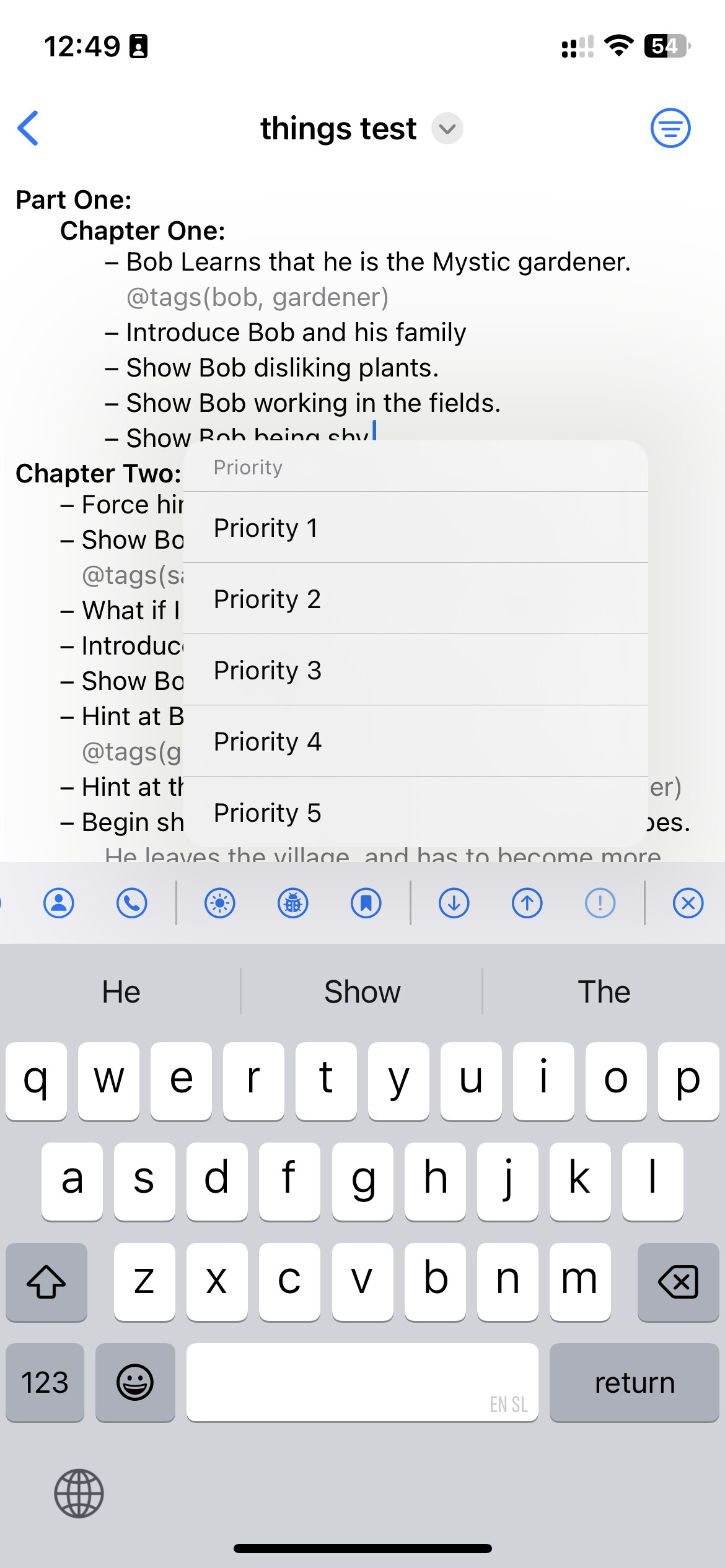
Those two are different by design. The first one is multiple choice: you can select more than one priority. The second one is an alert that requies action. But I’ll look into this when I test on iPad.
Great suggestion, I’ll add it.
This comes from me never having added a note in my TaskPaper files…ever! I know. But I’ll look into this.
I’ll look into this. It was the last feature I added so it definitely needs more work.
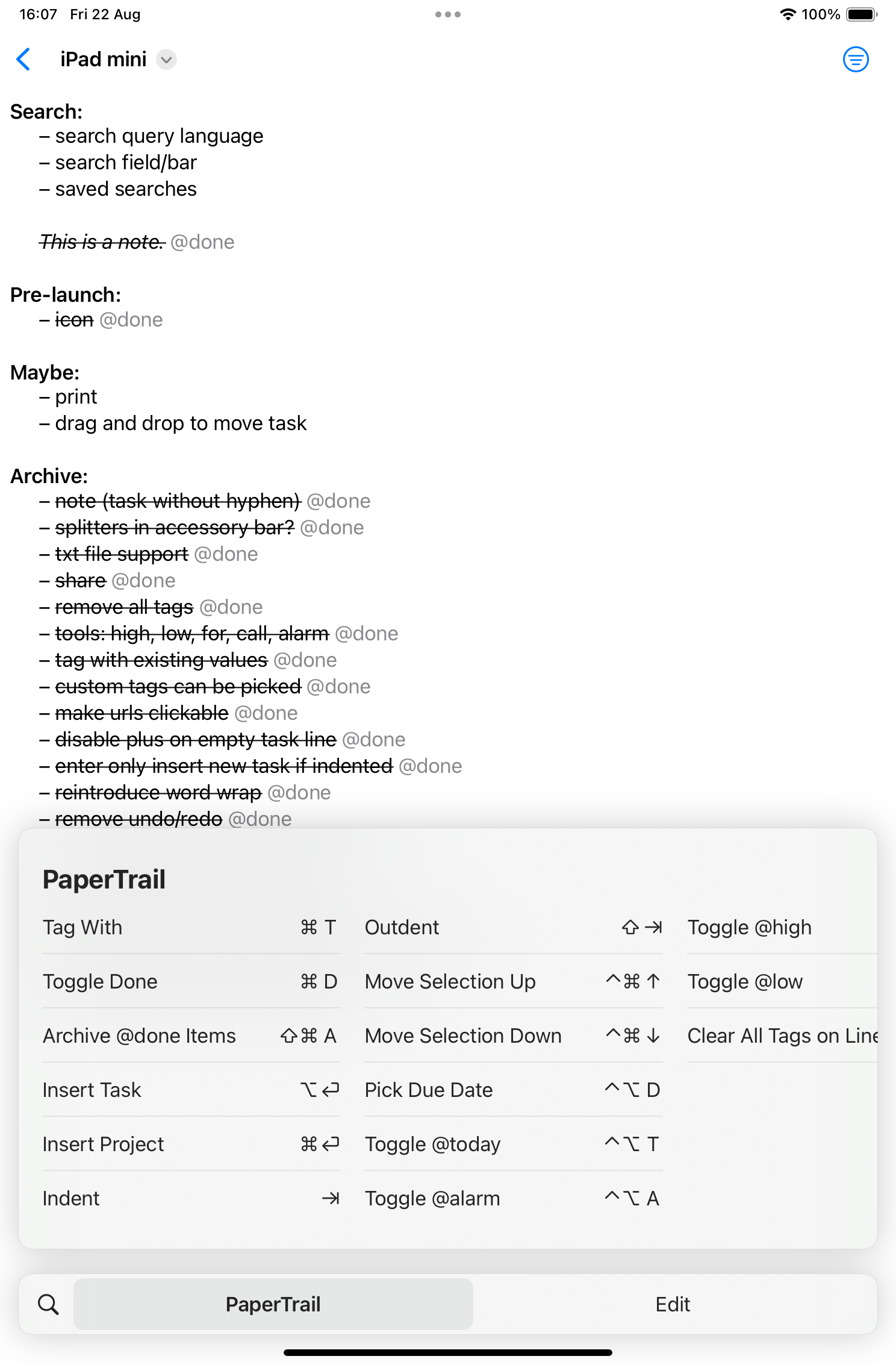
I’ve not yet tested on iPad. Keyboard shortcuts are coming soon.
Please tell me more. I own Drafts on iOS, but have never done this type of integration. Explain it to me like I’m a 5 year old. Screen recording or screenshot would be excellent.
(I know about url schemes, I’m just looking for how your want it to work and an example of what you would do with it)
Hi there, thanks for sharing!! It’s a nice app.
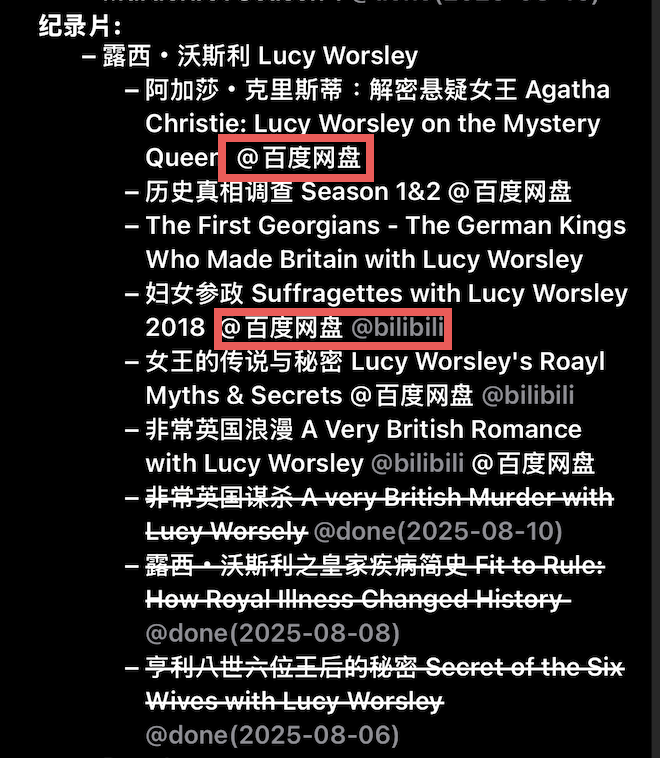
I found that PaperTrail cannot render Chinese and Korean words in tags.
Just shown as the picture, @百度网盘 is a tag, but the PaperTrail can’t ‘recognize it. So does the Korean tag. But the English tags are normal.
I’m on it! ありがとう! 
changelog, version 1.0 (250822.1608)
normal
inverted
From my testing, this is not working.
Folding has not yet been implemented.
keep waiting thanks
This discusses Taskpaper and Drafts and while it might be a singular use case it describes moving data back and forth between the two apps. There is also a Drafts Action Group containing the required “actions”.
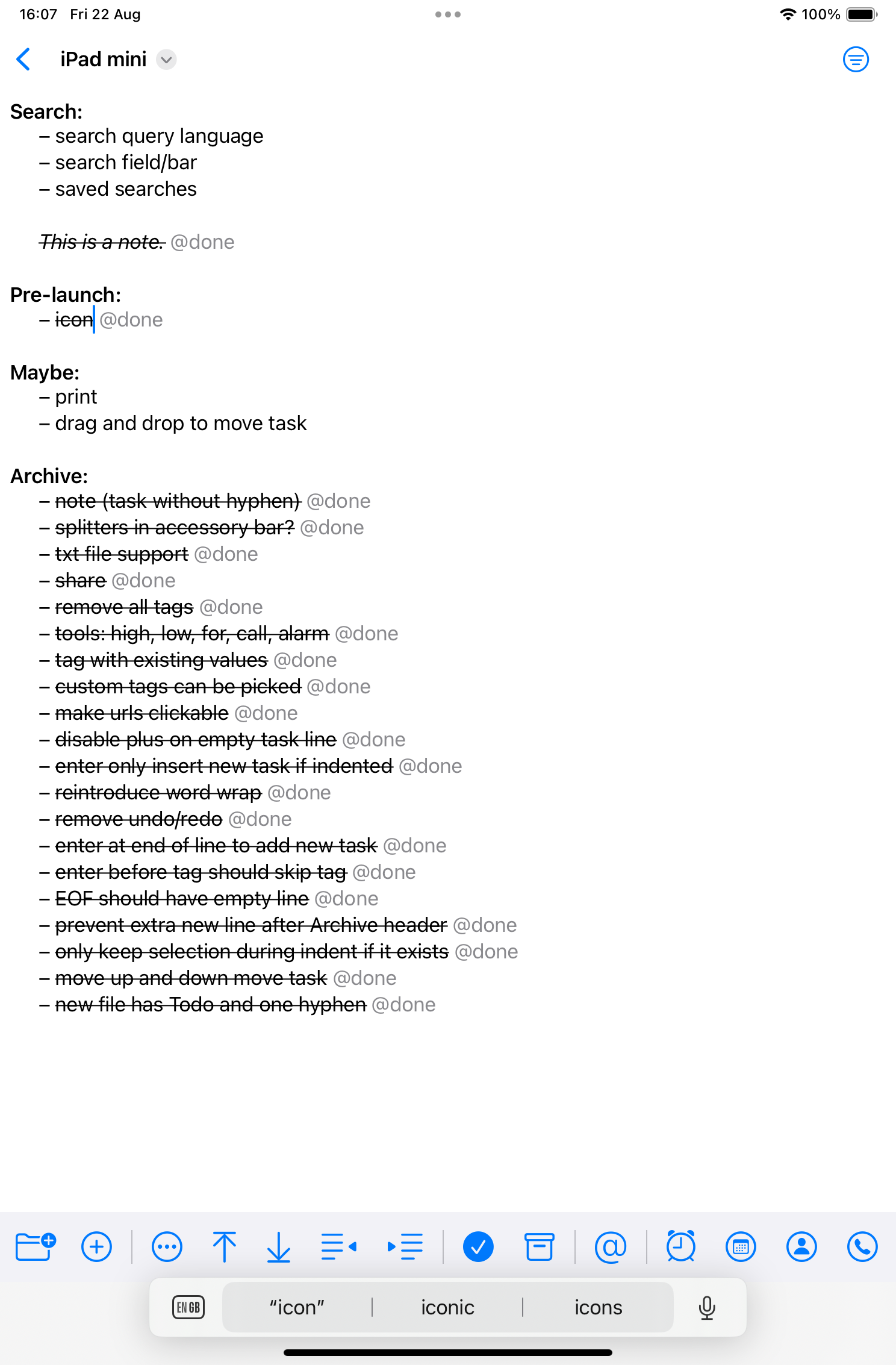
OK, did some testing on iPadOS. Here are my notes:
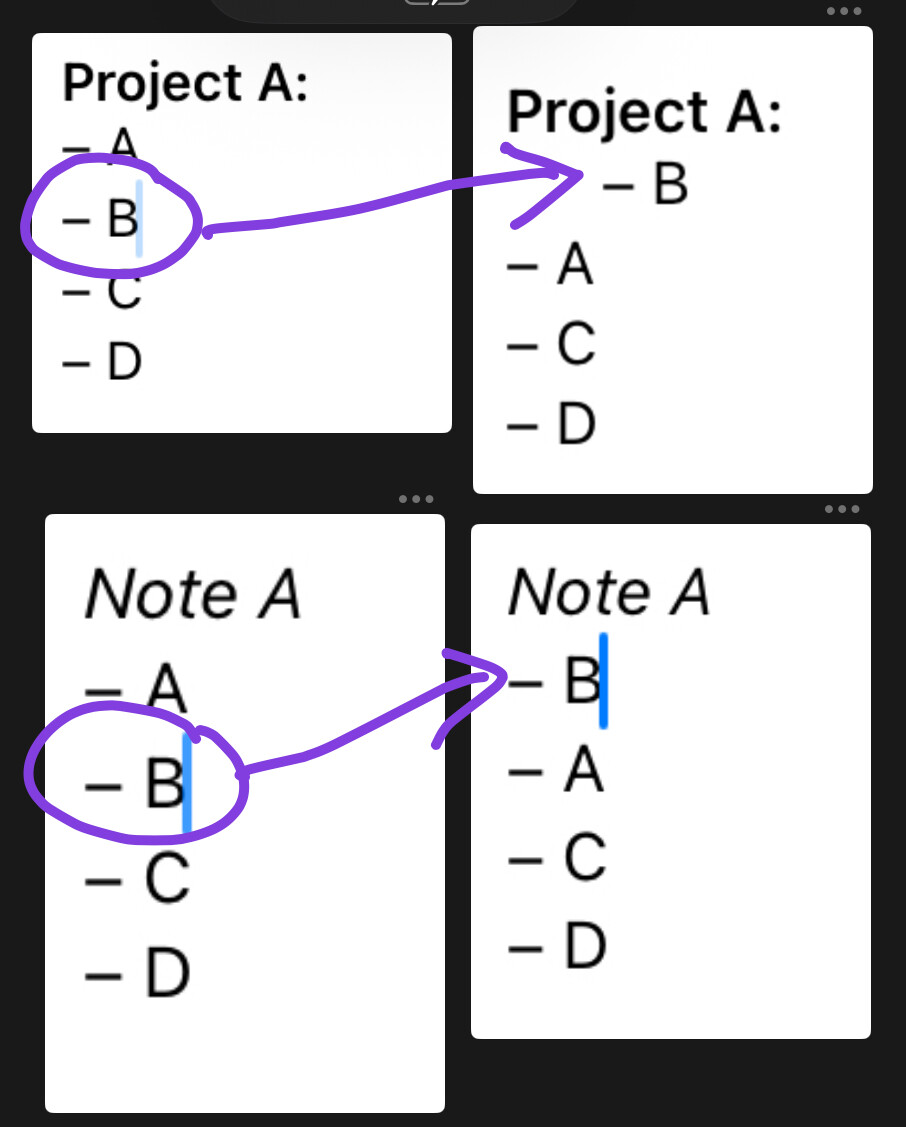
@done status to that line (this one feels like an Easter egg unlock)@done tasks preserves original indentation level in Archive: project; not sure this is useful (seems like a cut-paste operation?). In TaskPaper, items are nested directly under Archive:, but take descendants along with them.I think this is a deliberate choice to make: whether it acts like a text editor or like an outliner—especially after folding is introduced. Personally, I think it makes sense for it to behave exactly like TaskPaper for these movements (e.g. move lines exactly as they are up/down, but also move children when folded).
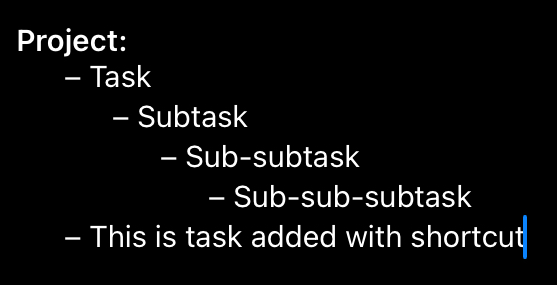
task/project/note toggleAdd task shortcut does not act consistently beyond indent level >2Add task shortcut will only add a hyphen to the same linecmd+T (Tag With) shortcut doesn’t workAdd Due date shortcut opens the date picker, but can’t manipulate date picker, confirm date or dismiss window with keyboard.
Toggle Alarm shortcutOverall, this looks really great. As for automation, I will have to get back to you with that because there’s a lot that Apple Shortcuts can do with plain text already.
This one is perhaps a little more critical:
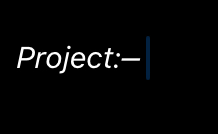
When copying text out of PaperTrail, it will turn the plain-text hyphen signifier for tasks (-) into an en-dash (–). This can screw up interoperability with markdown syntax and other text editors, because they can’t recognize this as a list marker.
some quick fixes for the most glaring errors.
changelog, version 1.0 (250822.2146)
I value the detailed feedback, and my goal is to match TaskPaper as well as I can but, just to set expectations, I won’t be able to be 100% exact because this is not an official port but rather a compatible client of my own design built from scratch. Already it does what I need of it, so any further effort will need to be guided.
I’ve opened a github for issues so I can better triage and manage them: https://github.com/gingerbeardman/papertrail/
Confirmed—it is working. Thanks!
You even beat me to testing! LOL
7.5 years of QA testing at a major game company.