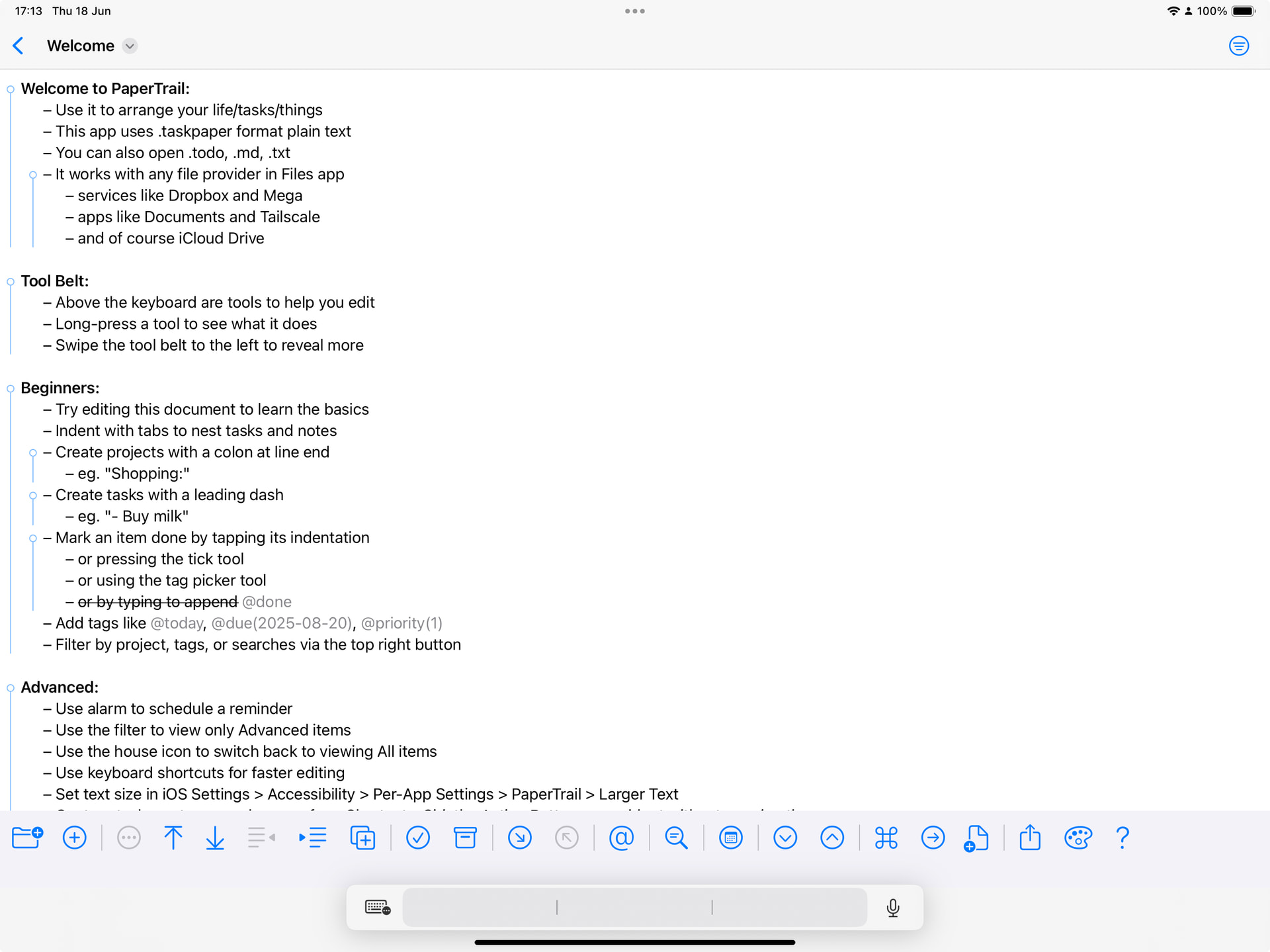
This is what it looks for me now with Toolbelt enabled and Writing Tools ON:
With Toolbelt OFF, the WT popup appears consistent with other apps on blank lines. With WT and Toolbelt off, everything looks clean.
This is what it looks for me now with Toolbelt enabled and Writing Tools ON:
With Toolbelt OFF, the WT popup appears consistent with other apps on blank lines. With WT and Toolbelt off, everything looks clean.
Will keep trying, I’ve also borrowed an iPad.
Thanks for the great work on this app! I have three feature suggestions for your consideration.
Would it be possible to add a new “tool belt” feature to duplicate an item?
To the menu that appears when long-pressing the move up and move down buttons, could you add functions for move to top and move to bottom? (Which would move the item to the top/bottom of the current section.)
Have you thought of allowing more tags to be styled?
Please let me know if any questions, or whether it would help to hear use-case scenarios for any of the above. Thanks for considering!
Thanks! I appreciate your suggestions and will add 1 and 2 to my list for sure. 3 will need more thought so that is a maybe.
Back looking at this: you might be interested to know that on iOS 18 the toolbelt appears over the writing assistant thing, which never disappears!
So, one final blind attempt, and then I’m going to need to borrow a different test iPad with 26.
I think in future I will have to punt troublesome issues like this to major versions than holding up minor bug fix releases.
TestFlight
PaperTrail 1.2.1 (260618.1631)
add:
change:
fix:
thinking about your number 3 for PaperTrail 1.3… and high/low will be in. The other default tag colouring opens a can of worms, so still thinking about that.
This is great, thank you!! I was mainly hoping to be able to use styling with any one of the tags that can be toggled with a single tap (like high/low priority) rather than with a menu (like the numbered priorities). So letting me style high/low entirely addresses that particular need.
Regarding the other default tags: I certainly don’t want to make you open a can of worms, so feel free to shelve this indefinitely! I mainly suggested it, again, as a way to style one-tap tags, which you’ve already addressed with high/low. Thanks again!
I have an idea that is minimal effort (my favourite kind of feature) so I will add a version of your item 3 to version 1.3 
Awesome, I will keep an eye out!
And sorry, one other thing I’ve noticed: PaperTrail does not seem to allow iOS’s “Auto-Correction” or “Check Spelling” features, both of which I’ve turned on in Settings → General → Keyboards. It does allow Text Replacement; that works fine.
I didn’t realize, until it doesn’t work, how much I rely on Auto-Correction to type accurately on my phone. It works in most other apps … is it something you’ve disabled in PaperTrail? Or do I need to troubleshoot my device (iPhone 16 running iOS 26.5)? (A restart did not help.)
Thanks again!
It’s was turned off in PaperTrail by default because of a bug in iOS 26 (it was causing corrupt first words) but feel free to toggle it on “Toggle Autocorrect” and let me know how it works for you. If it works I will re-enable it by default in 1.3
I borrowed an iOS 26 iPad, and it’s too old for Apple Intelligence 
But it did at least show some odd behaviour, which I have fixed.
I just read that you can swipe the pesky bar to the side it will minimize into a small little square that just says the language (EN).
You can also disable a couple of options to get rid of the bar, and keep Apple Intelligence, bonus that it also removes it over the standard software keyboard.
Yeah, I’ve turned those off first thing when I got the keyboard. Minimizing the language bar mostly works, but it’s buggy and tends to expand on blank lines and other random places. You can see that in my former videos. Not sure there’s a whole lot you can do about that, but I have seen apps with toolbars that manage to keep things stable even with those OS deficiencies. The biggest difference for me is still turning off both toolbelt and Writing Tools.
I’ve reproduced and fixed it for the same shape bar on iOS 18 (I can get it to appear with Keyboard > Shortcuts & Keyboard > Predictive Text both switched on) so I’m hopeful.
Though I’m still unable to lay my hands in an iPad new enough to run iOS 26 with Apple intelligence. So I will have to park this issue as “maybe fixed” until such time that I can get one.
In other news, 1.2.1 was not approved in good time so I’ve pulled it; we’re going straight to 1.3